Instruments and controls 95
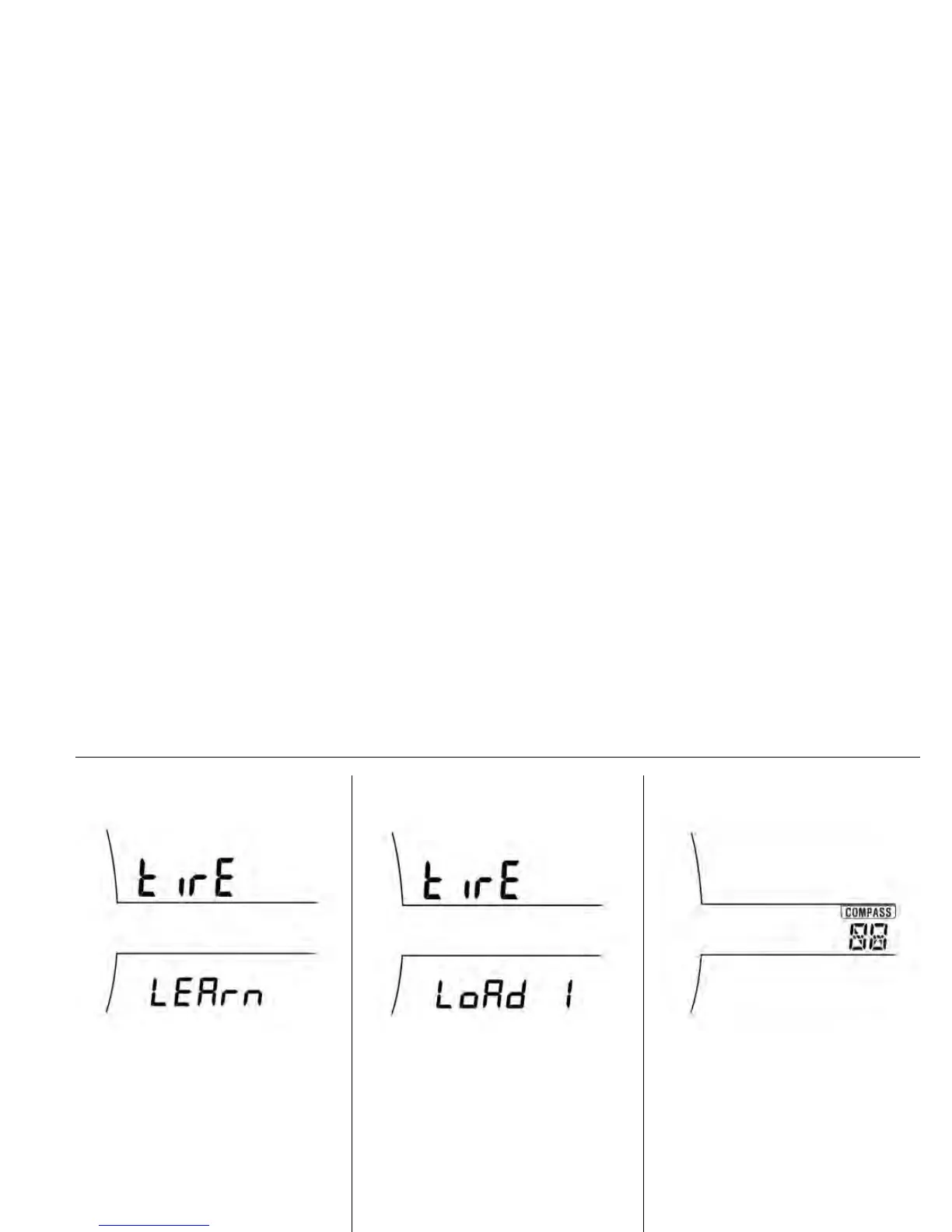
Tyre learn
TNA020A
This display allows for matching new
tyre and wheel by the TPMS
sensors.
To process matching, press the
SET/CLR button a few seconds.
See Tyre pressure monitoring
system light on page 89.
Tyre loading
GC3E5005A
Press the SET/CLR button a few
seconds to select the menu.
Turn the adjuster wheel to select one
of the settings.
Load 1: Lo
Load 2: Eco
Load 3: Hi
Compass setting
Compass display
This displays the vehicle's driving
direction to 8-direction (N, NE, E,
SE,S, SW, W, NW).
Note
Whenever the DIC or the battery is
disconnected, the DIC must be
recalibrated. To do this, the vehicle
must be driven through 360
. Until
calibrated the compass will not
function correctly.









 To Next Page