96 Instruments and controls
Compass Zone Setting
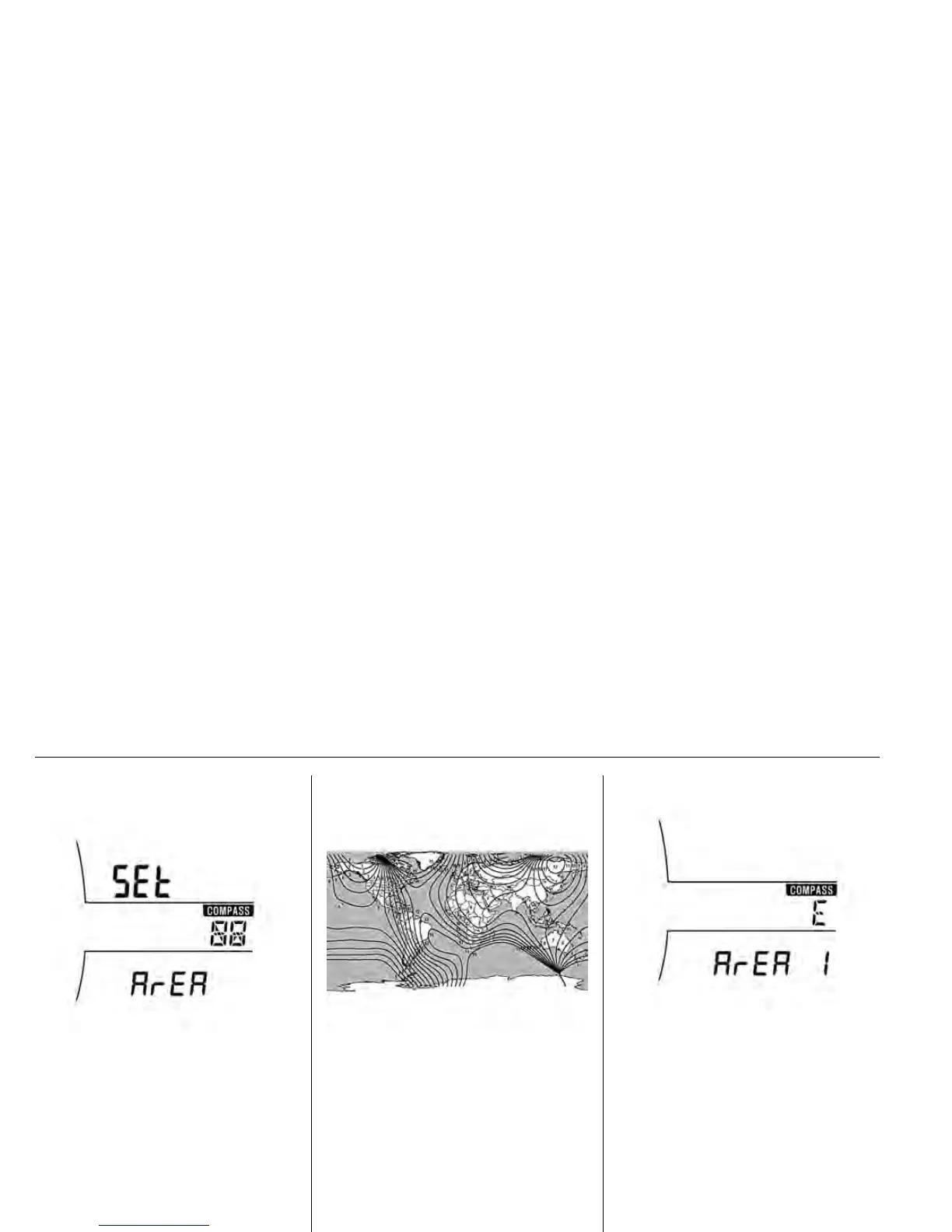
Press the SET/CLR button a few
seconds to set compass zone and
turn the adjuster wheel to select one
of the settings.
Geographic Zone(Area)
GC3G5013A
Zone(Area) should be selected
properly based on Geographic
zones(Area 1-15).
Please confirm what you seleted , it
will display a few seconds and go to
Compass zone setting (set area).








 To Next Page