OPERATING INSTRUCTIONS
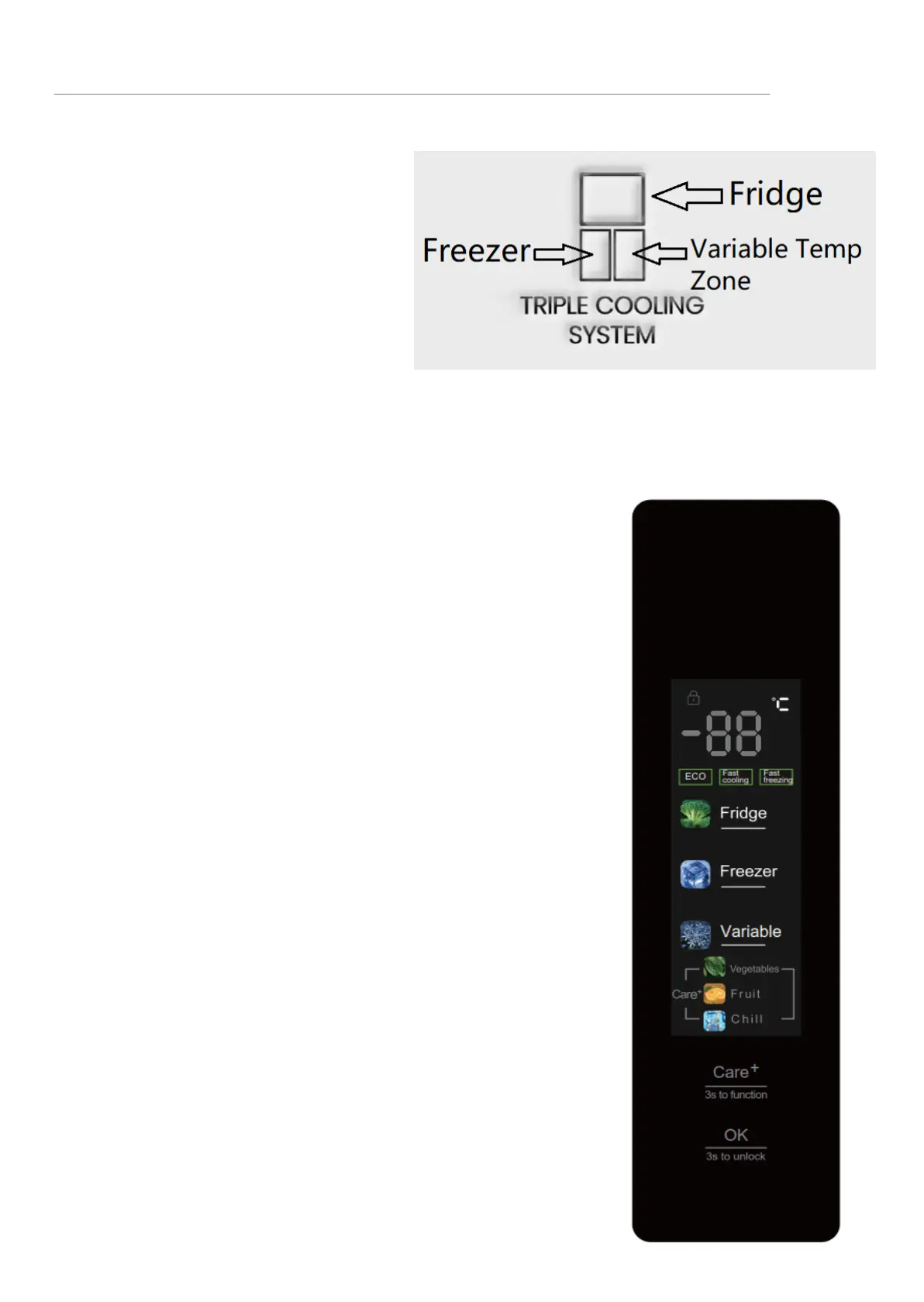
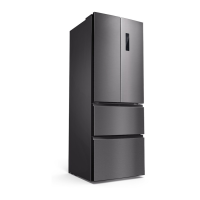
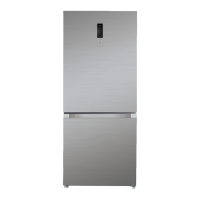
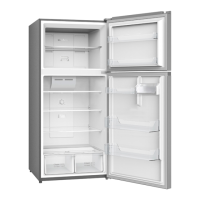
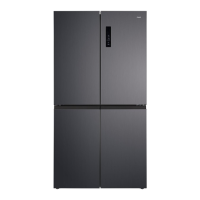
The unit has triple cooling system
as right picture.
The top compartment has pure
fridge function. The bottom left
compartment has pure freezer
function.
Bottom right compartment is
variable temp zone, it can be
adjusted from 5℃ to -24℃ to meet different storage requirements.
Fu
nction & Setting
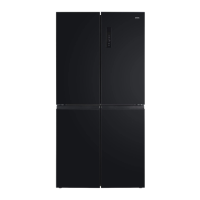
When the refrigerator system is connected to power
supply for the first time, all icons on the display panel
gets illuminated for 5s.
After the fridge door gets closed, the display will turn off
automatically if no key operation within 15 seconds.
It will light up if the fridge door is opened or any key is
pressed.
Lock function
When the Child Lock function is enabled, the
temperature and function are subjected to no change to
prevent maloperation.
1)In case of no key operation within 15 seconds, the
Child Lock function will be enabled automatically.
2)The Child Lock function can be enabled/disabled
when you press and hold the OK (3s to Unlock) key for
3s.


 To Next Page