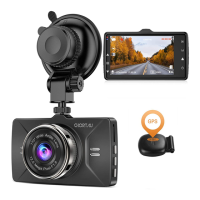
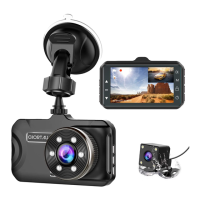
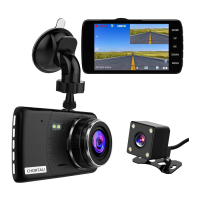
Very important !!!
1. This car camera is intended for use in motor vehicle
only. Do not install the camera where it might block the
driver’s view of road (including the mirrors) or the
deployment of the air bags.
2. Please use a genuine micro SD memory card from
16GB to 32GB with a speed rating of class 10 or higher.
Insert the memory card into the camera’s card slot until
it clicks. To insert/remove the card, please power off the
camera first, then push the card into the slot until it clicks
again.
Before use the card, please format it correctly follow
below steps:
Step 1: Turn off the camera, then insert card, after
inserted card into camera then turn on camera, press
M button to enter setup, if the camera is recording video,
click OK button to stop recording, then long press M
button to enter video setup page.
Step 2: After enter setup, short click M button again
enter system settings menu, then click down button to
highlight format option, click OK button to confirm, finally
click down button to select OK option, then click OK
button to confirm format, card formatted.
02
support@chortau.cc


 To Next Page