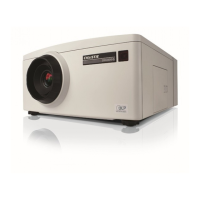
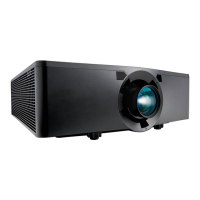
E Series User Manual
020-000515-01 Rev. 2 (03-2013)
Section 2: Introduction
2-3
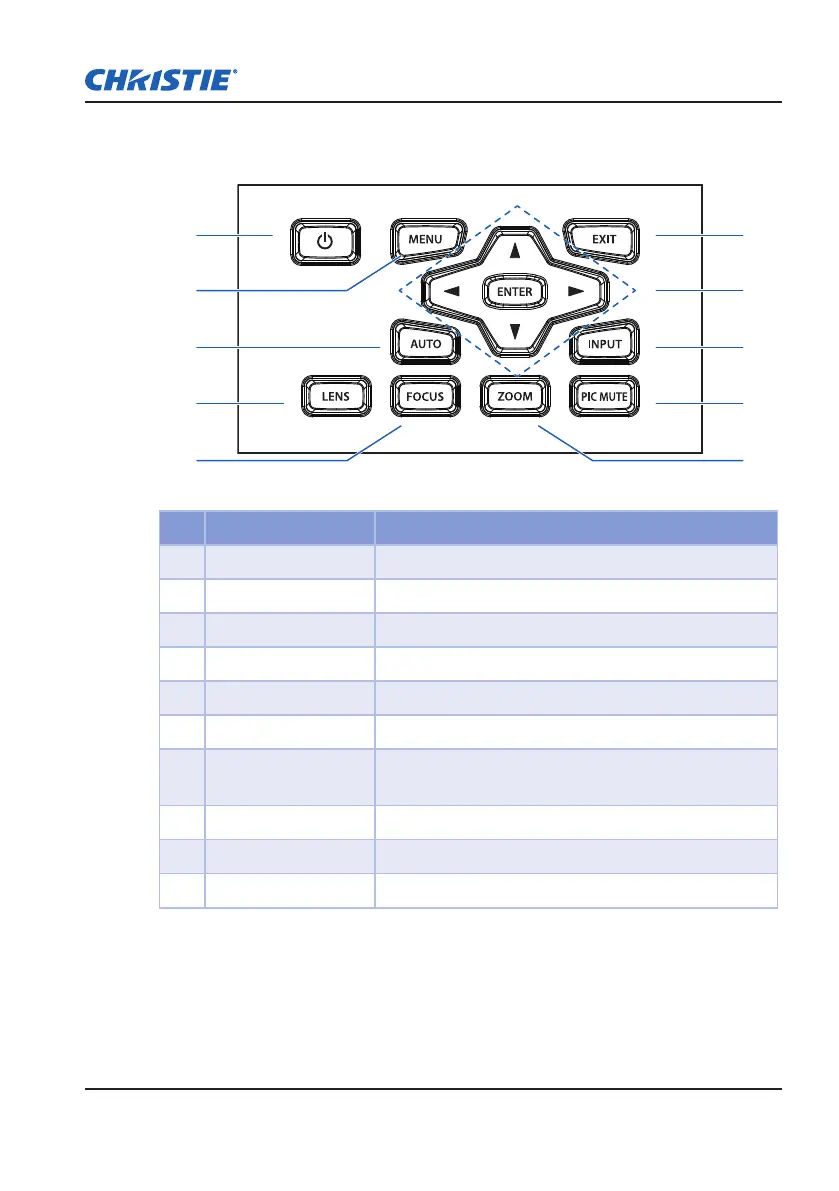
2.2 Built-in Keypad
6
7
8
9
2
3
4
5 10
1
Ind. Key Name Description
1 Power Turn the projector on or off.
2 Menu Display menus
3 Auto Automatically optimize image
4 Lens Adjust the lens vertical or horizontal offset setting
5 Focus Adjust focus
6 Exit Return to previous level or exit menus if at top level
7 Arrow Keys
Adjust a setting UP or DOWN
y
Navigate within a menu
y
8 Input Select an input for the main or PIP/PBP image
9 Picture Mute Display or blank the video image
10 Zoom Adjust zoom



 To Next Page