25
Deleting Accessories
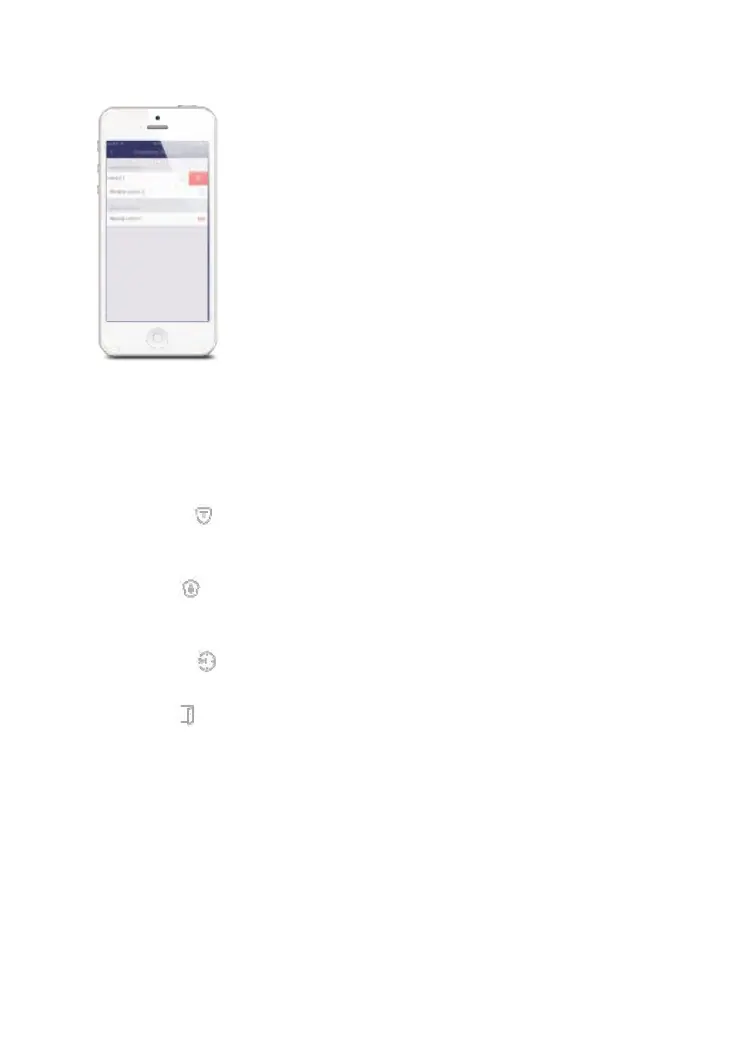
Slide from right to left to delete an accessory.
Accessory Zone
Tap on the “zone mode” icon located beside the zones name.
Normal Zone [ ]: Sensors set to Normal Zone are activated in Arm (full arm) or
Home Mode (partial arm). We recommend setting door/window sensor to Normal
Zone.
Home Zone[ ]: Sensors set to Home Zone are only activated in Arm (full arm). If
Home Mode (partial arm) is used, these sensors are not armed and will not activate
the alarm if triggered. We recommend setting PIR Motion Detectors to Home Zone.
24-Hour Zone[ ]: Sensors set to 24-Hour Zone will activate the alarm when
triggered, regardless of the alarm status (Armed or Disarmed).
Delay Zone[ ]: If sensors set to Delay Zone are triggered, the Hub will sound the
alarm after the delay time passed. We recommend setting door sensors with a delay
if they are used as primary entryways.
Note: Before setting sensors to Delay Zone, please set the entry delay time in the
app’s settings.
Remote SOS (On / Off)
You can enable or disable the SOS function in order to avoid false triggers by your
remote control.
Example: If the remotes SOS function is set to off, the hub will not sound when an SOS
key is pressed.



 To Next Page