10
4.5 Use direction keys to select video and press “ ”
button to start playing the video. Or you can also move the remote
controller (AK03) and click mouse left click to start playing.
4.6 Press to pause the playing.
4.7 Press or to fast forward or rewind.
4.8 Press to mute.
4.9 Press or to turn the volume up or down.
4.10 Press to stop the video playing and press
to go back to main menu.
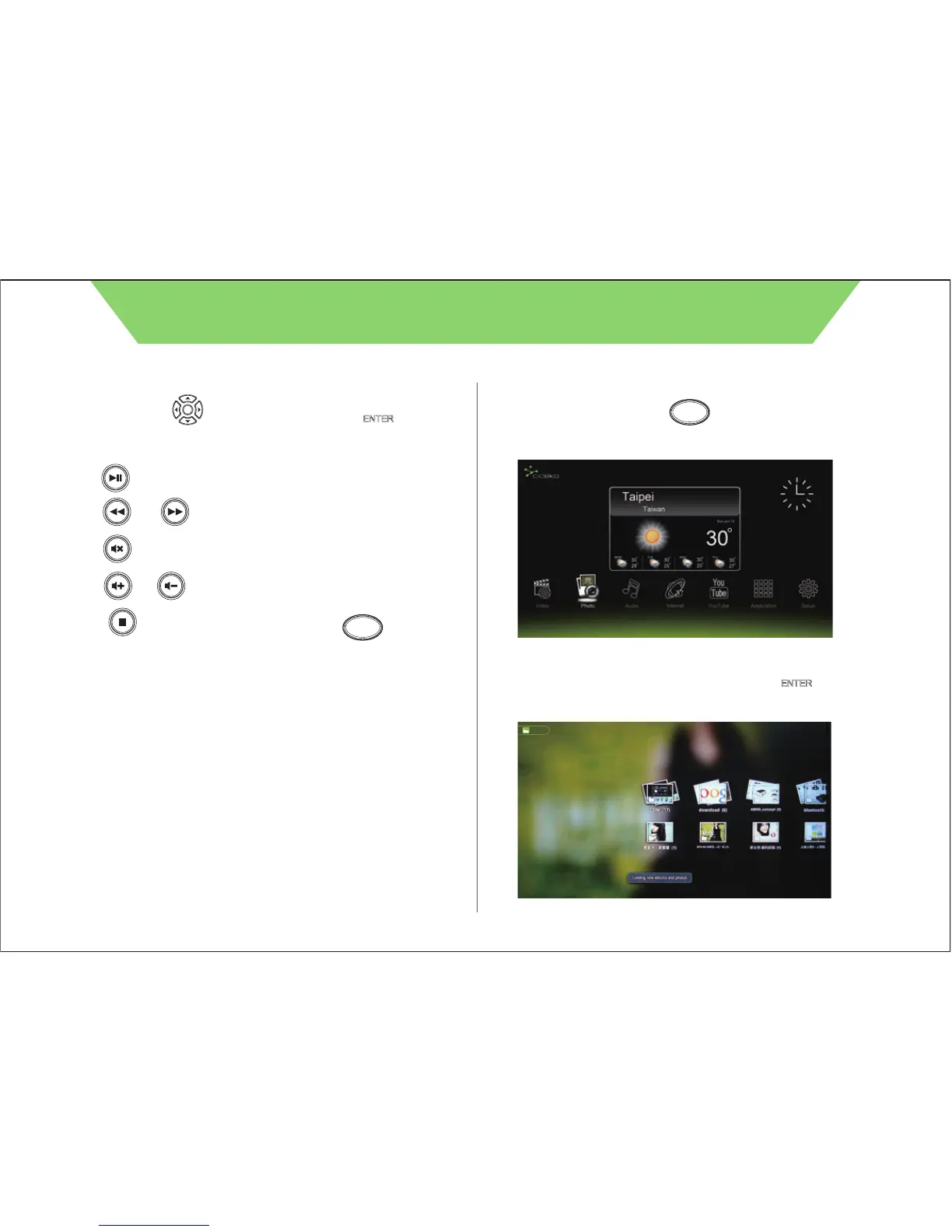
5.2 Files will be presented by folder list. Press “ ” to
go into the folder.
5.1 Press remote controller button to return to main
menu and select “Photo” icon.
Chapter 5 Photo Viewer
CIDEKO SIMPLE BOX ADVANCED
Home
Home
OK
Gallery
/ OK



 To Next Page