13
CIDEKO SIMPLE BOX ADVANCED
6.7 Press to mute.
6.8 Press or to turn the volume up and down.
6.9 Press to go back to main menu.
Home
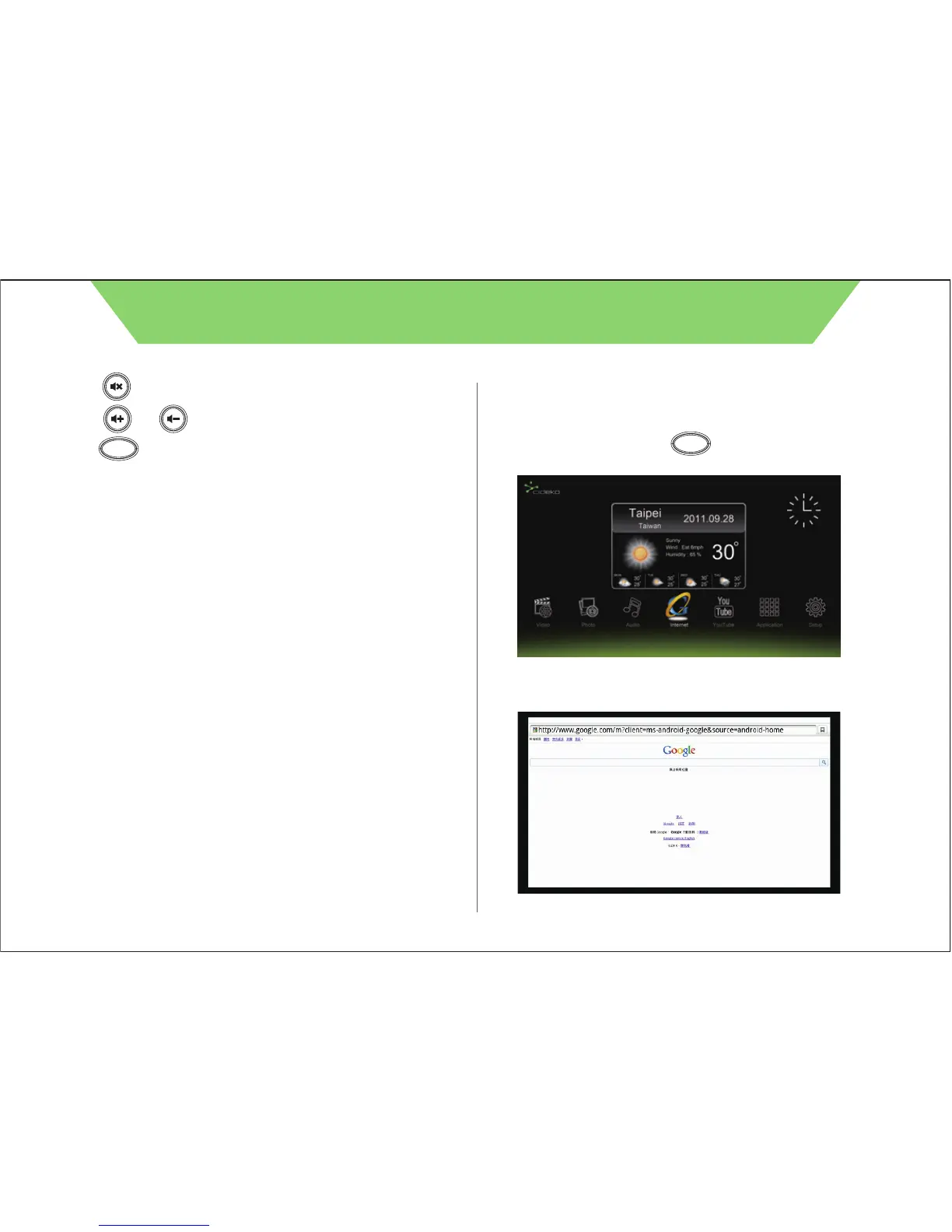
7.1 Press remote controller button to return to main menu
and select “Internet” icon.
7.2 If internet is available, the browser will connect to homepage,
default is Google Search.
Chapter 7. Internet Browser
To use the Internet connection function, your Ethernet cable or Simple
Box WiFi must be connected to an AP Router first.
Home



 To Next Page