14
7.2a Use direction keys to select “searching bar” and
press “
ENTER ” button to call virtual keyboard.
Or you can also move the cursor (AK03) to “searching bar”
and press mouse left click to call virtual keyboard.
7.2b Press “
ESC ” button to quit the virtual keyboard.
/ OK
CIDEKO SIMPLE BOX ADVANCED
OK
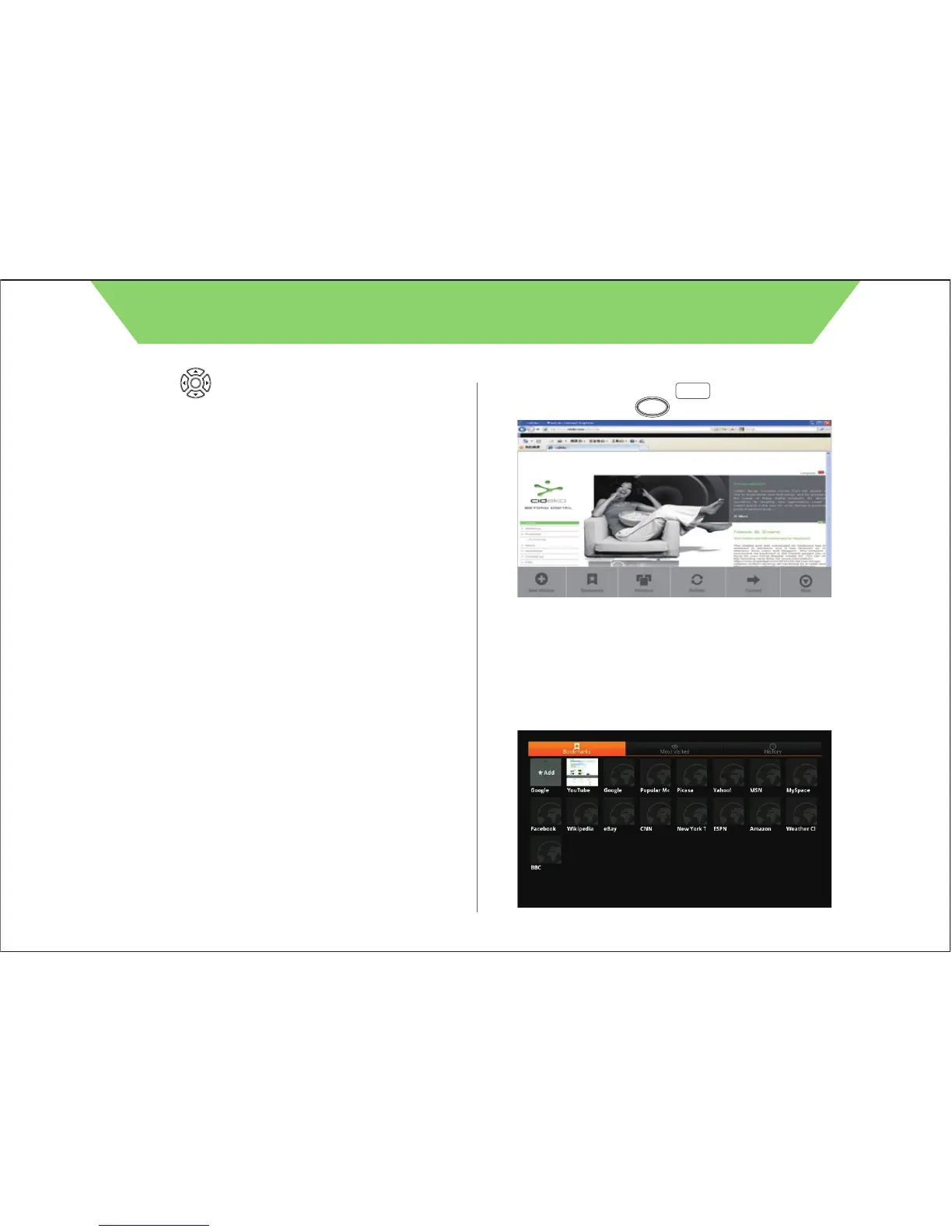
7.4 Select “Bookmarks” to call the bookmarks. User can also
select “Most visited” to show the bookmarks that you
usually visit or “History” to show the bookmarks that you
visited recently.
7.3 Press remote controller “ ” button to return to search
menu and press “ ” to call tool bar.
There are few sections, “Bookmark”, “Refresh”, “Forward”, “Add
bookmark”, “Find on page”, and “More”.
OSK
Return



 To Next Page