15
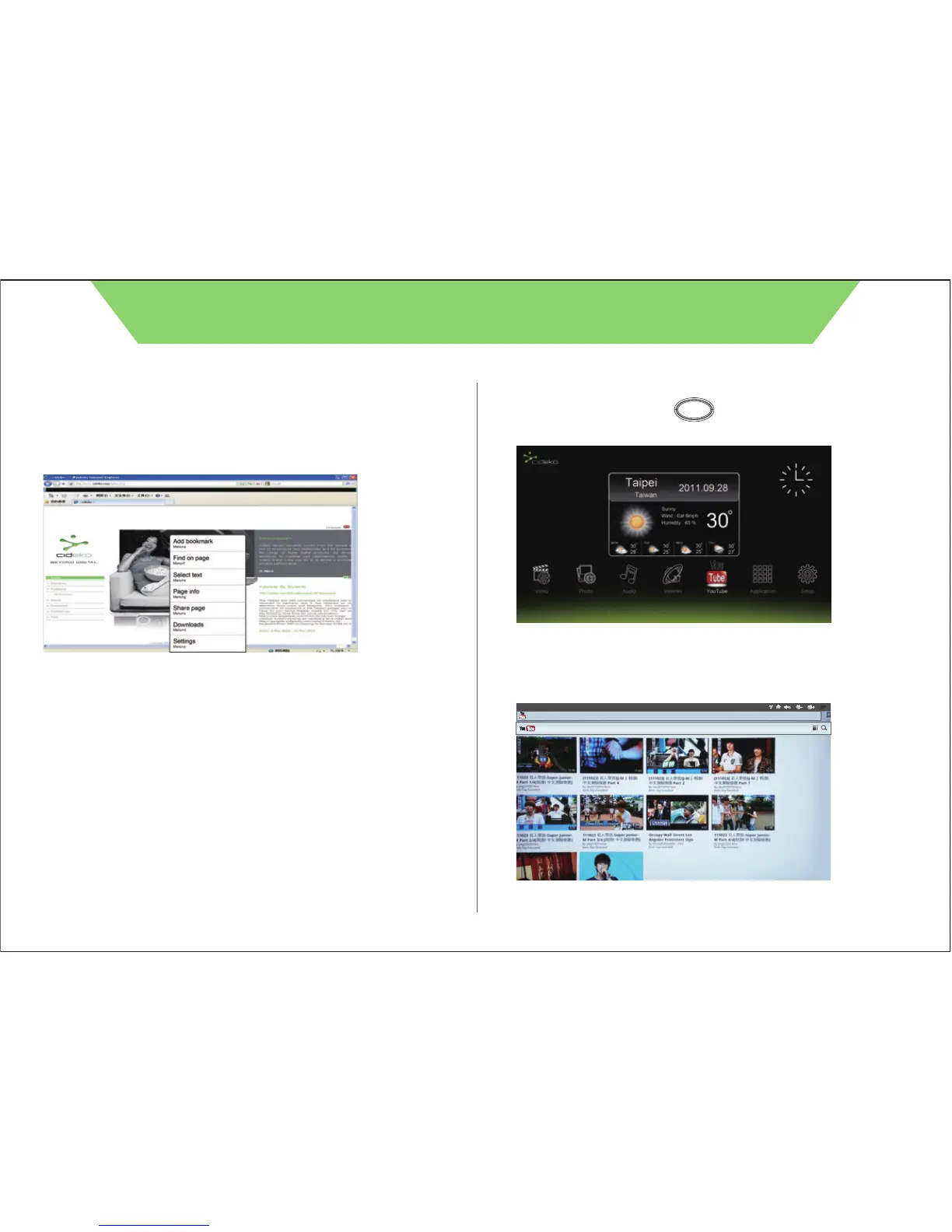
7.5 Select “New Window” to open new browser page..
7.6 Select “Add Bookmarks” to add the websites most viewed.
7.7 Select “Windows” to see all browser pages you opened.
7.8 Select “Refresh” to refresh current page.
7.9 Select “Forward” to next page.
7.10 Select “More” to select more functions.
CIDEKO SIMPLE BOX ADVANCED
Chapter 8 YouTube function
8.1. Press remote controller button to return to main menu
and select “YouTube” icon.
8.2. Picture shows as below. You can choose videos to watch.
Home
http://m.youtube.com/index?desktop_uri=%2F&gl=TW#/home



 To Next Page