18
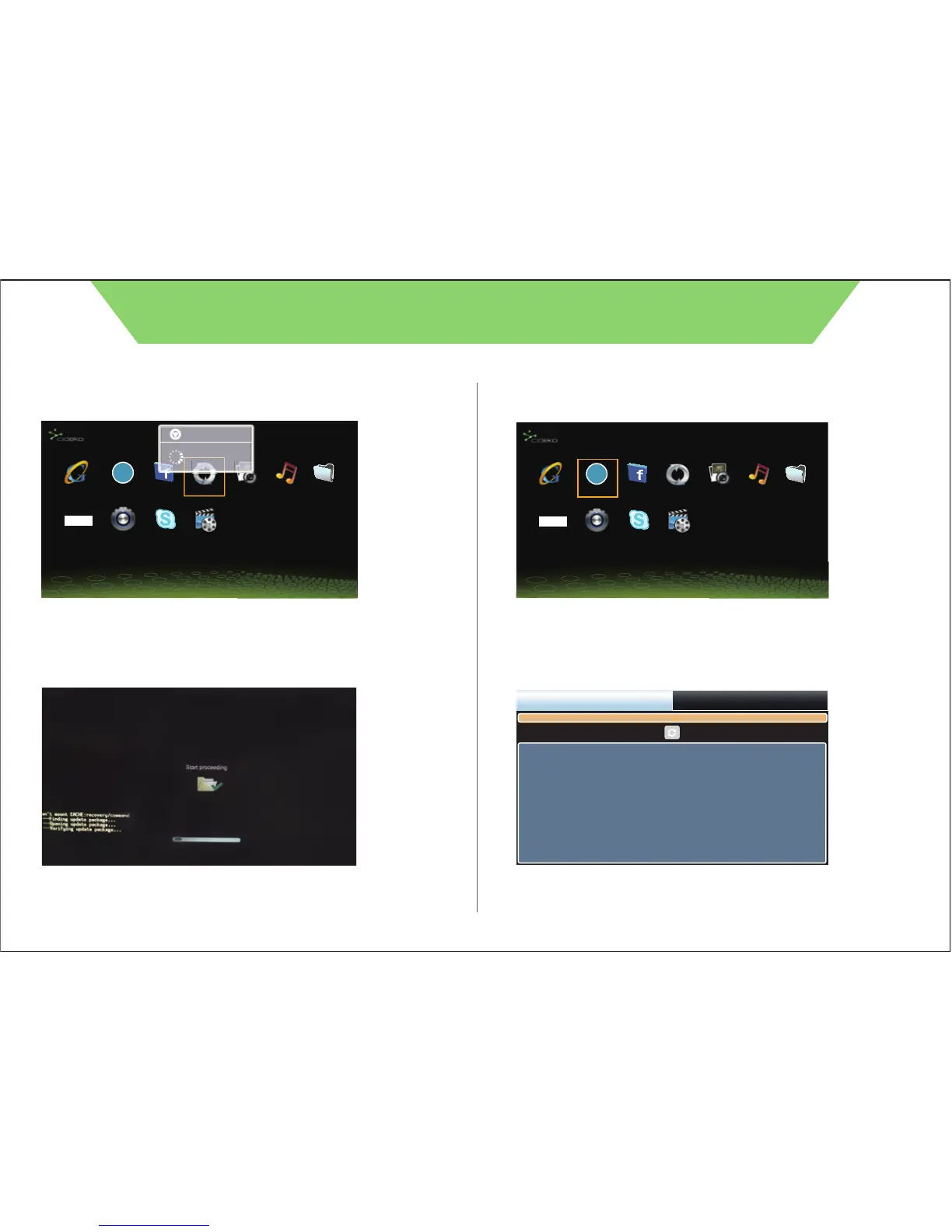
9.2.e. It will show Power off and continue to update.
9.2.f. It will start proceeding and reboot the box.
9.3. DLNA Player
9.3.a. Select Network and press reload.
CIDEKO SIMPLE BOX ADVANCED
APPLICATION
Browser DLNA Player Facebook FW Update
Output Modes Settings Skype(BETA) Video Player
Gallery Music OI File Manager
UPnP
HDMI
Power off
Shutting down...
APPLICATION
Browser DLNA Player Facebook FW Update
Output Modes Settings Skype(BETA) Video Player
Gallery Music OI File Manager
UPnP
HDMI
Note : Before you execute the “firmware upgrade” function, you must
put the firmware you want to upgrade into the USB drive. Then the USB
drive into the Simple Box USB port.
ContentNetwork
NO device selected



 To Next Page