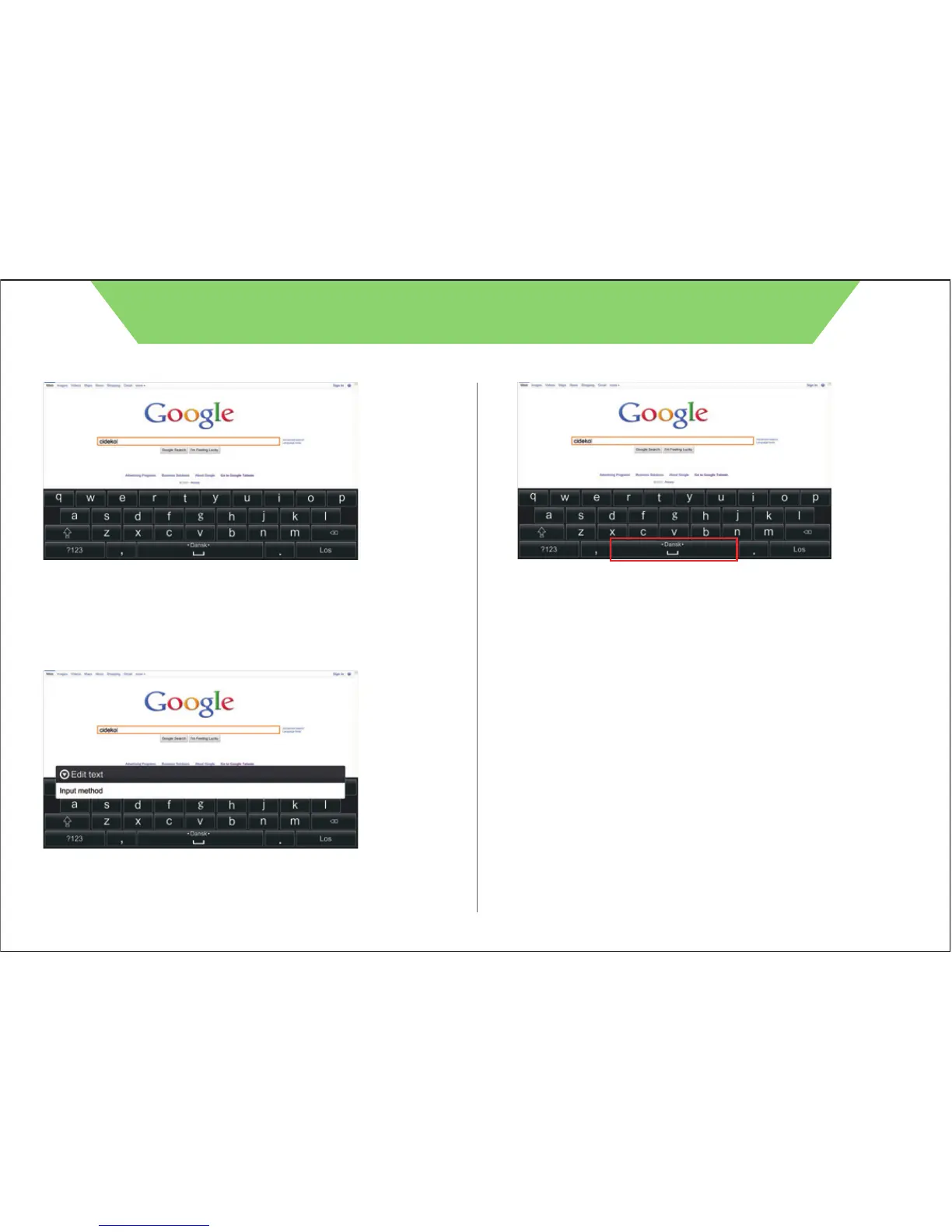
When you need to type characters, press “mouse left click” once in
the text entry area to call virtual keyboard or use Air Keyboard to type
directly. Press “Esc” on Air Keyboard to cancel virtual keyboard.
Press and hold the “mouse left click” in text entry area to select input
method.
Press and hold the “mouse left click” on space bar and drag
Air Keyboard left or right to switch input method selection.
5
CIDEKO SIMPLE BOX ADVANCED



 To Next Page