8
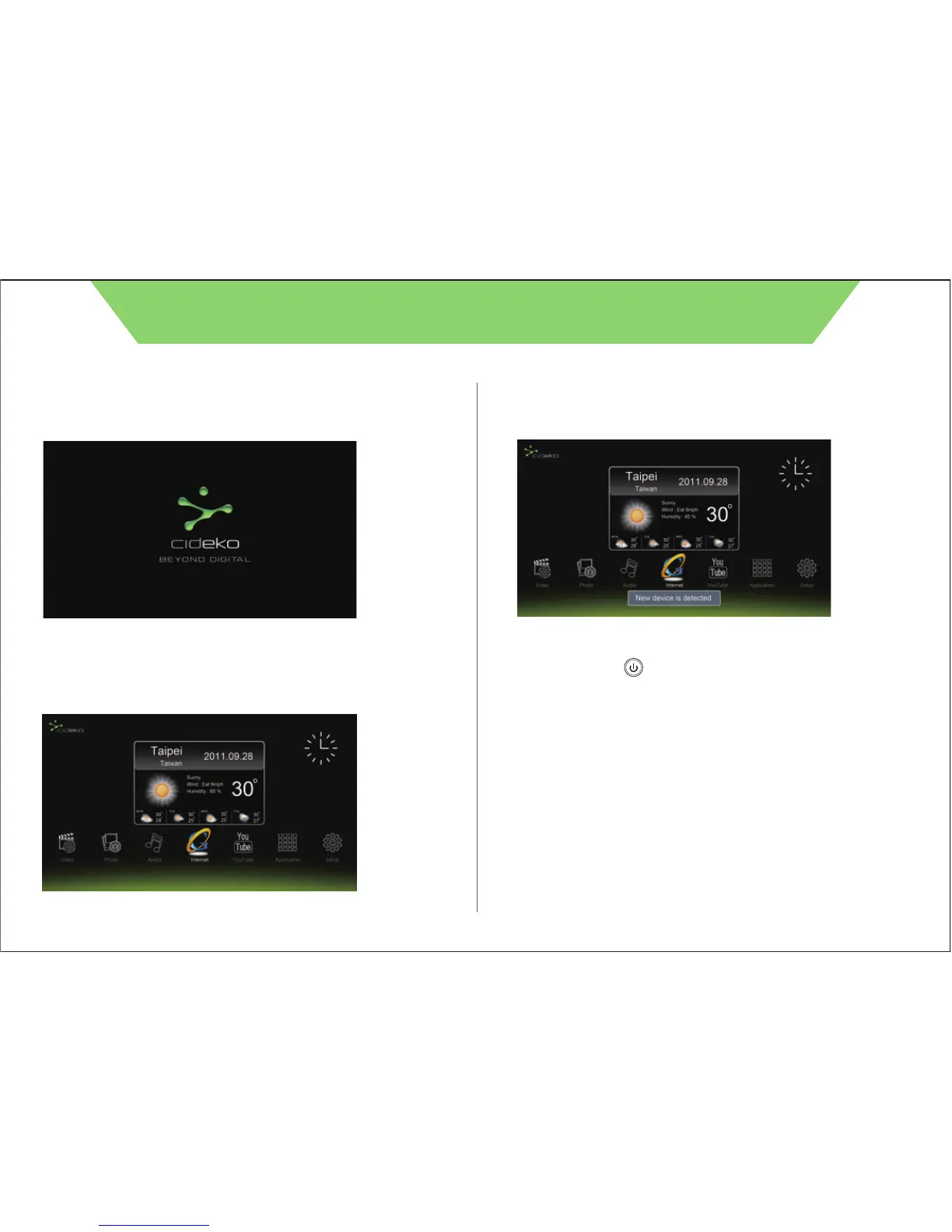
3.2 After turning on the device, you will see the cideko logo.
3.3 Later, you will see this Main Menu. It takes about 50 seconds to
boot up successfully.
3.4 Insert pen drive or memory card, then it will show “New
device is detected”.
3.5 User can press button on remote controller to shut
down power of Cideko Simple Box Advanced anytime, and
press again to power up.
CIDEKO SIMPLE BOX ADVANCED



 To Next Page