- 23 -
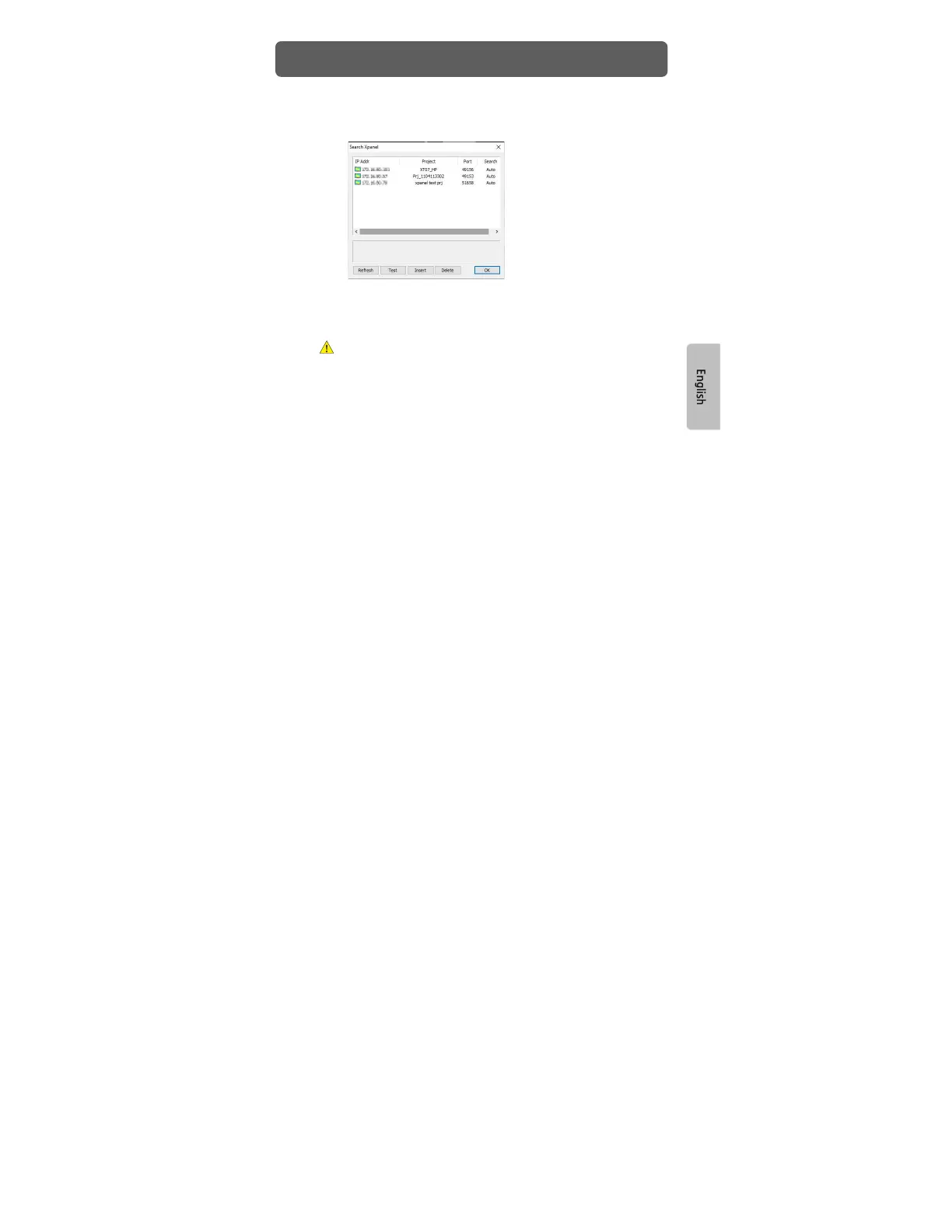
3) Choose [Ethernet] for connection method and click [Select Xpanel or
NP/iNP]. Xpanel will appear on the list as shown below.
4) Select Xpanel to which you wish to download a project. You can see
information of the selected Xpanel on a pop-up box.
5) Go to [Online] – [Download to Xpanel] to download the project.
The project will not operate correctly if the version of the Xpanel Designer that
was used to create the project is different from the version of the Xpanel
Designer that is running the project. Update or downgrade the software until
both versions are identical.
Project Download


 To Next Page