- 21 -
Programming from the internal button
The lock can only be pro-
grammed when the door is
open.
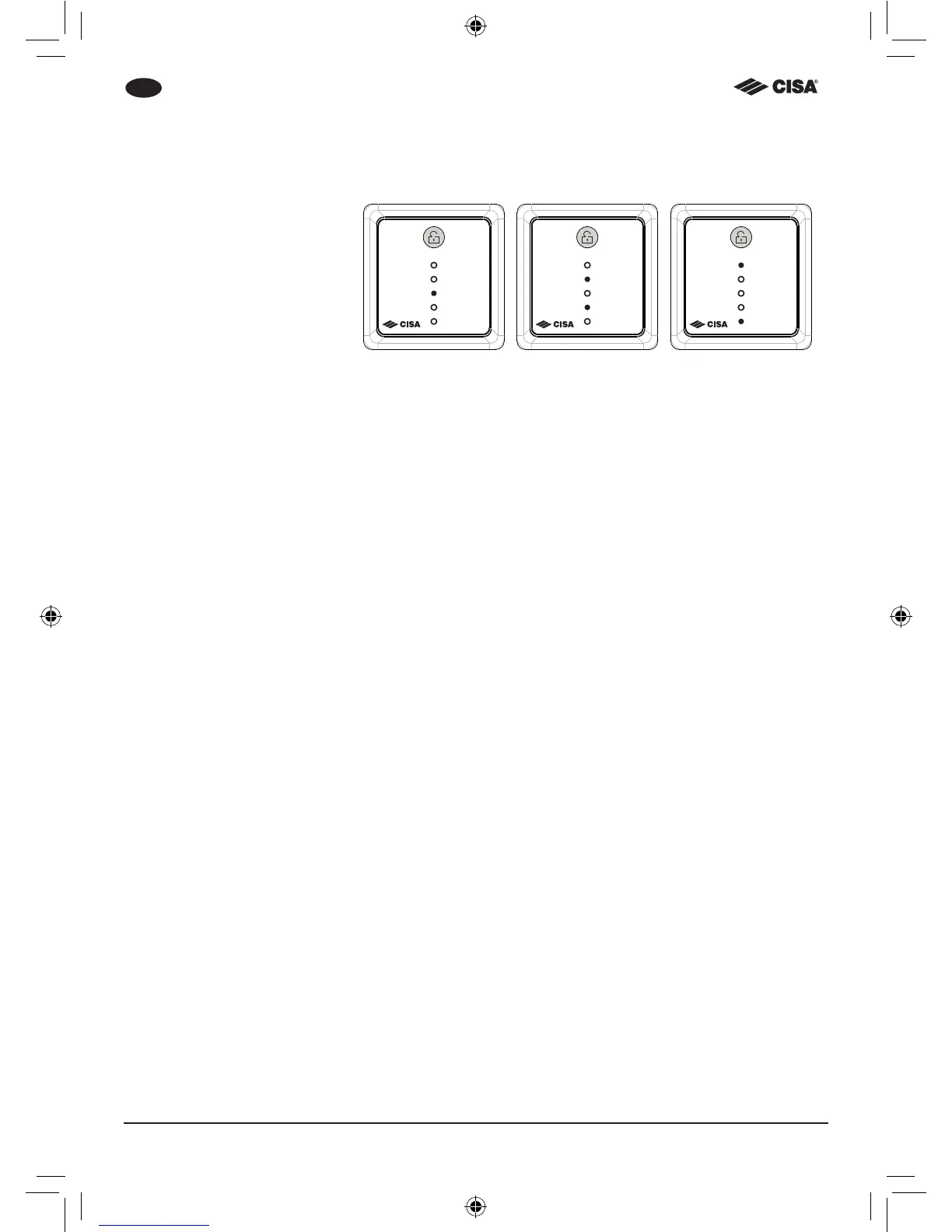
1. Press the button for 5
seconds. The LEDs which
correspond with the lock
conguration will ash;
2. Press the internal button to
change lock conguration;
3. Choose the conguration
you want:
a. Automatic
b. Semi-automatic
c. Hold-open;
4. Wait 5 seconds;
5. The lock is set with the new
conguration.
a
(Automatica)
b
(Semi automatica)
c
(Fermo a giorno)



 To Next Page