- 26 -
4. ERRORS AND MALFUNCTIONS
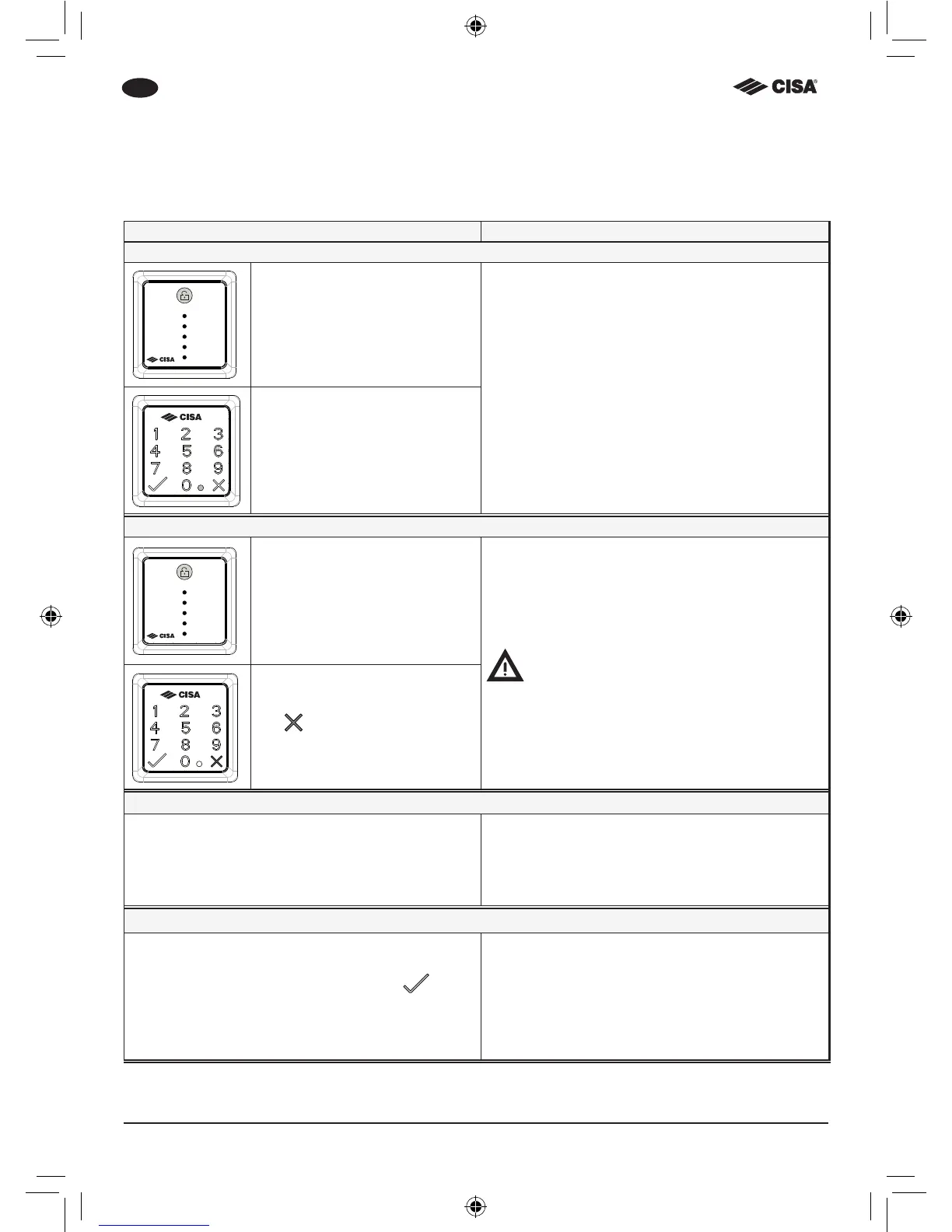
All the LEDs on the internal button will ash simultaneously to signal a warning or error (for
example, when the batteries are dead or there is an electromechanical error).
Signal Solution
Low battery (13.5V)
Button:
all the LEDs ash 5 times
Replace all the batteries
Use twelve 1.5V AA batteries
Keypad:
the yellow LED ashes 5 times
and 5 short beeps are heard
Mechanical fault
Button:
all the LEDs ash 10 times for
1 second
Open and close the door using the key to re-
store the lock to its normal operating mode
The user may experience some resistance
when turning the key
Keypad:
the
symbol ashes red 10
times and 10 long beeps are
heard
Emergency opening and closing
If there is an electronic malfunction or a power
failure, the lock can be operated manually.
1 Insert the mechanical key in the lock cylinder.
2 Turn the key and engage the deadbolts to
open or close the lock.
Resetting the lock functions
If there is an electronic malfunction, signalled by
ashing on the internal button (all the LEDs ash
10 times) or on the external keypad (the
sym-
bol will ash red 10 times), follow the instructions
below to restore correct operation.
Fully open (retracting the latchbolt) and close the
door using the key or internal knob if installed.
This will restore the lock to its normal operating
mode.



 To Next Page