4-4
Cisco 1800 Series Routers (Modular) Hardware Installation Guide
OL-5876-03
Chapter 4 Chassis Installation Procedures for Cisco 1800 Series Routers (Modular)
Setting Up the Chassis
Note To install a Cisco 1800 series modular-configuration router in a 19-inch rack, use the brackets included
in the optional rack-mount kit (SKU: ACS-1841-RM-19=).All Cisco 1841 chassis shipping since
Q4FY06 are rack-mountable. Cisco 1841 chassis with the following starting serial numbers have the
rack-mount screw holes: FTX1009W0Z3 (United States), FCZ100812UR (Europe, Middle East, and
Africa), and FHK100653JL (Asia Pacific).
Note Brackets for 23-inch equipment racks are not available for Cisco 1800 series modular-configuration
routers.
Figure 4-1 shows the brackets.
Figure 4-1 Rack-Mounting Brackets
Attaching Rack-Mount Brackets
Use four of the supplied number-8 Phillips flat-head screws to attach each bracket to the router.
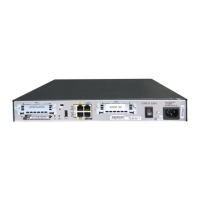
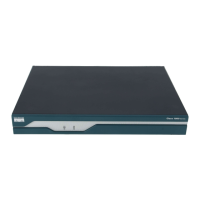
Figure 4-2 shows how to attach the brackets to the sides of the router with the back panel forward.
Figure 4-2 Attaching Rack-Mounting Brackets to a Cisco 1800 Series Modular-Configuration
Router
95769
127162
CISCO 1841
100-240 VAC-
1 A
50/60 Hz



 To Next Page