12
Access Point Mounting Instructions
OL-166451-01
Securing an Access Point
Securing an Access Point
There are two ways to secure your access point:
• Attach it to an immovable object with a security cable.
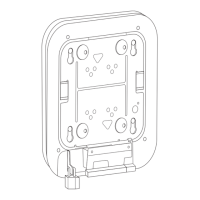
• Lock it to the mounting plate with a padlock.
Using a Security Cable
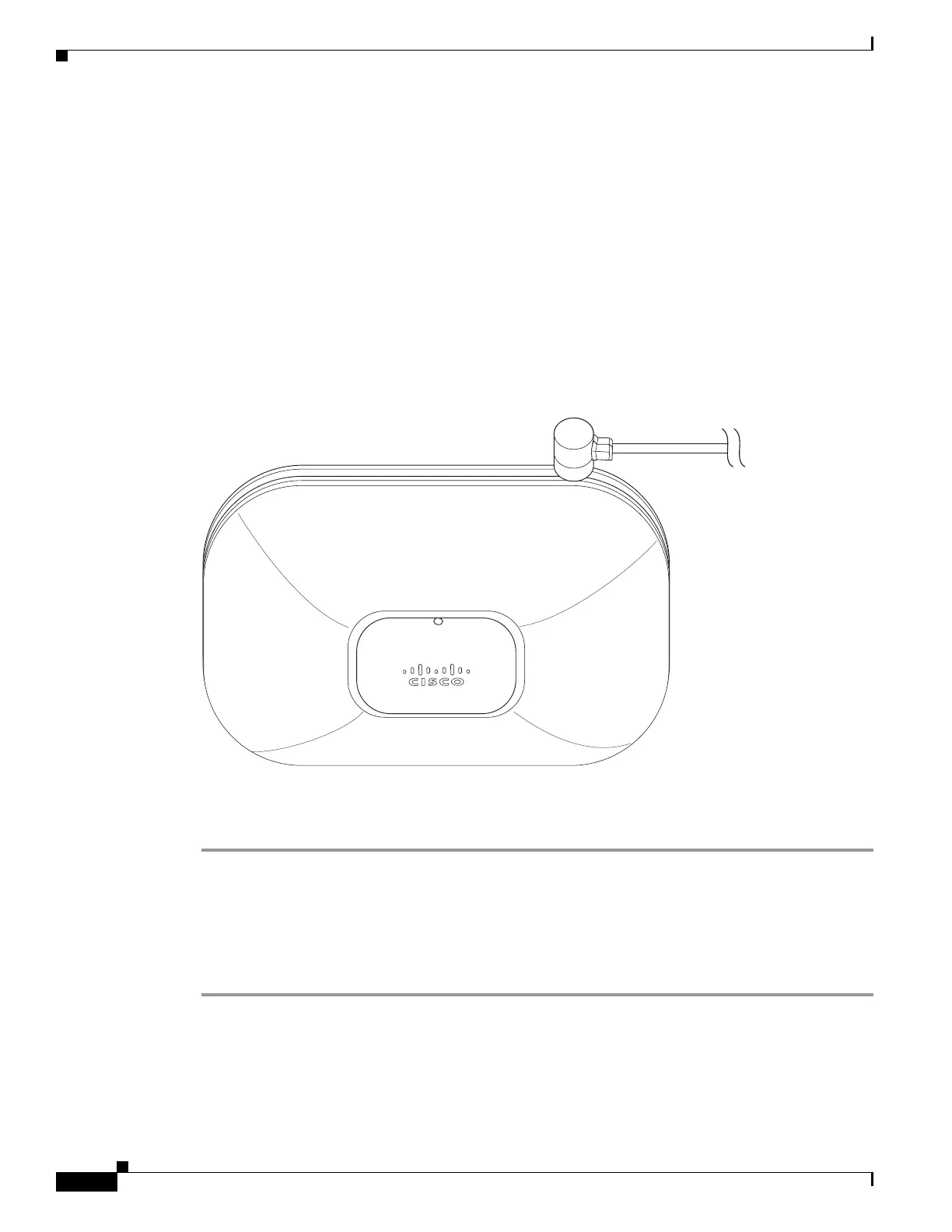
You can secure the access point by installing a standard security cable (such as the Kensington Notebook
MicroSaver, model number 64068) into the access point security cable slot as shown in Figure 11.
Figure 11 Security Cable Details
The security cable can be used with any of the mounting methods described in this guide.
Follow these steps to install the security cable.
Step 1 Loop the security cable around a nearby immovable object.
Step 2 Insert the key into the security cable lock.
Step 3 Insert the security cable latch into the security cable slot on the access point.
Step 4 Rotate the key right or left to secure the security cable lock to the access point.
Step 5 Remove the key.


 To Next Page