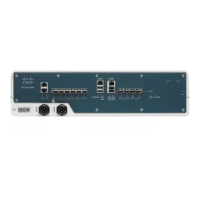
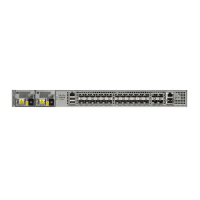
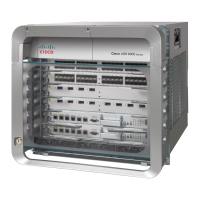
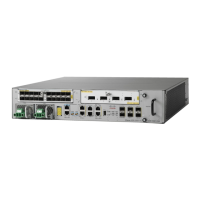
Figure 24: EIA Console Port
Table 1: EIA Console Port
ComponentLabelComponentLabel
RJ-45 to DB-9 cable3EIA Console port1
Desktop or system4USB-to-RJ45 adapter2
Step 3 Connect the DB-9 end of the console cable to the DB-9 end of the terminal.
Step 4 To communicate with the router, start a terminal emulator application, such as Microsoft Windows HyperTerminal. This
software should be configured with the following parameters:
• 9600 baud
• 8 data bits
• no parity
• 1 stop-bit
• no flow control
Installing the Cisco ASR 920 Series Router
31
Installing the Cisco ASR 920 Series Router
Connect to the EIA Console Port


 To Next Page
 Loading...