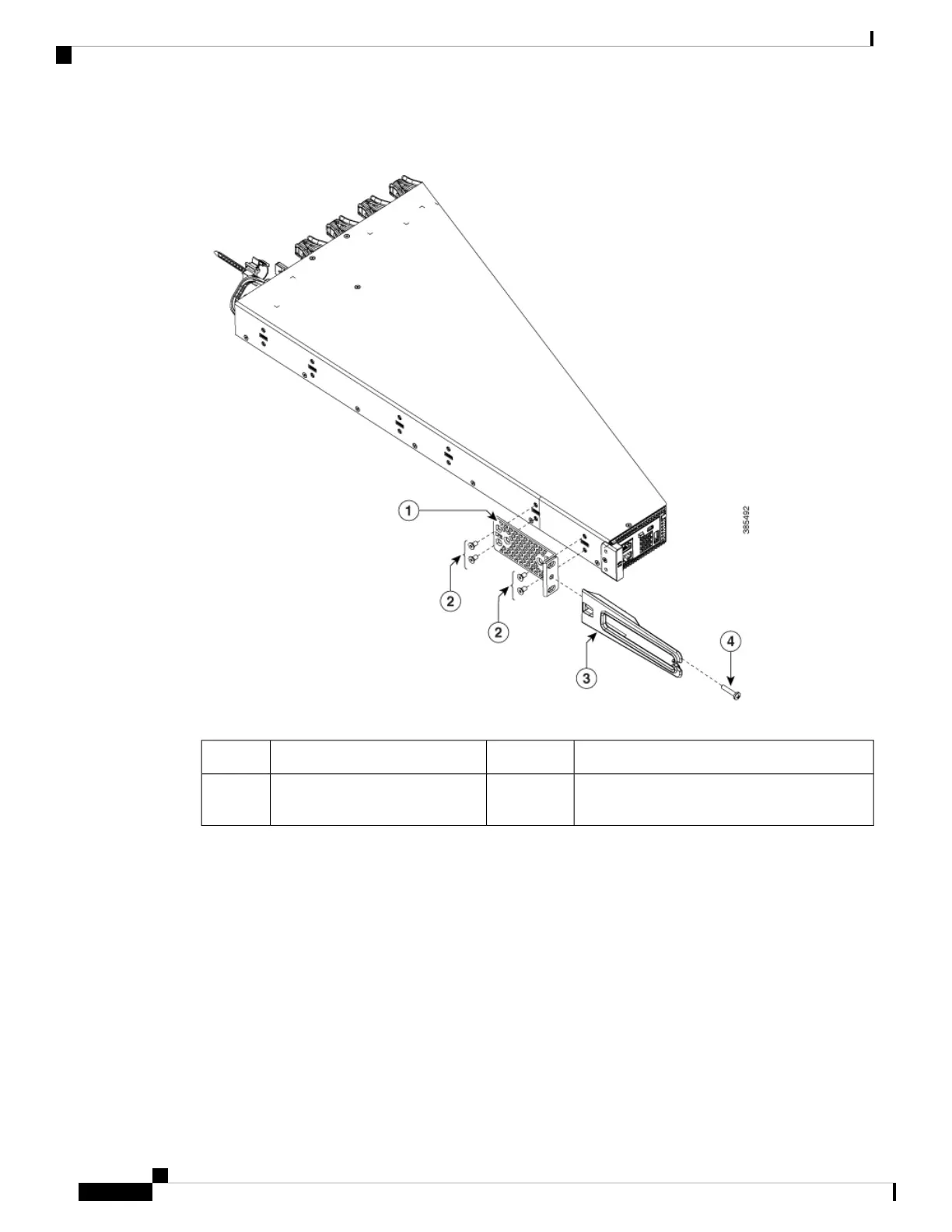
Figure 34: Attaching the Cable Guide
Cable guide319-inch bracket1
M4.0x20mm Phillips pan-head screws (Black
color)
4Phillips machine screws2
Step 3 Secure the switch to the rack rails using the Number-12 or number-10 Phillips machine screws provided with
the accessory kit.
Cisco Catalyst 9500 Series Switches Hardware Installation Guide
52
Installing a Switch
Mounting the Switch in a Rack



 To Next Page