In-Room Control on Touch10
for Cisco TelePresence
MX200 G2, MX300 G2,
MX700, MX800,
SX10, SX20, SX80
Collaboration Endpoint
software version CE8.2
D15358.02 - JULY 2016
www.cisco.com
© 2016 Cisco Systems, Inc.
All rights reserved.
9
Create an In-room Control panel
Start Designing the In-room Control Panel
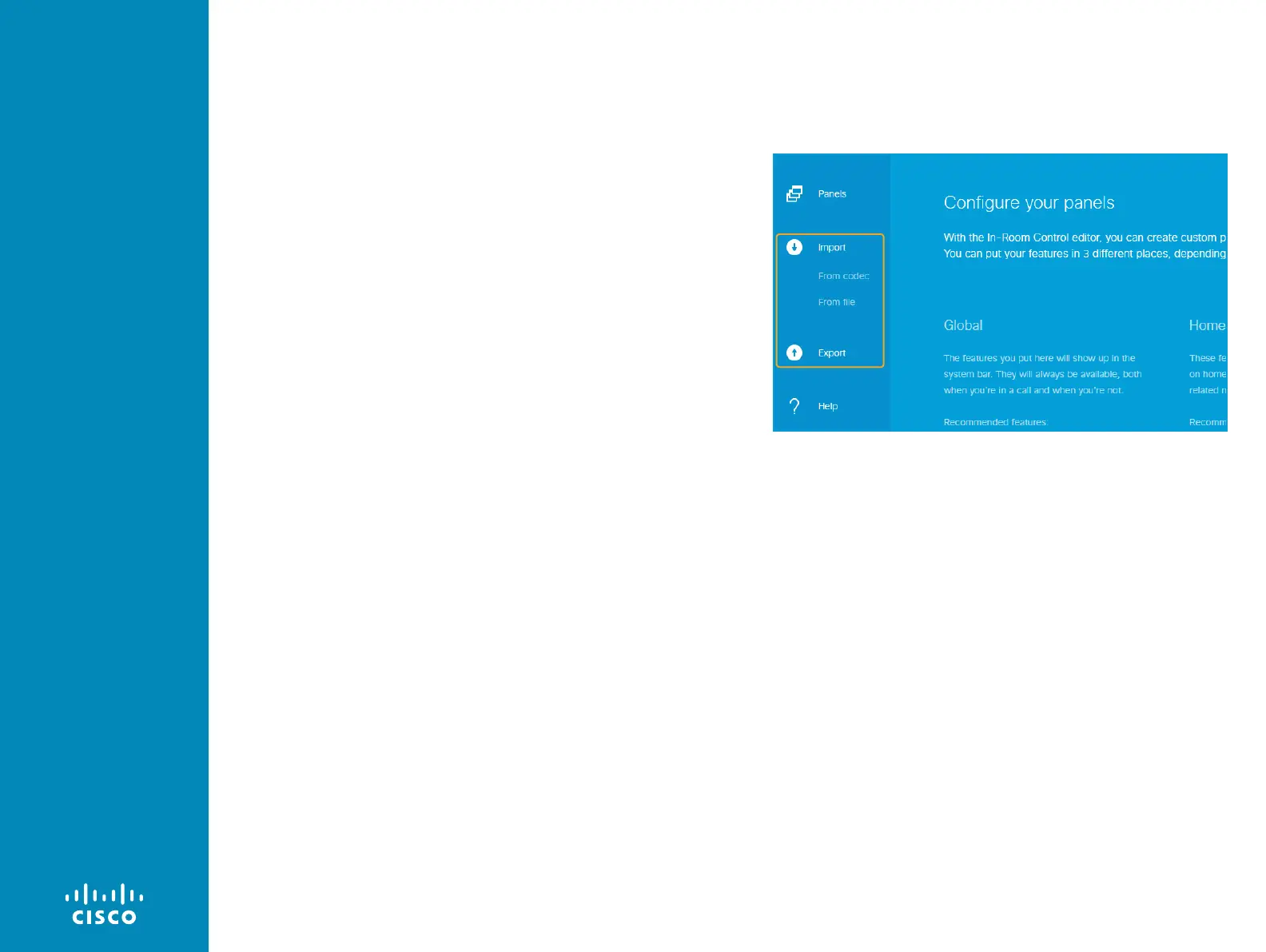
If an existing in-room control panel failed to load automatically on
launching the editor, choose one of these alternatives:
• Create creates a blank in-room control panel in the editor for
either Global use, Homescreen use or In-Call use.
• Import> From file loads an in-room control panel, which has been
exported to a local file on an earlier occasion, into the editor.
• Import> From codec loads the current in-room control panel from
the video system into the editor. Not available in the offline editor.
All alternatives erase any unsaved data in the editor, but the existing
in-room control panel on the video system is neither overwritten nor
deleted until a new panel is exported to the video system.
Start or continue the design of an in-room control panel












 To Next Page