10 Cisco Small Business NSS324 and NSS326 Smart Storage
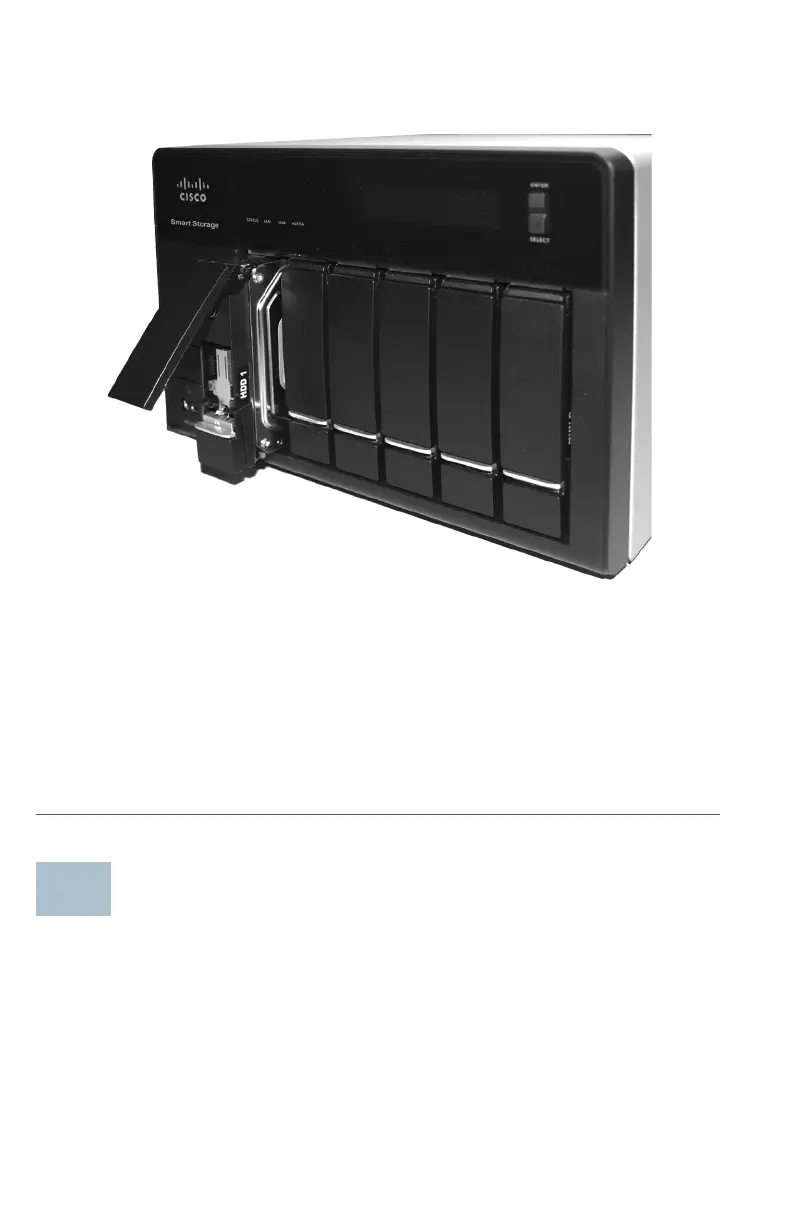
The HDD sequence number is also located on the inside of the disk
tray.
STEP 7 Using your thumb, apply even pressure to the middle of the tray
while you insert the tray slowly and fully into position in the
chassis.
The disk tray lever should be in the open position.
STEP 8 Gently push the disk tray lever down.
STEP 9 Repeat steps 3 through 8 to install disk drives from slot 2 to slot 4
for the NSS324 and slot 2 to slot 6 for the NSS326.
Locking and Unlocking the Disk Trays
An icon is located on the silver tab indicating:
• When the silver tab is up, the disk tray is locked.
• When the silver tab is down, the disk tray is unlocked.



 To Next Page