Cisco Small Business NSS324 and NSS326 Smart Storage 33
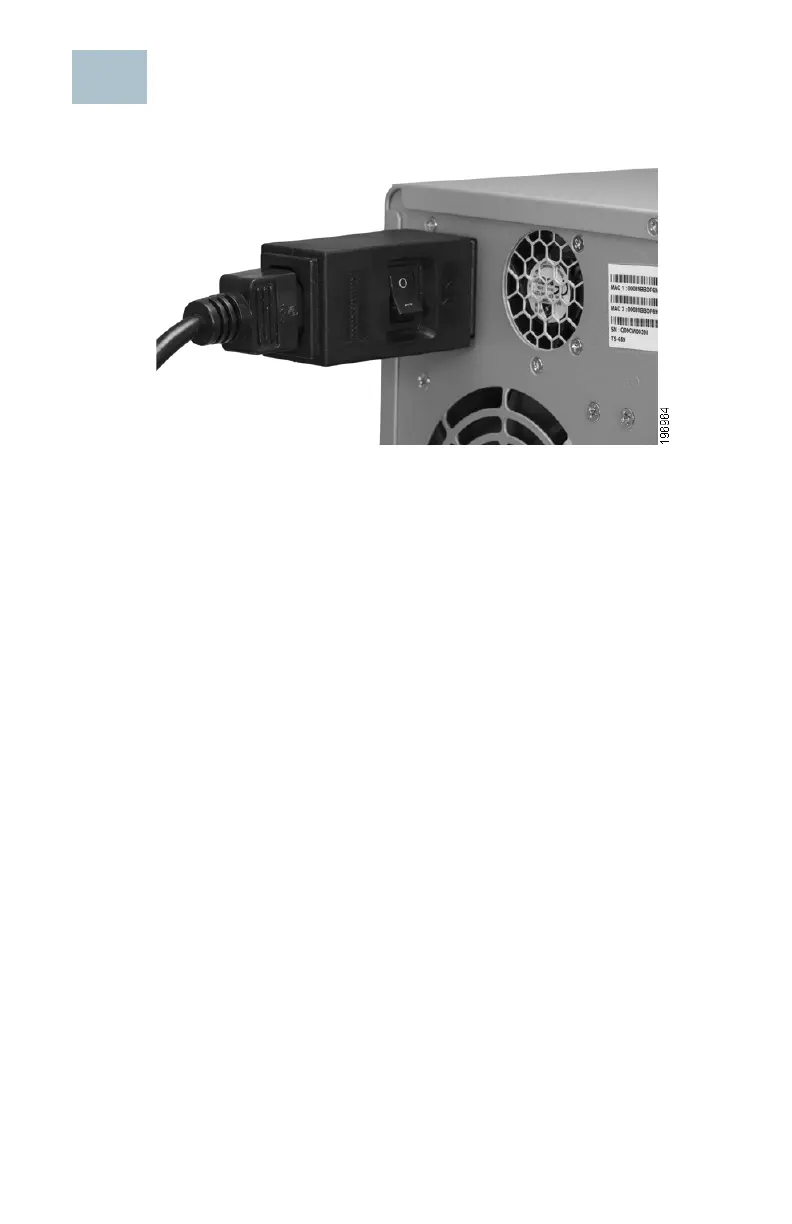
Inline Power Switch Module
The enclosed AC inline switch module is provided for customers who wish
to have a convenient means of turning the device off during extended
inactivity. The switch module is provided in compliance with the
requirements of the European Union Commission Regulation No 1275/
2008. The device is also fully functional without the switch module by
plugging the power cord directly into the device. However, the switch
module must be used to comply with the European Union regulations.
To use the inline switch module to power off the NAS, you should first
press the front panel Power button to shut down the NAS. Wait for the
device to fully shut down before connecting and using the inline switch.
Failure to do so may result in data loss.



 To Next Page