Cisco Quad Camera, Precision 60, SpeakerTrack 60, PTZ-12, and PTZ 4K Camera
D15296.12 Cisco Quad Camera, Precision 60, SpeakerTrack 60, PTZ-12, and PTZ 4K Camera JULY 2021.
Copyright © 2021 Cisco Systems, Inc. All rights reserved.
23
Camera guide
Connect SpeakerTrack 60 to Codec C40
Power
(100-240 V
AC
, 50/60 Hz)
RJ45
HDMI 1 HDMI 2
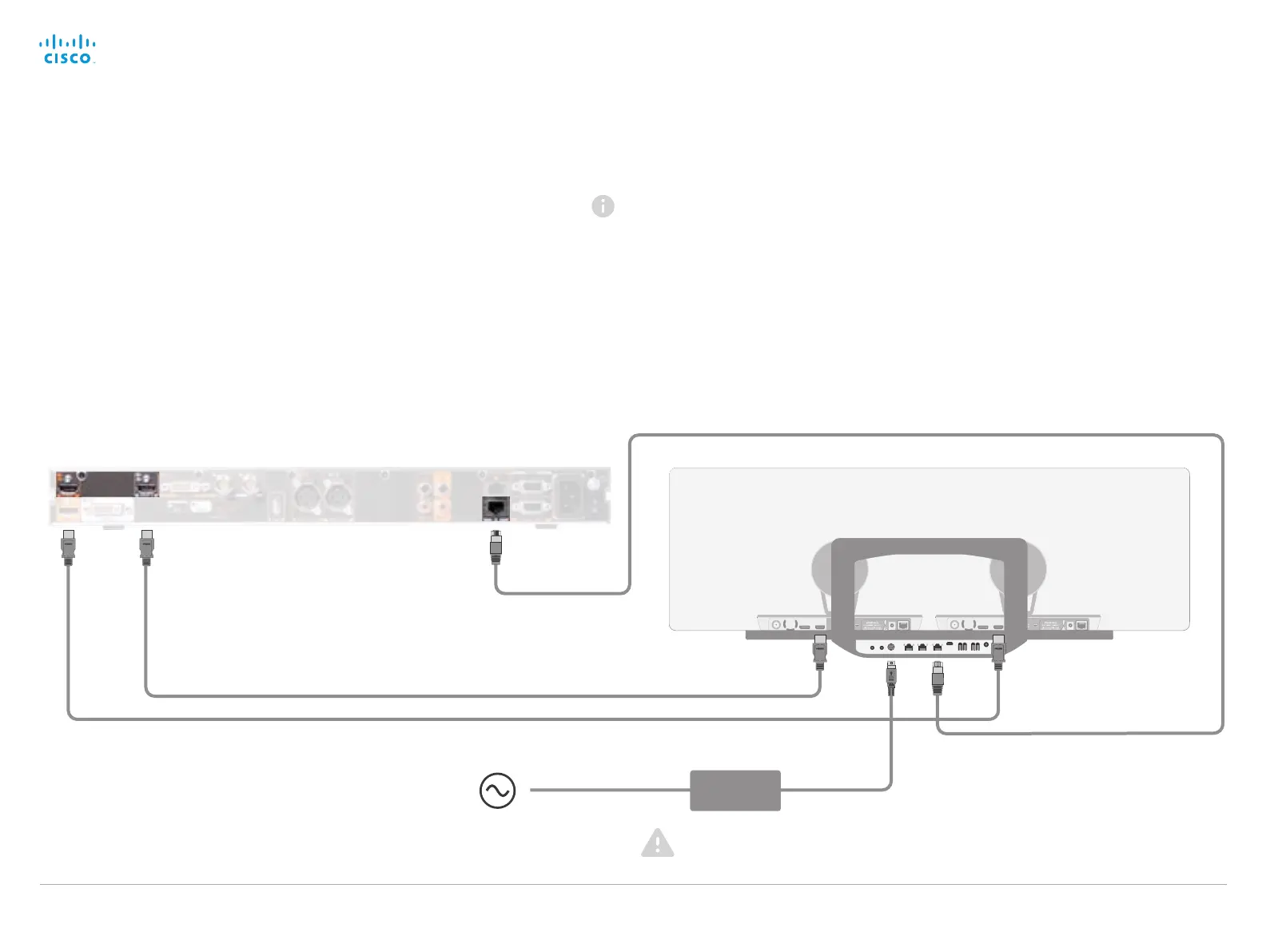
• Connect the video cables (HDMI).
Left camera: Connect between Connector 1 (HDMI input) on the
codec to the HDMI input of the left camera.
Right camera: Connect between Connector 2 (HDMI input) on the
codec to the HDMI input of the right camera.
• Connect the camera control cable (Ethernet) between the
codec’s 2nd Ethernet port and the Network port (Ethernet) on the
SpeakerTrack 60.
• Connect the power adapter to the SpeakerTrack 60, and connect
to power.
• Connect other codec cables as described in theCisco
Telepresence Codec C40 installation guide.
Always use the provided power
cable and adapter.
Power
adapter
When using a SpeakerTrack 60 with a C Series codec, the
codec cannot be controlled with the TRC5 (Cisco Remote
Control). Instead, a Cisco TelePresence Touch 8 user interface
or an external control device must be used.
Right Left


 To Next Page