© 2012 Cisco and/or its affiliates. All rights reserved. This document is Cisco Public. Page 2 of 5
Features
●
Built-in 4-port Gigabit managed switch delivers faster data transfer for bandwidth-intensive applications
●
Sophisticated QoS prioritizes network traffic for demanding voice, video, and data applications
●
IPSec VPN tunneling support lets you extend secure network connectivity to remote offices and users with
advanced encryption and authentication
●
Separate virtual network support helps enable secure guest access and helps safeguard sensitive data
●
IPv6 support lets you employ future networking applications and operating systems without costly upgrades
●
Browser-based setup and configuration wizards help enable fast, simple deployment
●
Smooth, tested interoperability with other Cisco networking products makes it easy to add switches, phone
and voice, and video surveillance
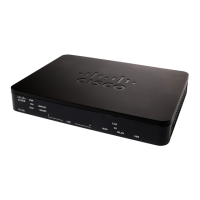
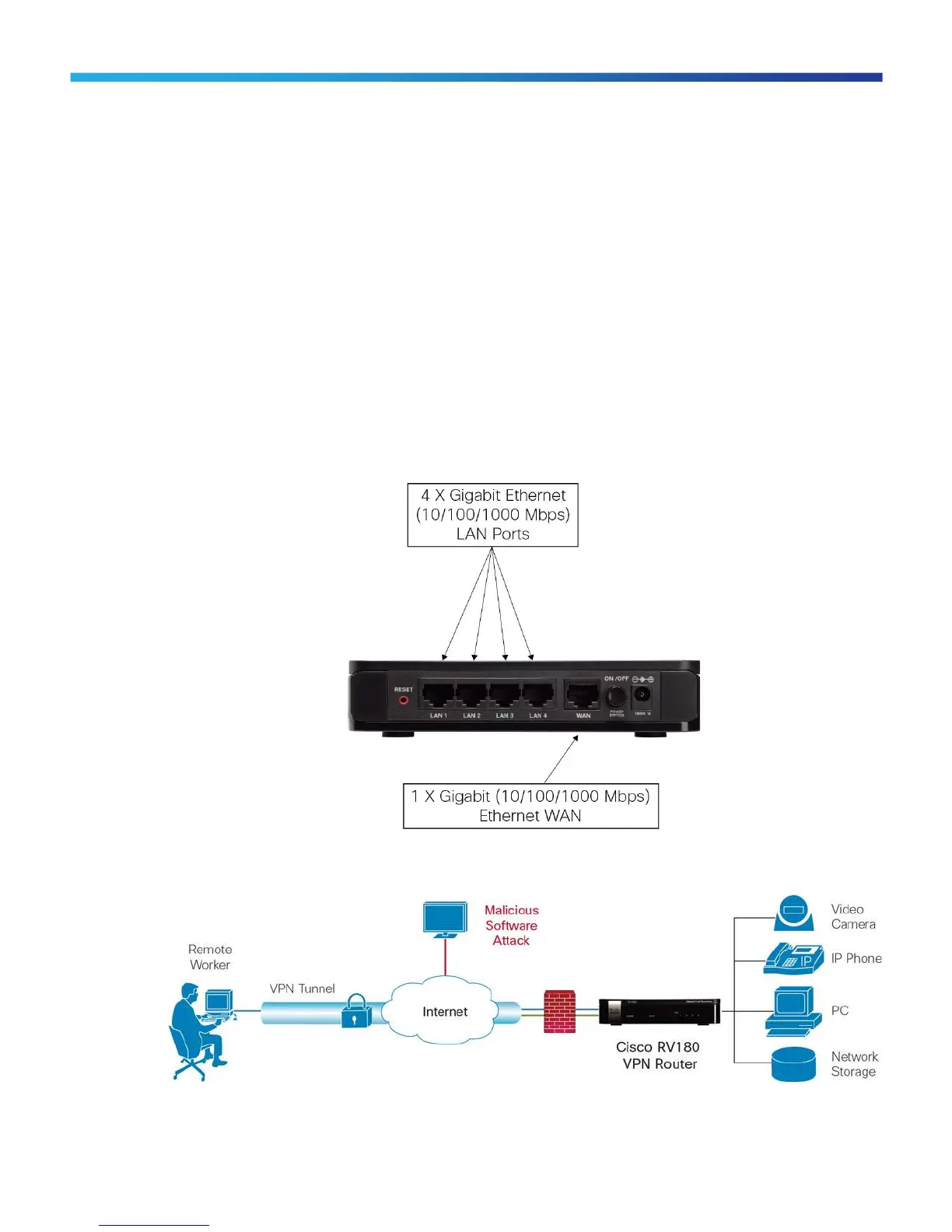
Figure 2. Cisco RV180 VPN Router (Back Panel)
Figure 3. Typical Configuration for Cisco RV180 VPN Router

 To Next Page
 Loading...