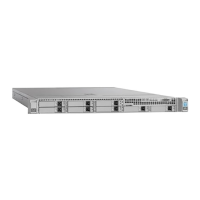
Front Panel LEDs
• Off—The hard drive is operating properly.
• Amber—Drive fault detected.
• Amber, blinking—The device is rebuilding.
•
Amber, blinking with one-second
interval—Drive locate function activated.
Hard drive fault
• Off—There is no hard drive in the hard drive
tray (no access, no fault).
• Green—The hard drive is ready.
• Green, blinking—The hard drive is reading or
writing data.
Hard drive activity
• Off—There is no AC power to the server.
• Amber—The server is in standby power mode.
Power is supplied only to the Cisco IMC and
some motherboard functions.
• Green—The server is in main power mode.
Power is supplied to all server components.
Power button/LED
• Off—The unit identification function is not in
use.
• Blue—The unit identification function is
activated.
Unit identification
Cisco SNS 3500 Series Appliance Hardware Installation Guide
4
Cisco SNS 3500 Series Appliance Overview
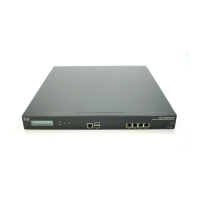
LED Indicators on Cisco SNS 3515 and 3595 Appliances



 To Next Page