CBM-910 User’s Manual
CITIZEN
37
(13) ×4 Enlarged Letter Assignment (FS + “W” + 1) Command
With FS (1CH) + “W” (57H) + 1 (01H) code input, ×4 enlarged letters are assigned.
Data following this code are printed vertically and laterally twice enlarged.
(14) ×4 Enlargement Cancel (FS + “W” + 0)
With FS (1CH) + “W” (57H) + 0(00H) code being input, ×4 enlargement assignment is cancelled.
NOTE 1)
Although standard and laterally enlarged letters can coexist in one line, automatic (buffer-full) printing takes place
on reaching to 24th (40th) column counted in standard characters.
NOTE 2)
With both ×4 enlargement and double-width having been assigned, ×4 enlargement has priority.
Application Example)
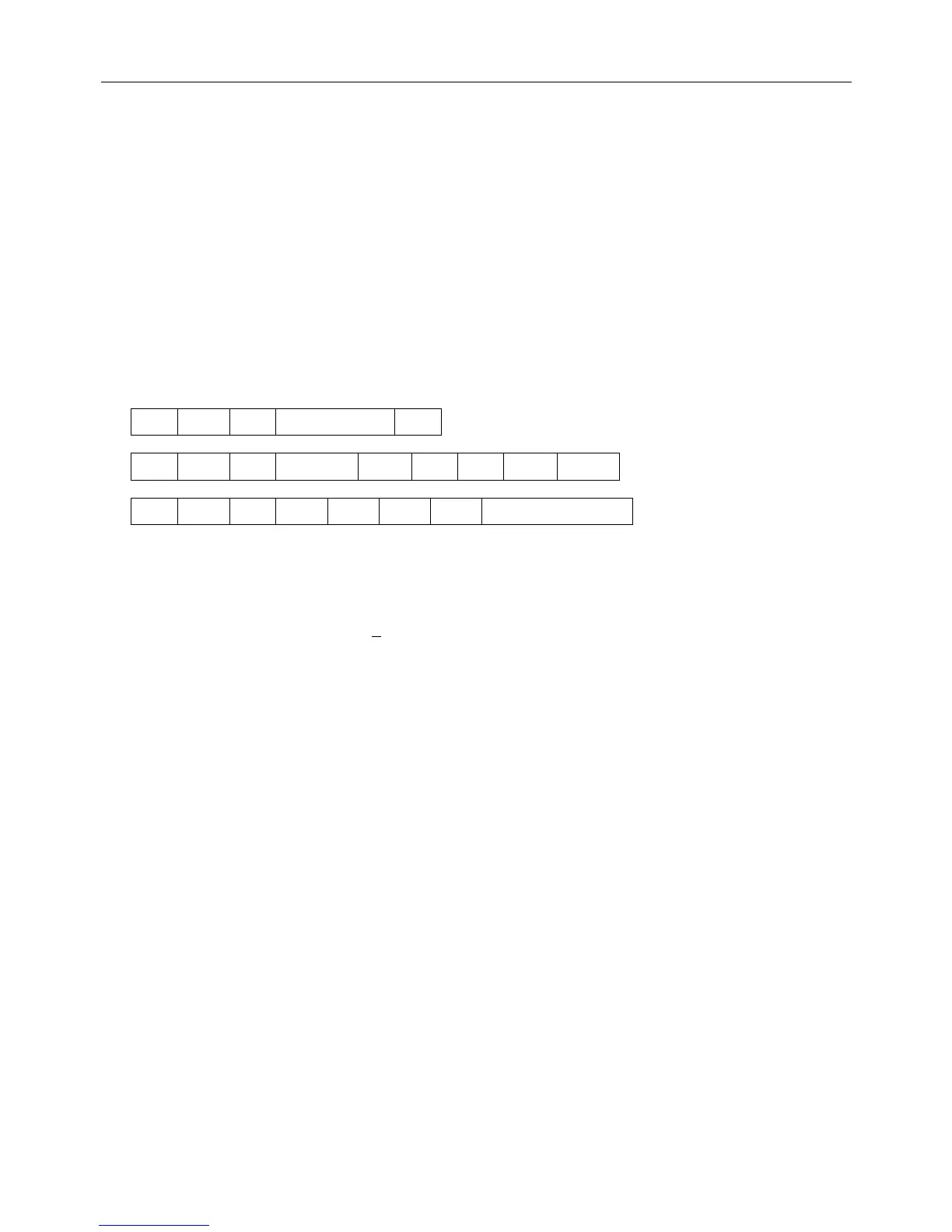
[Receiving Data]
1C W 1 123456789 CR
1C W 0 ABC 1C W 1 123 CR
1C W 0 A 1C W 1 12345678901B
<Printing Results>
1 2 3 4 5 6 7 8 9
ABC
1 2 3
A
1 2 3 4 5 6 7 8 9 0 1
B
↑ The last letter, although in ×4 assignment, is printed in standard letter
since it being in the 24th column.
(For 40 column mechanism, this applies to the 40th column.)


 To Next Page
 Loading...