EasyManua.ls Logo

Citizen CT-E651 - User Manual

Citizen CT-E651
56 pages
Print Icon
To Next Page IconTo Next Page
Loading...
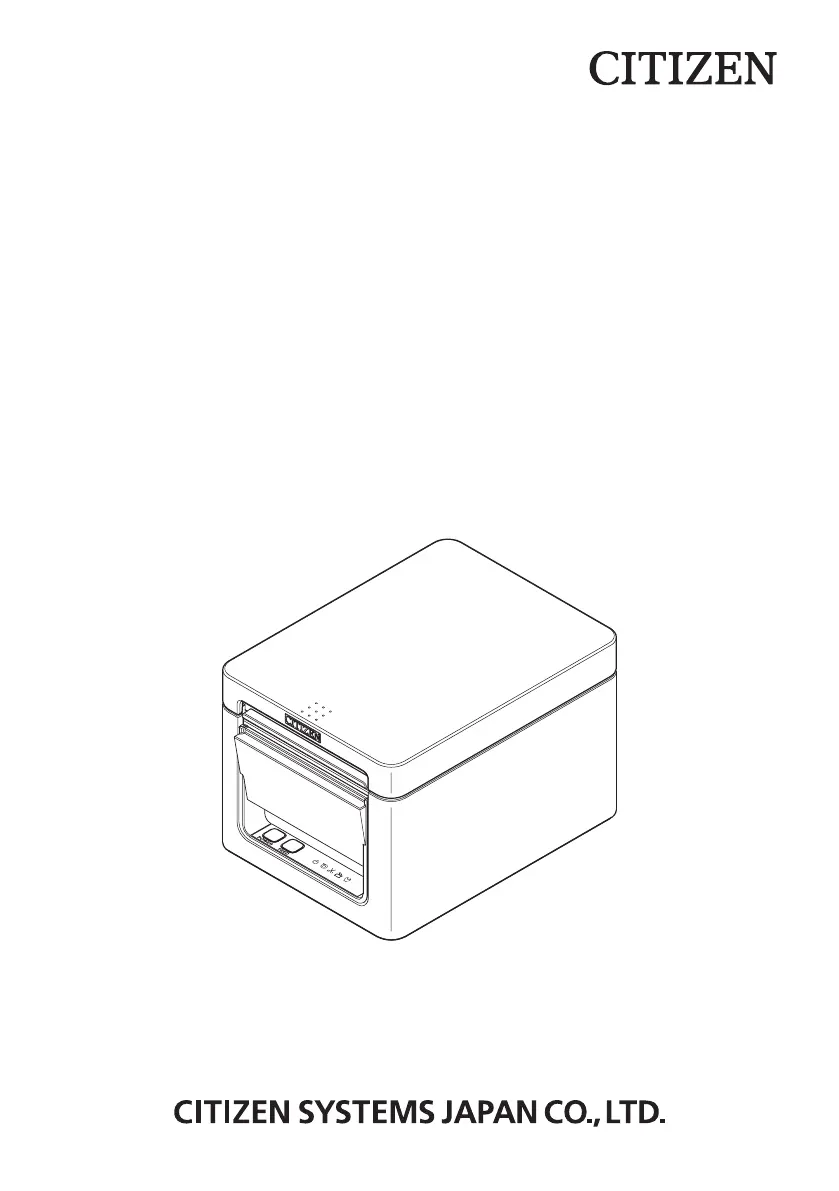
LINE THERMAL PRINTER
MODEL CT-E651
User’s Manual

Other manuals for Citizen CT-E651

Questions and Answers

  • J
    jerry88Aug 20, 2025
    How to fix cutter error on Citizen Printer?
    • E
      Edwin PollardAug 20, 2025
      If you encounter a cutter error on your Citizen Printer (the auto cutter stops with the blade open), it's likely due to foreign matter or a paper jam. To fix this, turn off the printer, open the paper cover, and remove any jammed paper or scraps. Then, reload the paper roll, close the cover, and turn the power back on.
  • J
    Jamie ScottAug 22, 2025
    What to do if cutter cannot move on Citizen CT-E651 Printer?
    • X
      xmartinAug 22, 2025
      If the cutter on your Citizen Printer cannot move due to a paper jam or another obstruction, remove the cause of the trouble and press the FEED button. If the auto cutter still does not move and the paper cover cannot be opened, refer to 'Clearing a Cutter Error.'
  • D
    Deborah WrightAug 25, 2025
    Why is my Citizen CT-E651 Printer printing white lines?
    • D
      Dr. Donald Mills DVMAug 25, 2025
      If your Citizen Printer is printing white lines or not feeding paper correctly, it could be due to changes in printing speed. To fix this, enable MSW2-3 (buffering), increase the baud rate of MSW7-1 (serial baud rate), or change MSW10-2 (print speed) to a lower level.
  • J
    John BrooksAug 27, 2025
    What to do if paper jam occurs in Citizen CT-E651 Printer?
    • J
      Jamie CummingsAug 27, 2025
      If paper gets jammed in your Citizen Printer, it means paper cannot get out of the printer. To resolve this, open the paper cover and carefully pull the paper out. This is usually caused by obstruction of the paper outlet or paper jamming around the outlet during printing.
  • K
    Kevin PageAug 28, 2025
    How to clean print head on Citizen Printer?
    • R
      Richard OrtegaAug 28, 2025
      To maintain the printing quality of your Citizen Printer and prevent malfunctions, clean the printer periodically (every 2 to 3 months). Use a cotton swab dampened with ethyl alcohol to wipe off any dirt and dust that is on the print head and platen.
  • J
    John MurrayAug 30, 2025
    What to do if Citizen Printer detects paper end?
    • K
      Kathleen RussellAug 30, 2025
      If your Citizen Printer detects the end of the paper roll, it means the roll is finished. Simply load a new paper roll to continue printing.
  • M
    Michael EspinozaSep 1, 2025
    What does paper near-end detected mean on Citizen Printer?
    • K
      Kenneth McneilSep 1, 2025
      When your Citizen Printer detects paper near-end, it indicates that the end of the roll of paper is approaching. Prepare a new paper roll to avoid interruptions.
  • R
    Richard SinghSep 3, 2025
    What happens if cover opened during printing Citizen Printer?
    • N
      nicolesmithSep 3, 2025
      If the cover of your Citizen Printer is opened during printing, check the paper, pull it straight out of the printer by a couple of centimeters, and then close the cover. Printing should restart automatically.
  • R
    Rachel DicksonSep 5, 2025
    What to do if Citizen CT-E651 Printer paper is jamming during printing?
    • S
      Susan TranSep 5, 2025
      If the Citizen printer paper is jamming during printing, open the paper cover and carefully pull the paper out.
  • M
    Melinda BakerSep 7, 2025
    What to do if my Citizen CT-E651 Printer says cover open?
    • K
      kimberlystokesSep 7, 2025
      If your Citizen printer indicates that the cover is open, check the paper, pull it straight out of the printer by a couple of centimeters, and then close the cover.

Citizen CT-E651 Specifications

General IconGeneral
Resolution203 dpi
Print TechnologyThermal
Printing MethodDirect thermal
ConnectivityUSB, Serial
InterfaceUSB, Serial (RS-232C), Bluetooth, Wireless LAN

Related product manuals