25
English
◆
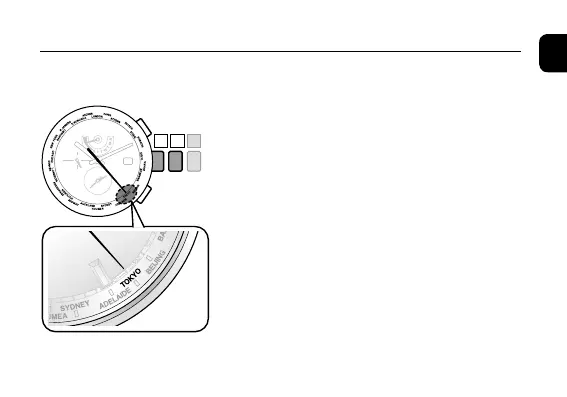
Setting the home time / Local time
1. Pull the crown out to position
1
.
The second hand indicates the current city settings
of the home time and the function hand indicates
the summer time information.
2. Rotate the crown to select the city for which
you want to indicate the time and date.
Select the home time city
• Movethesecondhandtoselectthecityby
referring to "second hand position" in the city
indication table.
• continuedonpage 26
Setting the World Time












 To Next Page