44
◆
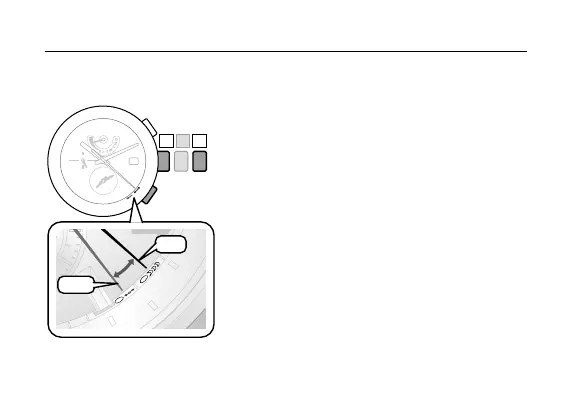
Switching the alarm between ON and OFF
1. Pull the crown out to position
2
.
ThesecondhandindicatesON/OFFofthealarm.
The function hand indicates the power reserve level.
2. Press and release the lower right button
Ⓐ
to
set the alarm ON or OFF.
ThesecondhandindicatesON/OFFofthealarm.
Each time the lower right button
Ⓐ
is pressed, the
alarmsettingsswitchesbetweenONandOFFand
the second hand moves between the
Alarm ON
(Confirmation sound) and Alarm OFF
.
3. Push the crown in to position
0
to finish the
setting.
Setting the Alarm Time
D
H
A
K
A
B
E
I
J
I
N
G
A
D
E
L
A
I
D
E
N
O
U
M
E
A
B
A
N
G
K
O
K
T
O
K
Y
O
S
Y
D
N
E
Y
6













 To Next Page