45
English
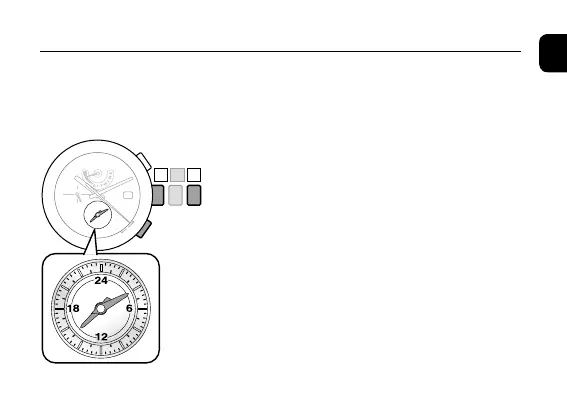
1. Pull the crown out to position
2
.
The hour and minute hands of the local time move to
indicate the alarm time.
2. Rotate the crown to adjust the alarm time.
• Whenyourotatethecrownquickly,eachhand
will move continuously. To slow down and stop
them, slightly rotate the crown.
3. Push the crown in to position
0
to finish the
setting.
◆
Setting the Alarm Time
The alarm time is set by the 24-hour hand in the local time indication and the
minute hand.
Setting the Alarm Time












 To Next Page