EasyManua.ls Logo

CITROEN BERLINGO - Page 181

CITROEN BERLINGO
238 pages
Print Icon
To Next Page IconTo Next Page
To Previous Page IconTo Previous Page
Loading...
9
.1
1
04
1
2
3
5
4
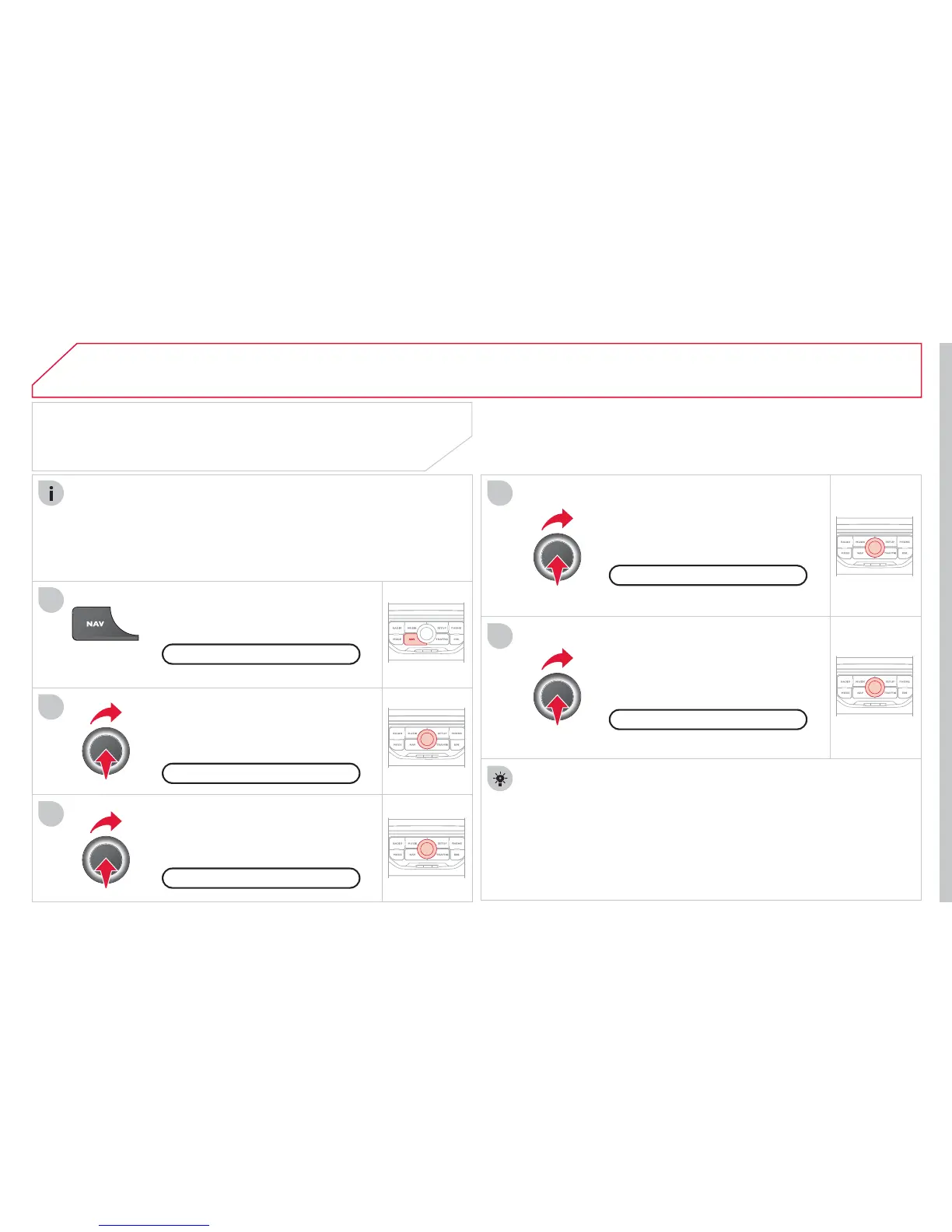
NAVIGATION - GUIDANCE
SETTING AND NAVIGATING TO
MY "HOME ADDRESS"
Press the NAV button twice to display
the Navi
g
ation Menu.
To be set as the "Home address"
,
an address must fi rst be
e
ntered in the address book,
f
or example
f
rom "Destination
input"
/
"Address input" then "
S
ave to address book".
S
elect "Address book" and con
fi
rm.
Then select "
S
earch entr
y
(
complete
a
ddress book
)
" and con
fi
rm.
Select "Destination in
p
ut" and confi rm.
Then select "
C
hoose from address
boo
k"
a
n
d
co
nfi rm.
S
elect "
S
et as home address" and
co
n
fi
rm t
o
sa
v
e
.
Select
y
our home address and confi rm.
Then select "Edit entr
y
" and confi rm.
To start navi
g
ation towards "Home address", press NAV twice
to displa
y
the Navi
g
ation Menu, select "Destination input" and
co
nfi rm.
Then select "Navi
g
ate H
O
ME" and con
fi
rm to start
g
uidance.
Navi
g
ation Menu
D
estination in
p
u
t
Add
ress
b
oo
k
Edi
t entr
y
Set as "Home address"

Table of Contents