EasyManua.ls Logo

Citronic P44800 - User Manual

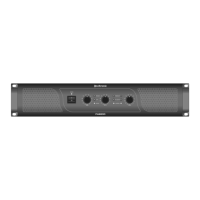
Citronic P44800
4 pages
Print Icon
To Next Page IconTo Next Page
Loading...
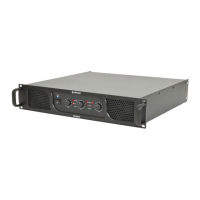
P44800
POWER AMPLIFIER
Order ref: 172.248UK
User Manual
Version 1.1
Caution: Please read this manual carefully before operating
Damage caused by misuse is not covered by the warranty

Questions and Answers

  • D
    Devon JimenezAug 13, 2025
    What to do if the “PM” (Protect Mode) LED is lit and there is no output on my Citronic P44800?
    • C
      Catherine KellyAug 13, 2025
      If the “PM” (Protect Mode) LED is lit on your Citronic Amplifier and there is no output, switch off the amplifier and disconnect it from the mains. Check that the speakers are in good working order and not shorted out using a multi-tester. After checking all connected items, power up the amplifier again. If it is still in Protect Mode, switch it off again and refer to qualified service personnel. Also, make sure the cooling vents are clear and the amplifier is not overheated.
  • D
    davenportkimberlyAug 16, 2025
    Why is the output distorted and the “CLIP” LEDs lighting on my Citronic Amplifier?
    • J
      Jennifer GarciaAug 17, 2025
      If the output of your Citronic Amplifier is very distorted and the “CLIP” LEDs are lighting, check that the speaker impedance is not below 4 Ohms per channel. You can also turn down the input level from the audio source and the channel gain controls.
  • R
    Richard HernandezAug 20, 2025
    How to fix a Citronic Amplifier with no power light on the front panel switch?
    • J
      John StoneAug 20, 2025
      If there is no power light on the front panel switch of your Citronic Amplifier, ensure that the IEC inlet is connected to the mains and the lead is in good condition. Also, ensure that the mains outlet is switched on.
  • J
    Joel NelsonAug 25, 2025
    What to check if the power light and Signal LEDs are lit but there is no output on my Citronic P44800 Amplifier?
    • B
      Brent LewisAug 25, 2025
      If your Citronic Amplifier's power light and Signal LEDs are lit but there is no output, check that the speaker cabinets are in good working order. Also, check that the speaker leads are in good condition and connected properly.
  • J
    Jennifer KimAug 28, 2025
    How to increase the low output level on my Citronic P44800 Amplifier?
    • T
      Tammy HardyAug 28, 2025
      If the output of your Citronic Amplifier is working but at a very low level, ensure that the input source is at line level. You may also need to increase the input level from the audio source and turn up the channel gain controls.
  • R
    Randy NunezAug 31, 2025
    What to do if the power light is on but no other LEDs and no output on my Citronic P44800 Amplifier?
    • T
      Thomas BaldwinSep 1, 2025
      If the power light is on but no other LEDs and no output on your Citronic Amplifier, check the input signal and connection leads. Also, ensure that the channel gain controls are not turned fully down.
  • N
    Natalie MartinezSep 4, 2025
    Why SUB output has quiet output with FILTER on my Citronic P44800?
    • S
      Steve JonesSep 4, 2025
      If the SUB output of your Citronic Amplifier has quiet output with FILTER on, and the FREQ is set too low, adjust the control to improve output. Alternatively, switch off the FILTER for better output to subs with built-in crossovers.
  • R
    Robert MillerSep 8, 2025
    How to fix “muffled” mid frequencies in SUB output of Citronic P44800 Amplifier?
    • T
      turnermarcusSep 8, 2025
      To address the “muffled” mid frequencies in the SUB output of your Citronic Amplifier, switch on the FILTER and adjust the FREQ control for subs that have no built-in crossovers.

Summary

Introduction and Safety Precautions

Introduction

Introduction to the Citronic P44800 3-way power amplifier, highlighting its features and the importance of reading the manual.

Safety Warnings

Safety warnings to prevent fire and electric shock, including avoiding exposure to moisture and not opening the case.

General Safety Guidelines

Safety instructions covering mains voltage, speaker leads, impedance, and preventing foreign objects from entering the unit.

Placement and Cleaning

Guidelines for placing the amplifier and instructions for cleaning the casing and ventilation grilles.

Front Panel Overview

Front Panel Controls and Indicators

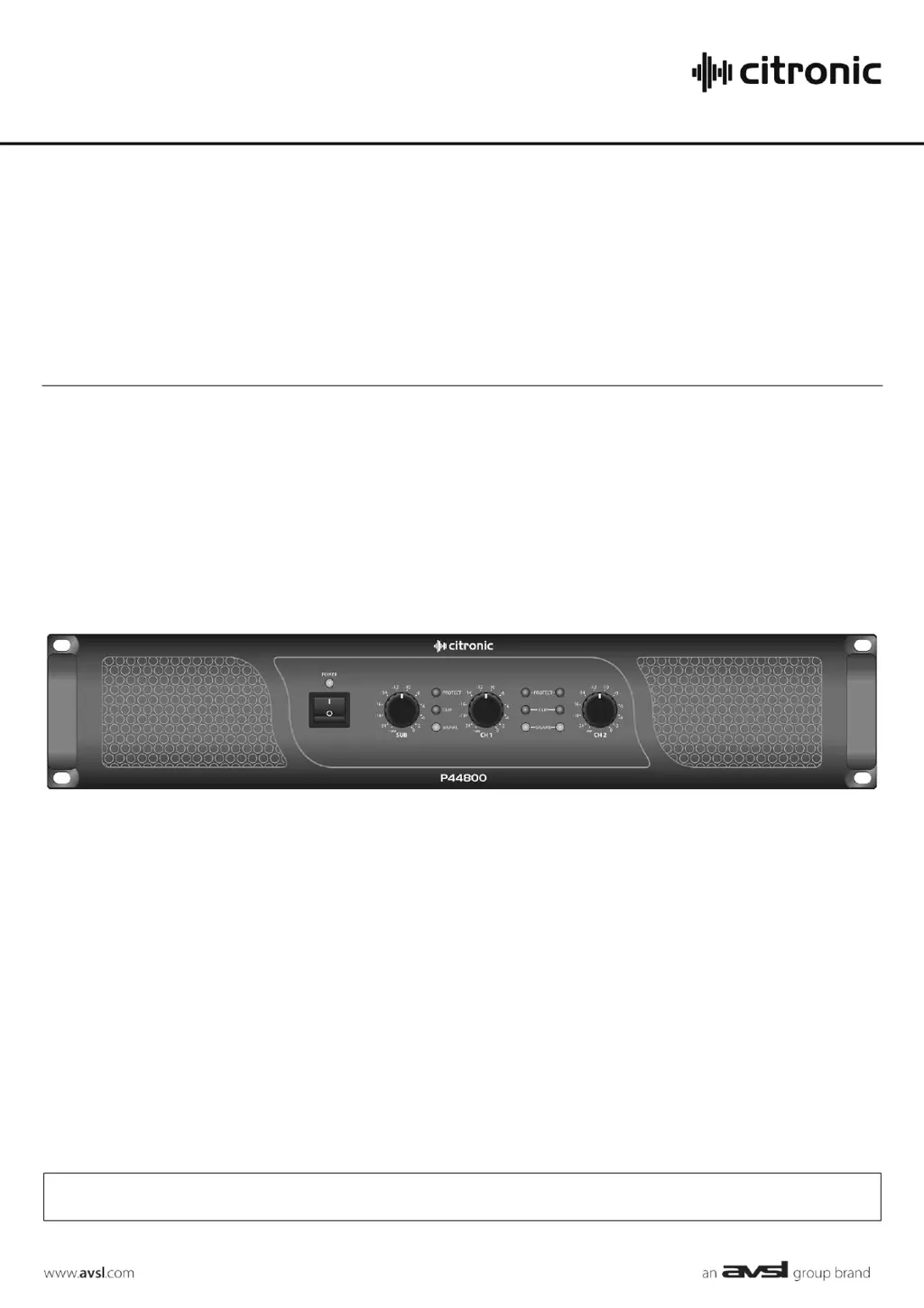
Description of front panel elements including power, LEDs (Protect, Clip, Signal), and level controls for SUB, CH1, and CH2.

Rear Panel and Operation

Rear Panel Connections and Controls

Details of rear panel connections including inputs (XLR/Jack), outputs (SPK), LOW CUT, FILTER, and SUB cutoff frequency control.

Connecting Speakers and Signal Sources

Guidance on connecting speaker cabinets to stereo and SUB outputs, and signal inputs via XLR or jack connectors.

Low Cut and Filter Features

Explanation of the LOW CUT switch and the FILTER facility for the SUB output, including frequency adjustment.

Input Parallel Wiring and Powering On

Information on input wiring and the procedure for connecting to mains and powering on the amplifier.

Usage, Specifications, and Troubleshooting

Adjusting Levels and Monitoring LEDs

Instructions for adjusting channel levels and understanding the SIGNAL, CLIP, and PROTECT LEDs during operation.

Powering Down Procedure

Recommendation to turn channel gain controls down before switching off the amplifier to avoid loud noises.

Technical Specifications

Detailed technical specifications of the P44800 amplifier, including power ratings, impedance, frequency response, and dimensions.

Troubleshooting Common Issues

Solutions for common problems related to power, output, indicators, and sound quality.

Citronic P44800 Specifications

General IconGeneral
Channels2
Frequency Response20Hz - 20kHz
THD<0.1%
Input Impedance10k Ohms
Input Sensitivity0.775V
Power Supply230V AC, 50Hz
Impedance4 Ohms, 8 Ohms
Output Power (4 Ohms)800W

Related product manuals