EasyManua.ls Logo

Citronic QP1600 - User Manual

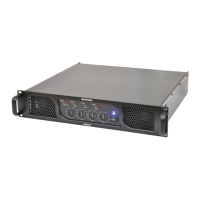
Citronic QP1600
4 pages
Print Icon
To Next Page IconTo Next Page
Loading...
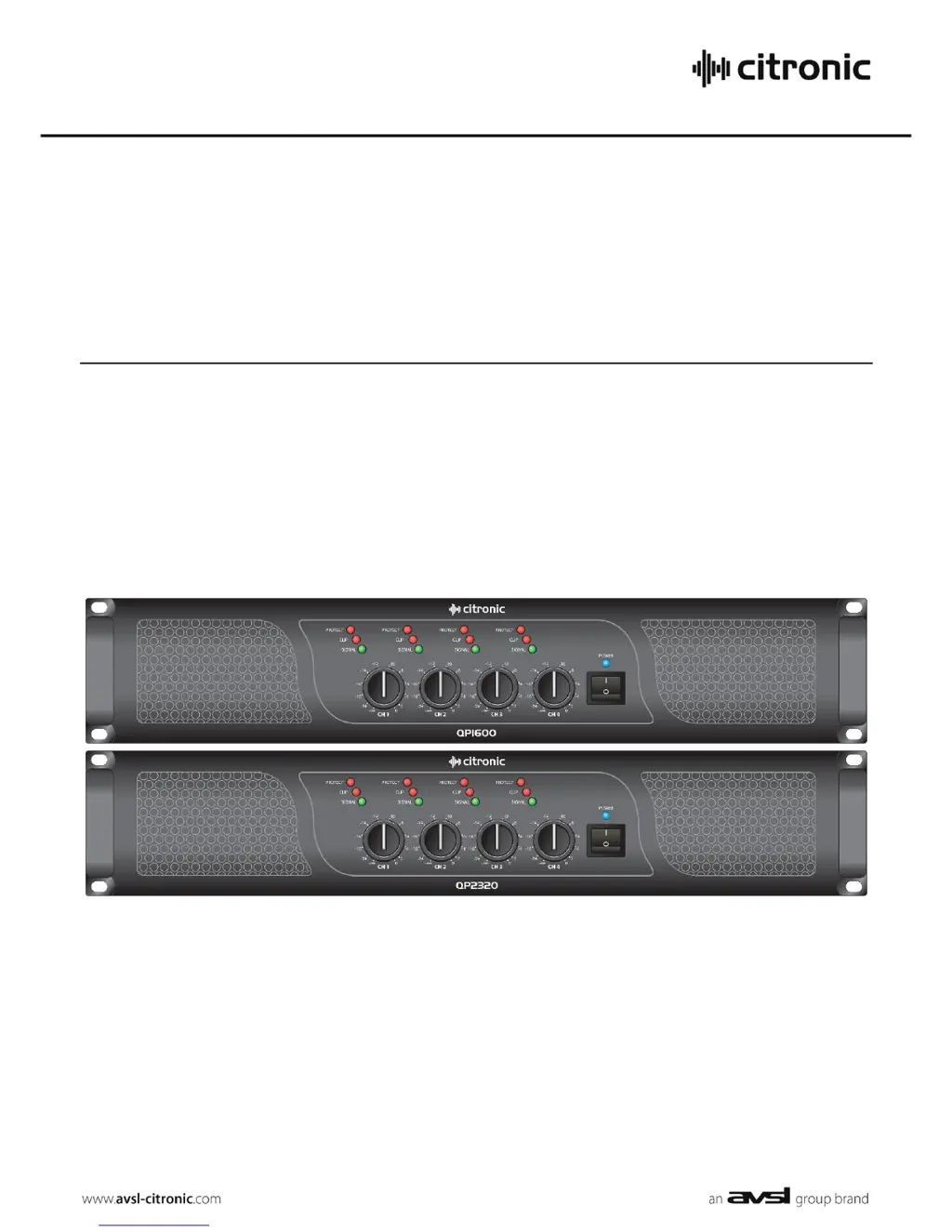
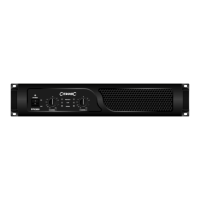
QP1600/QP2320
QUAD POWER AMPLIFIERS
Order ref: 172.241, 172.243
User Manual

Questions and Answers

  • S
    Stephanie JenningsAug 8, 2025
    What to do if the “PM” (Protect Mode) LED is lit and there is no output on my Citronic Amplifier?
    • E
      Eddie AlvaradoAug 8, 2025
      If the “PM” (Protect Mode) LED is lit and there is no output on your Citronic Amplifier, you should: * Switch off the amplifier and disconnect it from the mains. * Check that the speakers are in good working order and not shorted out using a multi-tester. * After checking all connected items, power up the amplifier again. * If it is still in Protect Mode, switch off again and refer to qualified service personnel. * Make sure the cooling vents are clear and the amplifier is not overheated.
  • J
    joseph56Aug 13, 2025
    How to fix very distorted output and “CLIP” LEDs lighting on Citronic Amplifier?
    • C
      Charles HowellAug 13, 2025
      If the output from your Citronic Amplifier is very distorted and the “CLIP” LEDs are lighting, you can try the following: 1. Check that the speaker impedance is not below the rated Ohms. 2. Turn down the input level from the audio source. 3. Turn down the channel gain controls.
  • S
    Savannah BaileyAug 18, 2025
    Why is the power light on but no other LEDs and no output on my Citronic Amplifier?
    • M
      Melissa WhiteAug 19, 2025
      If the power light is on but no other LEDs and no output on your Citronic Amplifier, check the input signal and connection leads. Also, make sure the channel gain controls are not turned fully down.
  • K
    kjohnsonAug 23, 2025
    What to do if the output is working but at very low level on Citronic Amplifier?
    • M
      Matthew BradleyAug 23, 2025
      If the output of your Citronic Amplifier is working but at a very low level, ensure the input source is at line level, increase the input level from the audio source, and turn up the channel gain controls.
  • R
    Robert PerryAug 28, 2025
    Why are the power light and Signal LEDs lit but no output on Citronic Amplifier?
    • D
      desiree85Aug 29, 2025
      If the power light and Signal LEDs are lit but there is no output from your Citronic Amplifier, check that the speaker cabinets are in good working order and that the speaker leads are in good condition and connected properly.
  • A
    Ashley PayneSep 2, 2025
    How to troubleshoot no power light on Citronic Amplifier?
    • J
      John LopezSep 2, 2025
      If there is no power light on the front panel switch of your Citronic Amplifier, ensure the IEC inlet is connected to the mains and the mains lead is in good condition. Also, make sure the mains outlet is switched on.

Summary

Introduction and Safety Precautions

Safety Warnings

Important warnings to prevent electric shock, liquid damage, impact, and unauthorized servicing.

Operational Safety Guidelines

Ensures safe operation by checking mains voltage, speaker leads, impedance, and preventing foreign objects.

Placement and Cleaning

Guidance on optimal placement for airflow and cleaning procedures for the amplifier unit.

Front Panel Overview

Front Panel Components

Identification and description of front panel features including LEDs, gain controls, and vents.

Rear Panel and Operation

Rear Panel Connections

Details the rear panel layout including cooling vents, input/output XLRs, speaker connectors, and IEC inlet.

Connecting and Powering Up

Instructions for connecting speakers, signal sources, and the initial safe power-on procedure.

Gain Adjustment and LED Indicators

Guidance on adjusting channel gain and understanding the function of Signal, Clip, and Protect LEDs.

Protection Mode and Troubleshooting

Explanation of the amplifier's protection mode and steps to take when it is activated.

Specifications and Troubleshooting

Technical Specifications

Detailed technical data for QP1600 and QP2320 models, including power, impedance, and dimensions.

Troubleshooting Common Issues

Provides solutions for common operational problems such as no power, no output, and distortion.

Citronic QP1600 Specifications

General IconGeneral
BrandCitronic
ModelQP1600
CategoryAmplifier
LanguageEnglish

Related product manuals