ci5000 Series Printer Operation Guide
Draft Version 0.1 2-7
The following controls are used to calibrate, test and set Printer specific settings and
configurations. These controls should only be changed by a Citronix trained service engineer.
1. Service
2. Flush Prime
3. Override
4. Test Valves
5. Run Pump
6. HV Trip
7. Advance Service
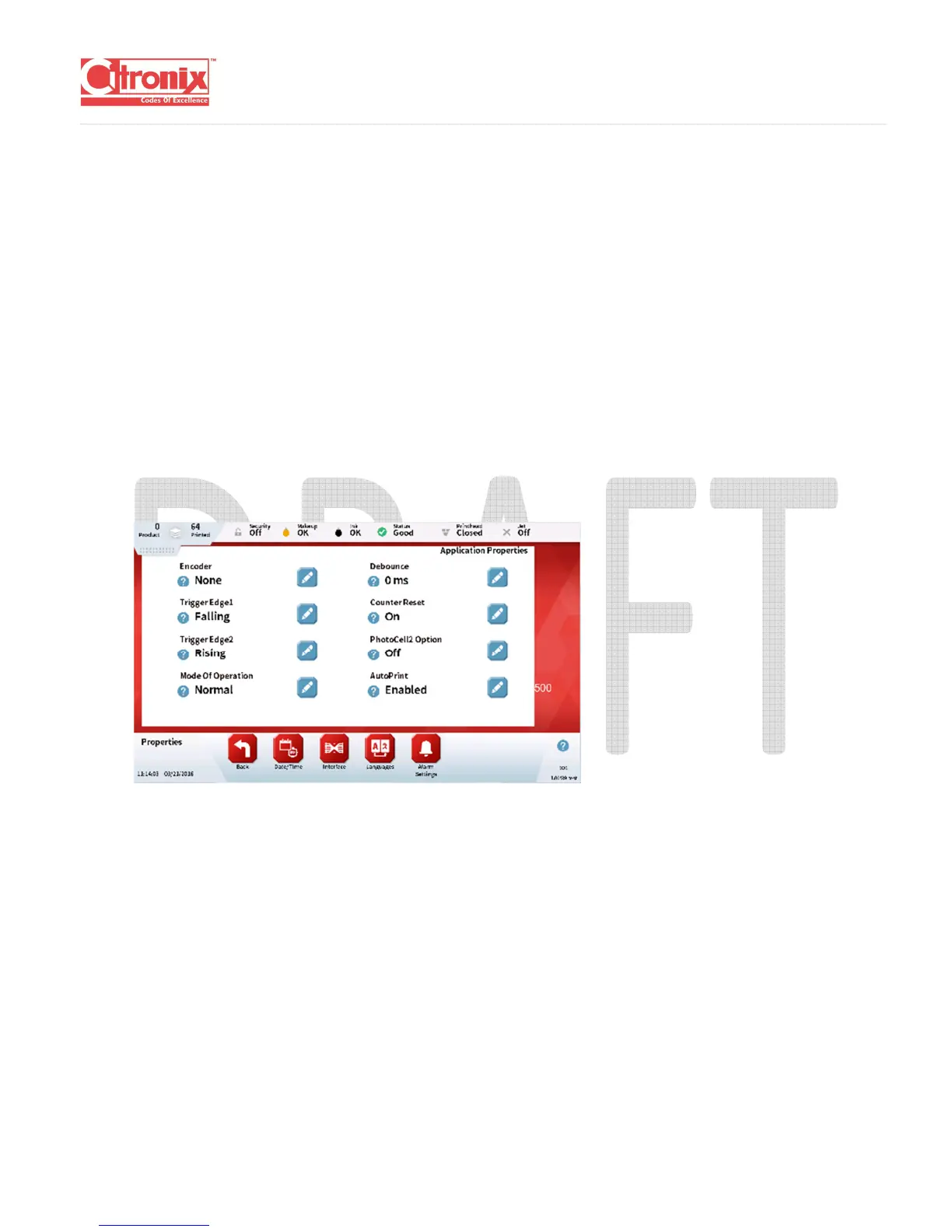
(5) Properties:
The properties page is used during installation to set up the printer for a particular application. It is
used for setting up the accessories such as photocells, encoders and beacons.
(6) Security:
The security page allows certain features of the printer to be disabled until a user with the correct
privileges logs in. By default Security is disabled. To enable security you must have at least one
user with security privileges.



 To Next Page