ci5000 Series Printer Operation Guide
Draft Version 0.1 3-4
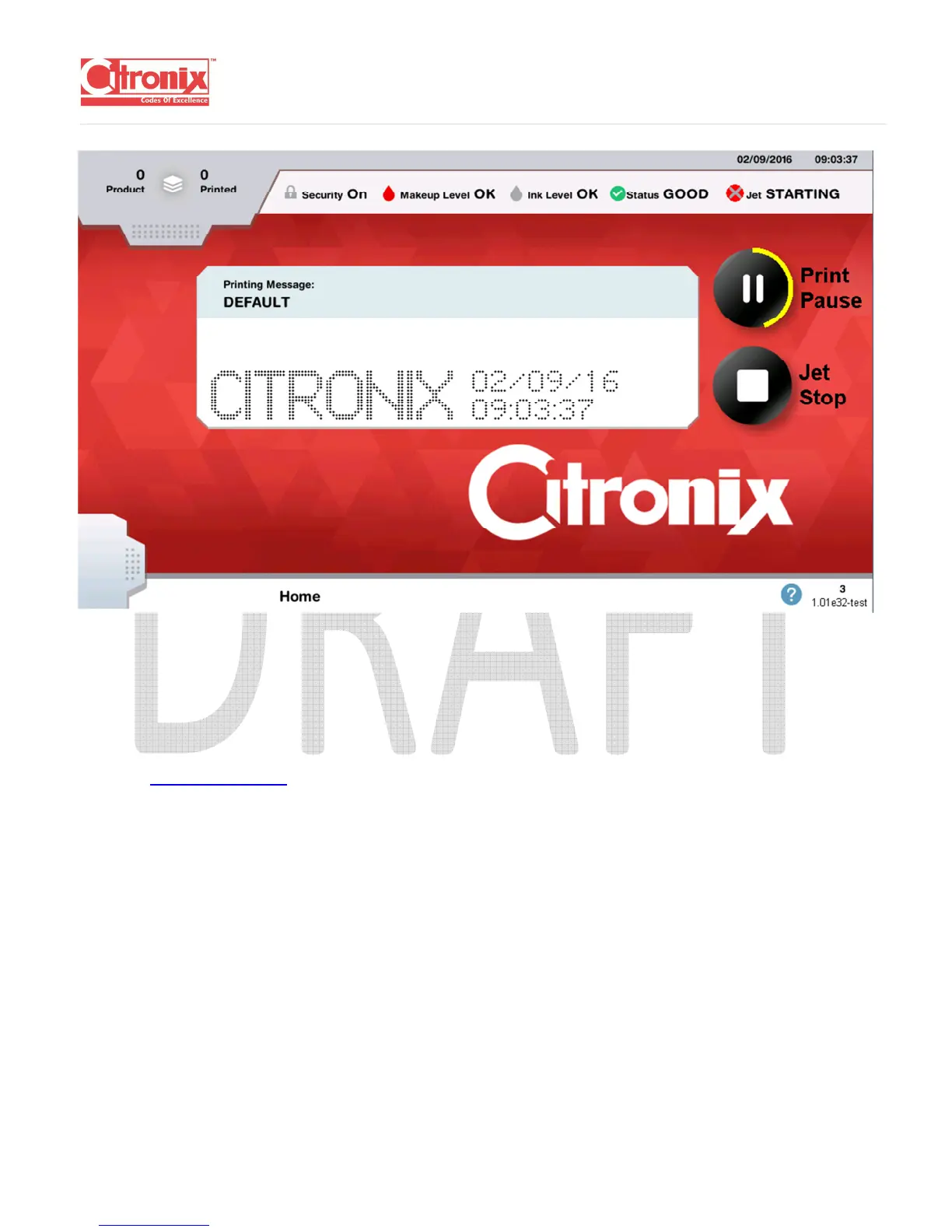
The Printer will start the Jet and display “Jet Start” in the upper right-hand corner of the screen. A yellow
ring will appear around the Jet Start button to show the count down.
Once the countdown is complete, the “Jet On” message will appear on the upper right-hand corner of the
screen. (Not available yet.)
SHUT DOWN
To shut down the printer in a controlled manner, press the Power button for approximately 2 seconds or
press the Jet Stop button. A yellow ring will appear around the Stop Button. This is indicating the
shutdown time. The ring will disappear as the shutdown sequence completes.



 To Next Page