ci5000 Series Printer Operation Guide
Draft Version 0.1 3-2
Startup
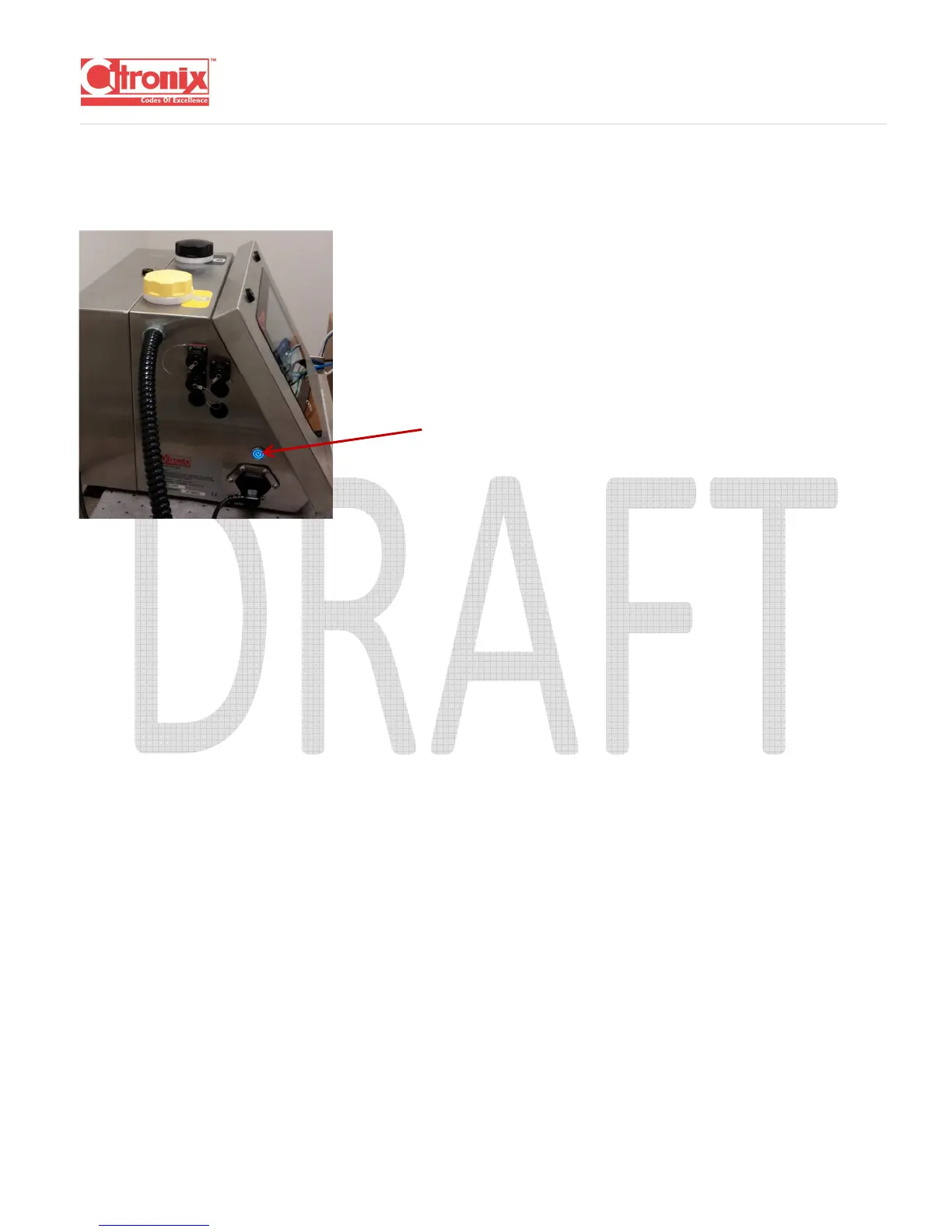
Press and hold the On/Off button located on the left-hand side of the printer to turn the printer on.
When turning the printer on, the initialization screen with Citronix logo will appear first.
(** insert picture)
The main screen will appear after initialization is complete. (** add flow diagram of jet start, jet stop, jet
pause, etc.)



 To Next Page