ci5000 Series Printer Operation Guide
Draft Version 0.1 2-8
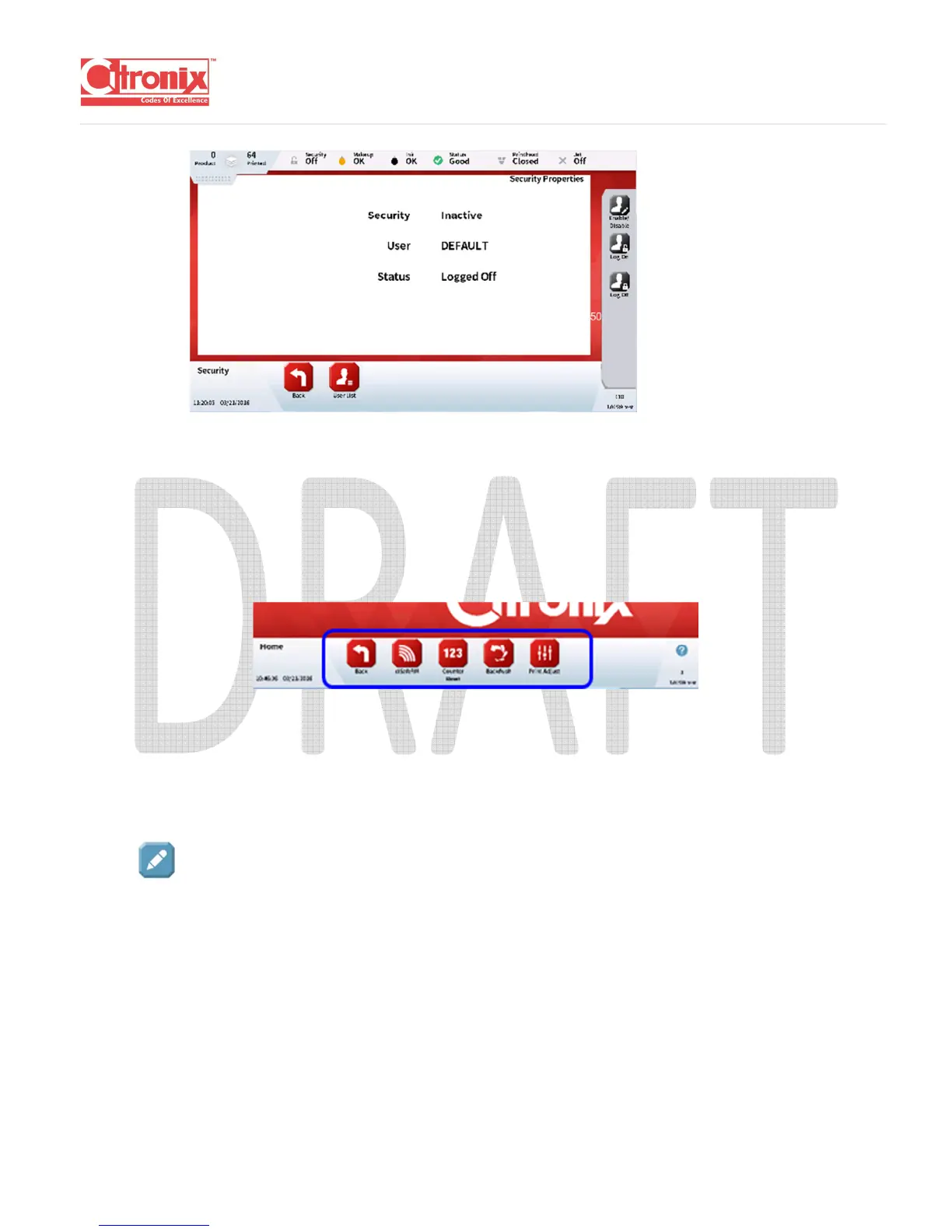
Navigation Tool Bar:
Each icon on the Navigation Tool Bar opens a set of specific screen options for a specific menu screen.
They are all contained within a bar at the bottom of each screen.
Function Tool Bar:
Each icon on the Function Tool Bar ...
Edit:
Edit buttons provide easy access to change setting or enable options.
When pressed, a keyboard will appear to allow the information to be entered or, a list screen will appear
to select from a list of options.



 To Next Page