ci5000 Series Printer Operation Guide
Draft Version 0.1 3-3
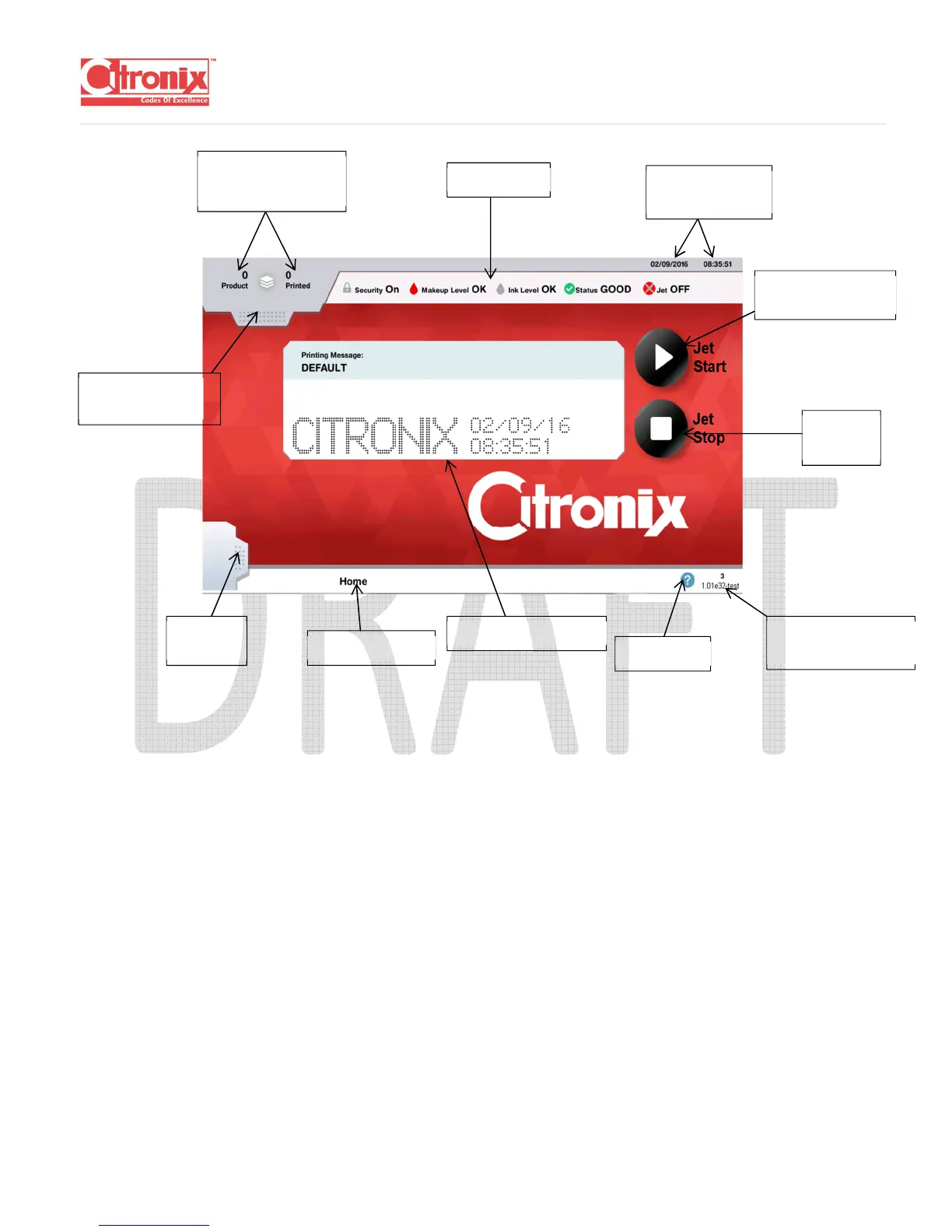
(describe the fields on the screen here … general functions, editor screen, etc)
START THE JET
After powering on, the Printer will show the main screen and a “Jet Calibrating” (** add screen shot)
message on the upper right-hand corner of the screen. This is shown for a few seconds before it
changes to “Jet Off”
Press “Jet Start” to start the Jet.
Counts
WISIWYG display
Screen Name
Status Bar
Time
Button
Help Icon



 To Next Page