2.1.8 RHB MEDION 340 - 310 - 299 216.0
Cab
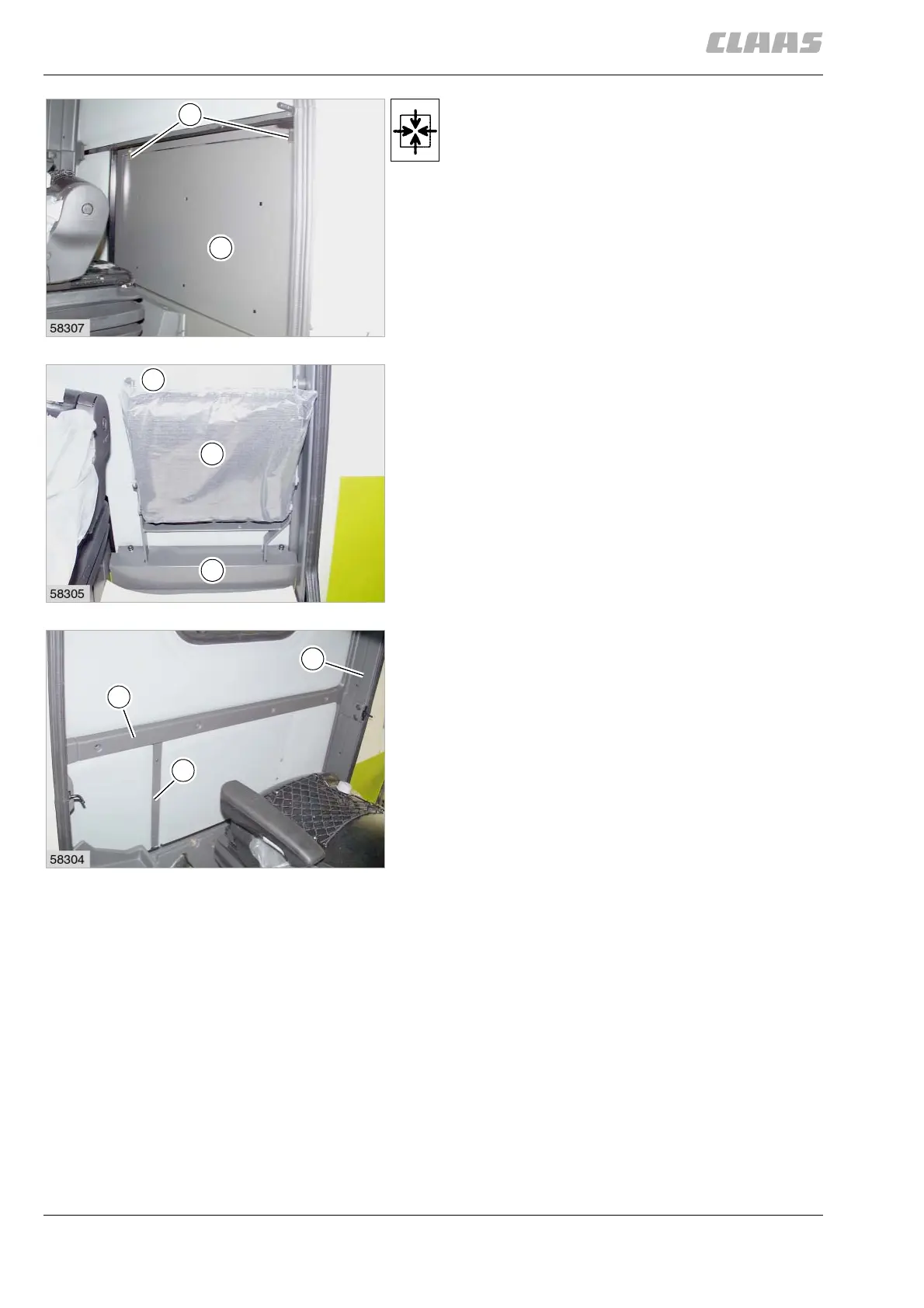
Installing the cab rear panel
1. Insert flap (K) and fasten with locks (H).
2. Insert and bolt down covering (F).
3. With passenger seat fitted:
– Install the passenger seat (E).
– Bolt down covering (D).
(Fig.23,26,27)
4. Bolt down panels (B and C).
5. Bolt down panel (A) on the left side.
(Fig. 28)



 To Next Page