EasyManua.ls Logo

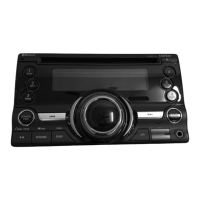
Clarion CX201 - User Manual

Clarion CX201
33 pages
Print Icon
To Next Page IconTo Next Page
Loading...
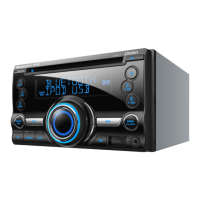
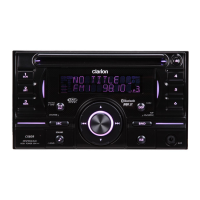
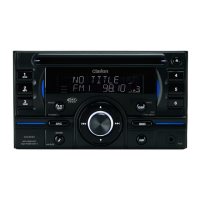
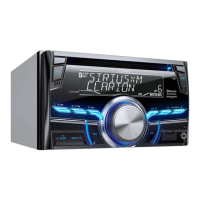
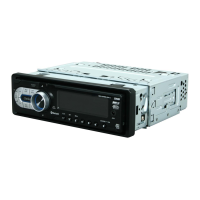
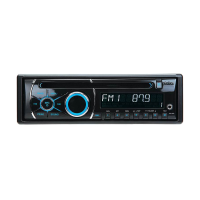
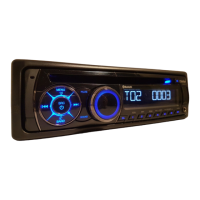
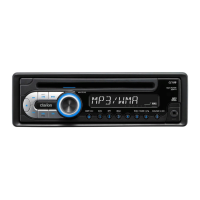
2-DIN CD/USB/MP3/WMA RECEIVER
LECTEUR CD/USB/MP3/WMA 2-DIN
RECEPTOR 2-DIN CD/USB/MP3/WMA
CX201
Owner’s manual
Mode d’emploi
Manual de instrucciones
CX201_EN.book Page 1 Wednesday, November 17, 2010 10:50 AM

Questions and Answers

  • T
    Tonya MartinAug 7, 2025
    Why won't my Clarion CX201 Car Receiver turn on?
    • L
      Lisa PachecoAug 7, 2025
      If your Clarion Car Receiver isn't turning on, it could be due to a blown fuse. Replace the fuse with one of the same amperage. If the fuse blows again, it could also be caused by incorrect wiring. In this case, consult your store of purchase.
  • R
    Reginald JacksonAug 11, 2025
    What to do if my Clarion CX201 Car Receiver sound skips?
    • J
      Jason PerezAug 11, 2025
      If the sound from your Clarion Car Receiver skips or is noisy, the compact disc may be dirty. Try cleaning it with a soft cloth. If the compact disc is heavily scratched or warped, replace it with one that has no scratches.
  • T
    Tammie KingAug 15, 2025
    What to do if buttons don't work on my Clarion CX201?
    • A
      Adam ParkerAug 15, 2025
      If nothing happens when you press the buttons on your Clarion Car Receiver or the display is not accurate, the microprocessor may have malfunctioned. Try pressing the reset button for about 2 seconds with a thin rod. If the RESET button is pressed when a disc is loaded, please eject the disc and load it once again before attempting to play it. Also, the main unit connectors could be dirty. Wipe them off with a soft cloth moistened with cleaning alcohol.
  • L
    Laura GarciaAug 20, 2025
    Why is there no sound coming from my Clarion CX201 Car Receiver?
    • C
      Cory SullivanAug 20, 2025
      If you hear no sound from your Clarion Car Receiver, the speaker protection circuit may be operating. Try turning down the sound volume, or turn the power off and on again. If the sound is muted again, consult our service department.
  • C
    Charles SmithAug 25, 2025
    What to do if there is no sound with amplifiers on my Clarion Car Receiver?
    • H
      Heather GarciaAug 25, 2025
      If there is no sound output when operating your Clarion Car Receiver with amplifiers or a power antenna attached, the power antenna lead may be shorted to ground, or excessive current may be required for remote-on the amplifiers or power antenna. Here’s what to do: 1. Turn the unit off. 2. Remove all wires attached to the power antenna lead and check each wire for a possible short to ground using an ohm meter. 3. Turn the unit back on. 4. Reconnect each amplifier remote wire to the power antenna lead one by one. If the amplifiers turn off before all wires are attached, use an external relay to provide remote-on voltage (excessive current required).
  • A
    Alejandro MorrisAug 28, 2025
    Why won't my Clarion CX201 play MP3 files?
    • T
      Tracy TaylorAug 28, 2025
      If your Clarion Car Receiver isn't playing sound from a disc, check the following: - Ensure that MP3/WMA files are properly written onto the disc. - Verify that the files are recognized as MP3/WMA files and are encoded properly. - Confirm that the file system used is ISO9660 level 1, 2 or JOLIET or Romeo or APPLE ISO.
  • N
    Nicole WatsonSep 1, 2025
    Why does my Clarion Car Receiver sound bad after turning it on?
    • M
      melissa50Sep 1, 2025
      If the sound quality of your Clarion Car Receiver is poor immediately after turning it on, water droplets may have formed on the internal lens due to humidity. Let the unit dry for about 1 hour with the power on.

Clarion CX201 Specifications

General IconGeneral
TunerFM/AM
BluetoothYes
Display TypeLCD
Pre-outs2-Channel
Channels4
Power Output4 x 45W
USB PortYes
Aux InputYes
PlaybackMP3, WMA
Peak Power Output4 x 45W

Related product manuals