9
Parts & Service: 020 8988 7400 / E-mail: Parts@clarkeinternational.com or Service@clarkeinternational.com
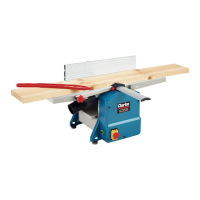
FIT THE DUST EXTRACTOR ASSEMBLY
NOTE: The planer/thicknesser will NOT work if the dust extractor assembly is not
fitted correctly.
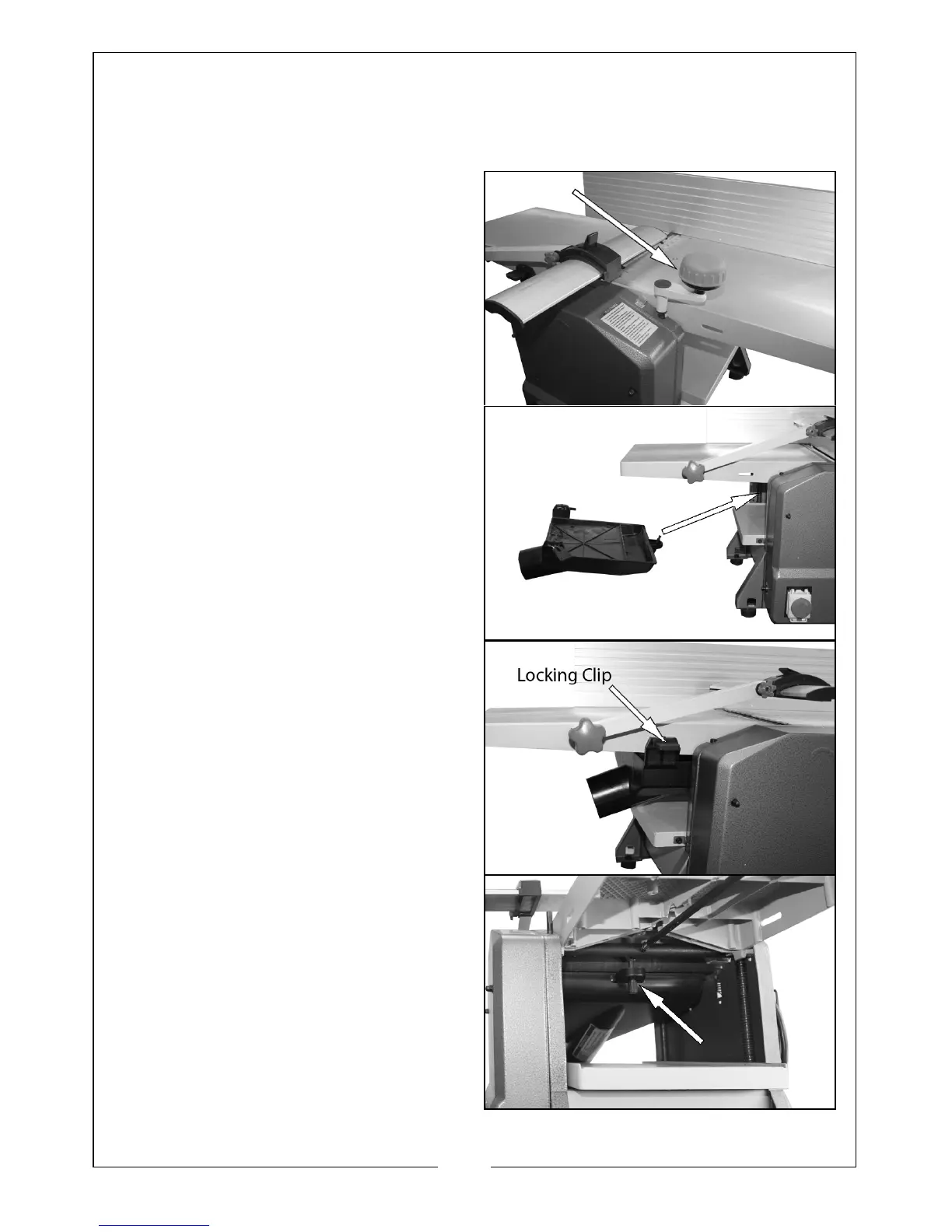
1. Temporarily attach the table
elevating handle and lower the
table as far as possible, remove
the table elevating handle.
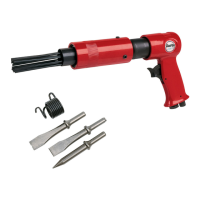
2. Put the dust extractor assembly
into position as shown.
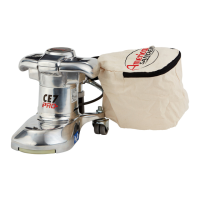
3. Engage the two locking clips (one
on each side) into the slots on the
side of the table.
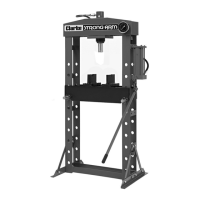
4. Reach in and screw the front of
the dust extractor assembly to the
bottom of the table.


 To Next Page