11
© Copyright 2020. All rights reserved.
HIBLOW BLOWER TIMER SETTING
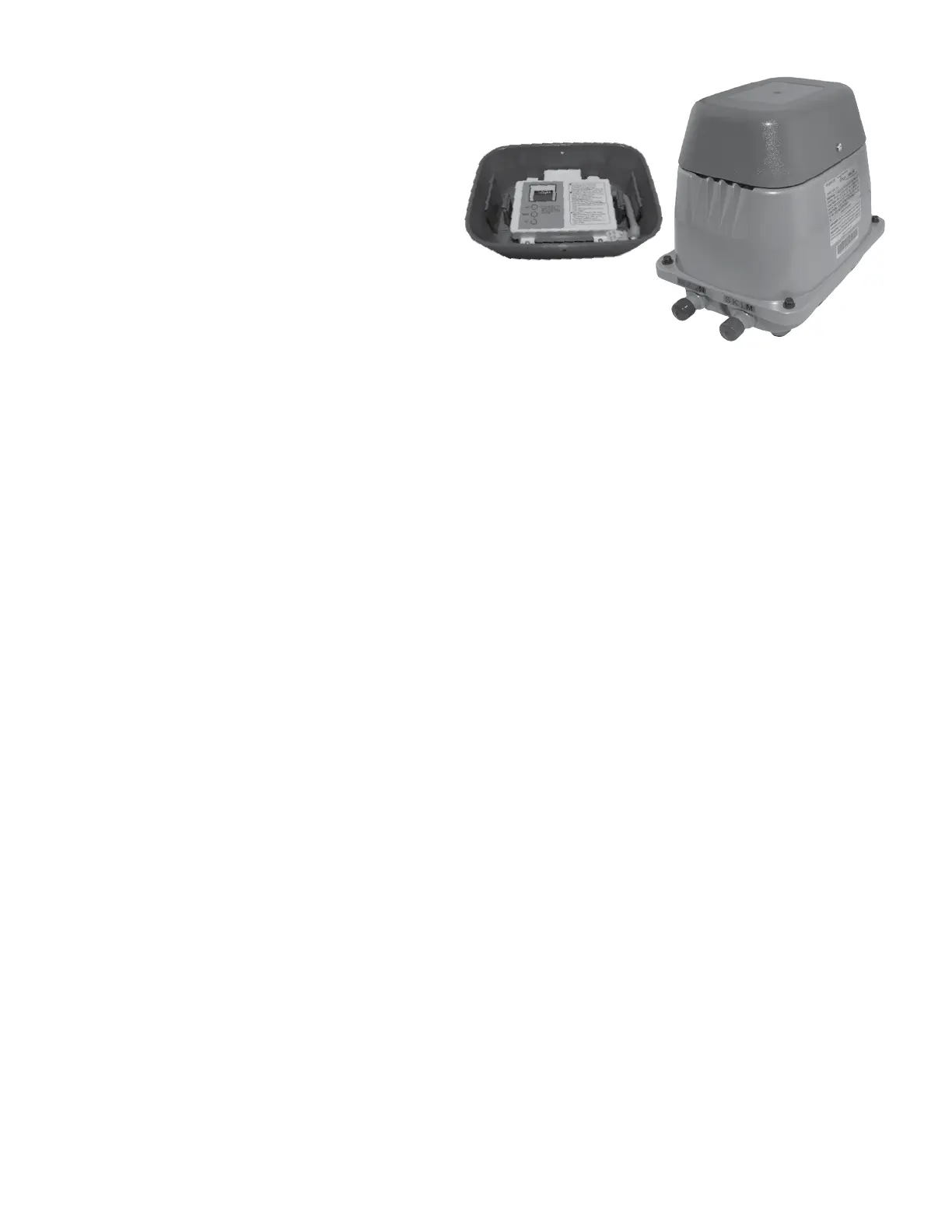
To Adjust Clock:
1. Remove 2 Phillips head screws from the grey plastic
top and pull grey top off to access the timer module.
2. To switch to "Time Setting Mode", hold the [HOUR]
button for more than 2 seconds during "Auto" mode.
Adjust with the [HOUR] and [MINUTE] buttons, then
press the [SET] button to set the current time.
To Adjust Backwash Settings:
1. To set "Backwash/Skim Timer Setting Mode", hold
the [SET] button for more than 2 seconds DURING
"Time Setting Mode". Adjust the end time for
backwash with [HOUR] [MINUTE] button. Press
[SET] to set the start time. Adjust the end time with
[HOUR] [MINUTE] button, press [SET] to set 2 second
backwash end time with [HOUR] and [MINUTE]
buttons. Press [SET] to set the 2 second backwash
start time with [HOUR] and [MINUTE] buttons. Press
[SET] twice to set the backwash timer. Make sure
two 5-minute times are set from 2:00 - 2:05 and 3:00 -
3:05.
To Switch Between "Manual" Mode and "Auto" Mode:
1. To switch to "Manual" mode, press [MINUTE] button
for more than 2 seconds. The unit can be switched
between "Recirculation" and "Backwash" with the
[MINUTE] button. Press the [SET] button to switch
back to "Auto" mode.
NOTE: Unit uses a 24-hour clock.
HIBLOW Blower and Timer shown.
Figure 16


 To Next Page