Statement
User Manual
Page 14 clearaudio electronic GmbH 2008
16.
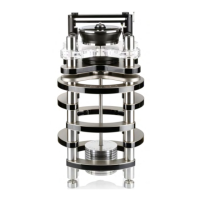
Lower the acrylic chassis onto the four pillars at the corners of
the floating chassis so that the circular cut-outs sit over the
pillars.
17.
Firmly screw the four stainless steel arm bases through the acrylic chassis into the four pillars of
the floating chassis.
Pic. 16: To lower the acrylic chassis
Pic. 17: Setting the arm bases







 To Next Page