EasyManua.ls Logo

Clearaudio Concept - User Manual

Clearaudio Concept
36 pages
Print Icon
To Next Page IconTo Next Page
Loading...
User manual
Bedienungsanleitung
© clearaudio electronic GmbH, 2022-11 Made in Germany
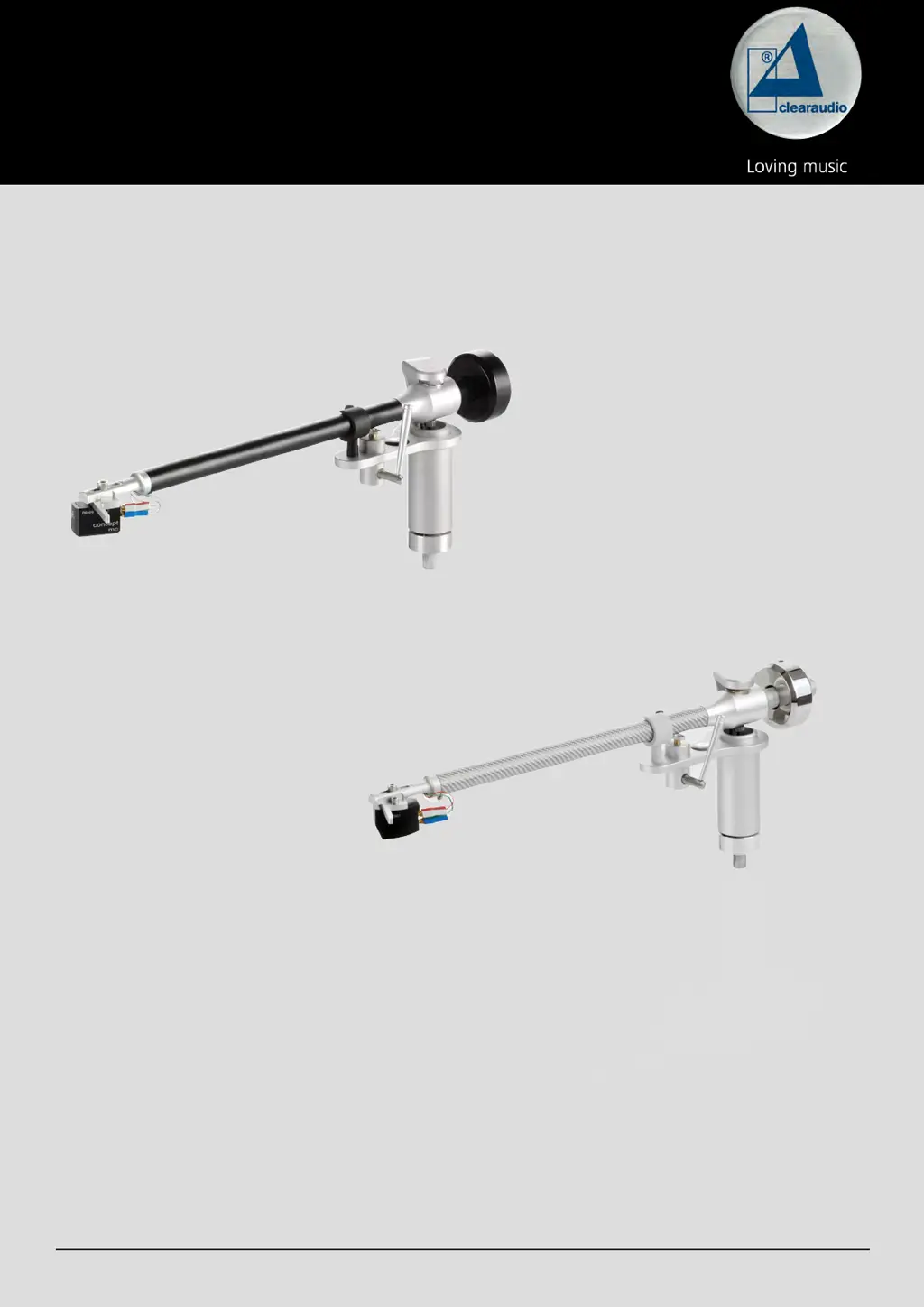
concept / Verify
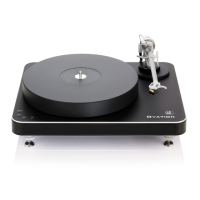
Pic. similar /
Abb. ähnlich
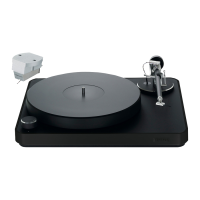
Pic. similar /
Abb. ähnlich

Questions and Answers

  • D
    David SteeleAug 12, 2025
    Why is there no sound coming from my Clearaudio Concept?
    • T
      tyler43Aug 13, 2025
      If your Clearaudio Turntable isn't producing any sound, several factors could be at play. First, ensure the cable connection between the tonearm and the phono stage is secure. Next, verify that your amplifier is powered on and that the volume isn't set too low or muted. Also, check that you've removed the cartridge's protective cap and that the tonearm is lowered into the lead-in groove. Finally, inspect the stylus for any damage. If necessary, have a specialist examine the cartridge.
  • C
    Calvin PrinceAug 16, 2025
    How to fix bad sound or noise from Clearaudio Concept?
    • J
      jessicareyesAug 16, 2025
      If you're experiencing bad sound or noise with your Clearaudio Turntable, start by checking if the record or stylus is dirty or damaged. Clean them, using Clearaudio accessories if needed. For damage, seek a specialist's assessment. Also, verify the cartridge is correctly mounted per the user manual and adjust the tracking force if it's too high. Ensure the correct operating mode (MM / MC) is set on the amplifier and that your phono stage settings are correct. If the pre/amp is mismatched, swap the turntable plugs connected to the left and right outputs.
  • X
    xholdenAug 20, 2025
    What to do if the Clearaudio Concept platter does not turn?
    • J
      John BrownAug 20, 2025
      If the platter on your Clearaudio Turntable isn't turning, check these potential causes: 1. Make sure the drive belt is properly attached. 2. Verify the power cord is correctly connected. 3. Ensure a speed is selected and that the speed selection isn't in the '0' or 'OFF' position. Start the turntable after selecting a speed.
  • R
    rachel26Aug 25, 2025
    Why does the needle bounce or slide on my Clearaudio Turntable?
    • C
      Christopher HaysAug 25, 2025
      If the needle on your Clearaudio Turntable bounces or slides across the record, the following steps may help: * Clean the record and the cartridge, using Clearaudio accessories if needed. If there is damage, seek a specialist's assessment. * Adjust the tracking force if it has been set too high. * If the record is deformed or scratched, use a record clamp or replace the record. * Check the alignment of the turntable and adjust if necessary to ensure it is level.
  • A
    alewisAug 28, 2025
    How to eliminate humming noises from my Clearaudio Turntable?
    • A
      amandashawAug 28, 2025
      If you're hearing humming noises from your Clearaudio Turntable, it could be due to several reasons. Check all signal connections (like cinch plugs and extension adapters) for contact problems. Temporarily reduce the (pre-)amplifier level to check for gross errors. If the metal housing is acting as an antenna, connect the turntable's metal parts to the (phono) preamplifier's ground using a sufficiently thick wire via the grounding terminal. Also, inspect the pickup pin assignments to ensure they are correctly connected and not defective.
  • K
    Kayla DavisSep 1, 2025
    Why does music from my Clearaudio Turntable sound unusual?
    • J
      johnhillSep 1, 2025
      If the music from your Clearaudio Turntable doesn't sound right, first check the selected speed against the record's recommendation. Remember that some LP format records (30 cm) need to be played at 45 rpm, and small records (17 cm) might require 33 rpm. If the speed is correct, adjust the turntable speed according to the operating instructions if it's spinning too fast or slow.
  • J
    Jacob BrownSep 4, 2025
    Why does the needle bounce or slide across the record with Clearaudio Accessories?
    • R
      Ronald GarciaSep 4, 2025
      If the needle bounces or slides across the record when using Clearaudio Accessories, several factors could be at play. First, check if the record or stylus is dirty or damaged. Clean them, using Clearaudio's care and cleaning accessories. If there's damage, get a specialist to assess it, and consider a replacement. Also, ensure the tracking force isn't too high by adjusting it with a suitable gauge like Clearaudio’s „Weight Watcher touch“ or „Smart Stylus Gauge“. A deformed or scratched record could also be the culprit; try using a record clamp or replacing the record. Lastly, make sure the turntable is properly leveled and adjust it if needed.
  • C
    Christopher DuarteSep 8, 2025
    What to do if the tonearm lift does not lower on Clearaudio Accessories?
    • J
      Jeremy BrownSep 8, 2025
      If the tonearm lift on your Clearaudio Accessories lowers very slowly or not at all, it might be due to the grease in the tonearm lift hardening from lack of use. To resolve this, operate the lift about 4-5 times. This should help loosen the grease, allowing the lift bar to lower evenly again.

Summary

Safety and General Information

General Information and Precautions

Essential checks, warnings, and usage guidelines before operation.

Intended Use and Environment

Specifies purpose and suitable installation conditions.

Maintenance and Care

Recommendations for upkeep and cleaning methods.

Health Information and Safe Listening

Advises on safe listening levels and responsible usage.

Service, Transport, and Disposal Guidelines

Covers repair, shipping, and end-of-life procedures.

Regulatory Compliance

Notes on CE marking and adherence to standards.

Components and Mounting Procedures

List of Package Components

Details all items included in the tonearm package.

Mounting the Tonearm Base

Instructions for attaching the tonearm base to the turntable.

Clamping Ring Installation (Other Turntables)

Guide for installing the clamping ring on alternative turntables.

Mounting the Tonearm Assembly

Steps for attaching the tonearm assembly to the prepared base.

Tonearm Setup and Adjustments

Distance: Spindle to Pivot Point

Setting the correct tonearm pivot to spindle distance.

Tonearm Adjustment Overview

Introduction to the various tonearm calibration steps.

Vertical Tracking Angle (VTA) Setup

How to set the vertical tracking angle for optimal sound.

Cartridge Alignment and Setup

Steps for aligning the cartridge in the headshell.

Tracking Force Setting

Procedure for setting the correct stylus tracking pressure.

Azimuth Angle Calibration

Method for ensuring the stylus is perpendicular to the record.

Anti-skating Force Adjustment

How to set the anti-skating force to counteract inward pull.

Troubleshooting, Specifications, and Warranty

Troubleshooting Common Issues

Solutions for common problems like needle bounce or lift issues.

Technical Data and Specifications

Key specifications and construction details of the tonearm.

Warranty Information and Registration

Details on manufacturer's warranty coverage and registration.

Clearaudio Concept Specifications

General IconGeneral
Drive SystemBelt drive
Speed33 1/3, 45 RPM
CartridgeClearaudio Concept MM
MotorDC motor
Weight7.5 kg
Dimensions420 x 350 x 140 mm
Platter30 mm POM (Polyoxymethylene)
TonearmConcept Tonearm (verify version)

Related product manuals