EasyManua.ls Logo

Clearaudio Performance DC - User Manual

Clearaudio Performance DC
20 pages
Print Icon
To Next Page IconTo Next Page
Loading...
User manual
© clearaudio electronic GmbH, 2022-11 Made in Germany
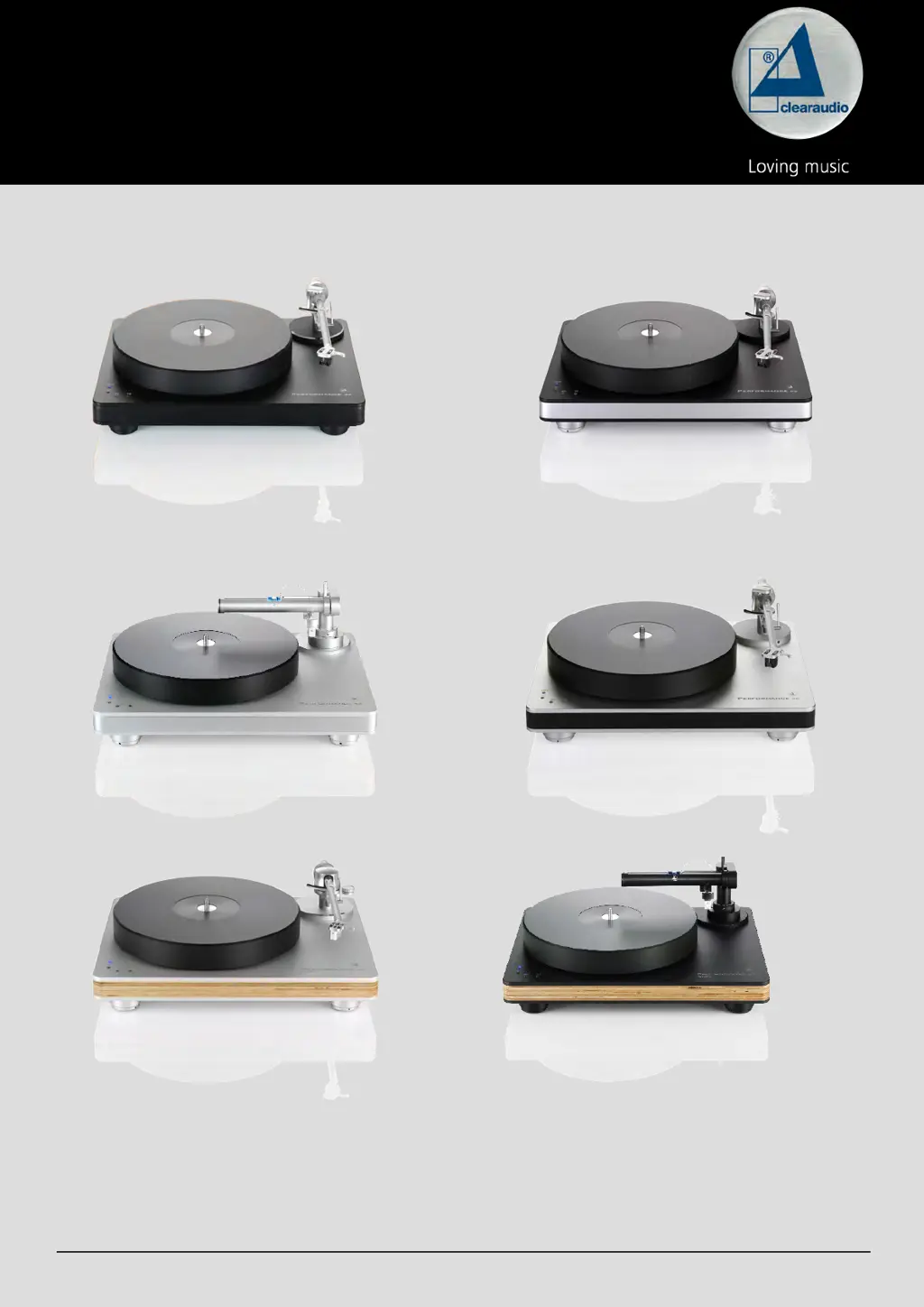
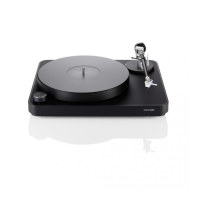
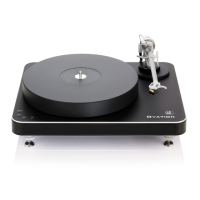
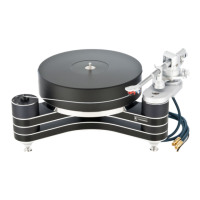
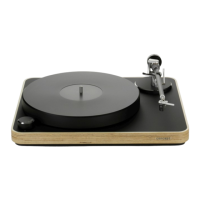
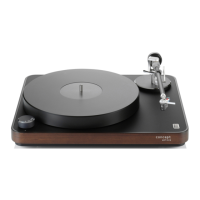
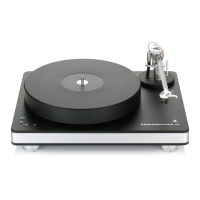
Performance DC
Black with black chassis
Silver with wood chassis
Black with silver chassis
Silver with black chassisSilver with silver chassis
Black with wood chassis
Pic. similar

Questions and Answers

  • K
    Katelyn SmithJul 27, 2025
    Why is there no sound coming from my Clearaudio Performance DC?
    • M
      Mary ThompsonJul 27, 2025
      If your Clearaudio Turntable isn't producing any sound, several factors could be at play. First, ensure the cable connection between the tonearm and the phono stage is secure. Next, verify that your amplifier is powered on and that the volume isn't set too low or muted. Also, check that you've removed the cartridge's protective cap and that the tonearm is lowered into the lead-in groove. Finally, inspect the stylus for any damage. If necessary, have a specialist examine the cartridge.
  • R
    Robert JonesAug 2, 2025
    How to fix bad sound or noise from Clearaudio Performance DC?
    • L
      lisa04Aug 2, 2025
      If you're experiencing bad sound or noise with your Clearaudio Turntable, start by checking if the record or stylus is dirty or damaged. Clean them, using Clearaudio accessories if needed. For damage, seek a specialist's assessment. Also, verify the cartridge is correctly mounted per the user manual and adjust the tracking force if it's too high. Ensure the correct operating mode (MM / MC) is set on the amplifier and that your phono stage settings are correct. If the pre/amp is mismatched, swap the turntable plugs connected to the left and right outputs.
  • J
    John WoodAug 7, 2025
    What to do if the Clearaudio Performance DC platter does not turn?
    • J
      Jasmin HowardAug 7, 2025
      If the platter on your Clearaudio Turntable isn't turning, check these potential causes: 1. Make sure the drive belt is properly attached. 2. Verify the power cord is correctly connected. 3. Ensure a speed is selected and that the speed selection isn't in the '0' or 'OFF' position. Start the turntable after selecting a speed.
  • P
    paulthompsonAug 13, 2025
    Why does the needle bounce or slide on my Clearaudio Turntable?
    • J
      Jennifer CarlsonAug 13, 2025
      If the needle on your Clearaudio Turntable bounces or slides across the record, the following steps may help: * Clean the record and the cartridge, using Clearaudio accessories if needed. If there is damage, seek a specialist's assessment. * Adjust the tracking force if it has been set too high. * If the record is deformed or scratched, use a record clamp or replace the record. * Check the alignment of the turntable and adjust if necessary to ensure it is level.
  • C
    Christopher ClarkAug 20, 2025
    How to eliminate humming noises from my Clearaudio Performance DC Turntable?
    • R
      Ryan ThomasAug 20, 2025
      If you're hearing humming noises from your Clearaudio Turntable, it could be due to several reasons. Check all signal connections (like cinch plugs and extension adapters) for contact problems. Temporarily reduce the (pre-)amplifier level to check for gross errors. If the metal housing is acting as an antenna, connect the turntable's metal parts to the (phono) preamplifier's ground using a sufficiently thick wire via the grounding terminal. Also, inspect the pickup pin assignments to ensure they are correctly connected and not defective.

Summary

Safety Instructions

General Information

Safety advice for handling the turntable and power cord, including damage checks and moisture avoidance.

Intended Use

Defines the turntable's purpose for playing records and limitations on usage.

Location of Installation

Guidelines for optimal placement to avoid heat, humidity, sunlight, and ensure room temperature operation.

Overload Precautions

Warning against leaving the device unattended under extreme load conditions.

Maintenance Guidelines

Instructions for cleaning with approved products and bearing lubrication every 2 years.

Health Information

Warning about potential hearing damage from prolonged high volume listening.

Service and Repair

Guidance on warranty repairs, authorized service, and sending the unit to Clearaudio via dealer.

Transport Safety

Instructions for safe transportation using original packaging to prevent damage.

Product Disposal

Information on proper disposal of the product according to WEEE regulations.

CE Marking Compliance

Indicates the product conforms to applicable directives for CE marking.

Packaging Overview

Top Layer Contents

Lists items in the top packaging layer: bearing, belt, accessories, sub-platter, power supply.

Middle Layer Contents

Describes the turntable chassis found in the middle packaging layer.

Bottom Layer Contents

Details the platter located in the bottom packaging layer.

Setup and Operation

Positioning Requirements

Specifies the minimum space (16.54 x 12.99 inches) required for turntable placement.

Chassis Placement and Grounding

Instructions for placing the chassis and attaching the grounding wire to prevent hum.

Bearing Lubrication

Steps for removing the seal and applying bearing oil to the ceramic bearing shaft.

Fitting Bearing Upper Part

Guidance on carefully sliding the bearing upper part onto the polished ceramic shaft.

Setting Sub-platter and Belt

Instructions for mounting the sub-platter and attaching the drive belt to the motor.

Platter Installation and Leveling

Steps for mounting the platter and adjusting the turntable's feet for a level position.

Clarify Tonearm Installation

Instructions for installing the Clarify tonearm when purchased as a package.

Smart Stylus Gauge Usage

Guide on using the Smart Stylus Gauge to correctly set cartridge tracking force.

Connecting to Main Supply

Instructions for connecting the turntable to the main power source.

Speed Fine Adjustment

Details on using trimmers to fine-tune playback speed for 33, 45, and 78 RPM.

Troubleshooting

Device Not Working

Addresses issues like power cord connection or amplifier power.

No Sound Issues

Solutions for lack of audio output, low volume, or mute settings.

Bad Sound or Noise

Troubleshooting steps for distortion, hum, or unwanted noises.

Needle Bounces or Slides

Remedies for stylus jumping or skipping on the record, related to tracking force or record condition.

Platter Not Turning

Solutions for when the turntable platter fails to rotate, checking drive belt and connections.

Noisy Sound (Drive Belt)

Troubleshooting steps for noise related to the drive belt position or condition.

Humming Noises

Guidance on eliminating humming by establishing a proper ground connection.

Music Doesnt Sound Usual

Addresses issues like incorrect speed selection or faulty pickup connections.

Technical Data

Construction Details

Describes the resonance-optimized body and chassis construction with embedded aluminium plates.

Speed Options and Drive Unit

Details available playback speeds (33, 45, 78 RPM) and the DC motor drive system.

Bearing and Platter Specifications

Information on the ceramic magnetic bearing and the CNC-milled platter's material and thickness.

Power Consumption and Weight

Specifies power usage in different modes and the total unit weight (approx. 11.0kg).

Dimensions and Warranty

Provides physical dimensions (W/D/H) and the manufacturer's 5-year warranty period.

Warranty Information

Extended Warranty Details

Explains the 5-year extended warranty and the requirement for online registration or card return.

Purchase Receipt Importance

Emphasizes retaining the purchase receipt as proof of purchase for warranty service.

UK Consumer Rights

Clarifies that UK statutory rights are supplementary to the provided warranty.

Clearaudio Performance DC Specifications

General IconGeneral
Drive systemBelt drive
Speeds33 1/3, 45 rpm
Platter40mm POM
BearingCMB (Ceramic Magnetic Bearing)
Dimensions420mm x 350mm x 125mm
Weight11.5 kg
TonearmClearaudio Satisfy Kardan Aluminium (other tonearms optional)

Related product manuals