EasyManua.ls Logo

Clearaudio Ovation - User Manual

Clearaudio Ovation
20 pages
Print Icon
To Next Page IconTo Next Page
Loading...
User manual
© clearaudio electronic GmbH, 2022-11 Made in Germany
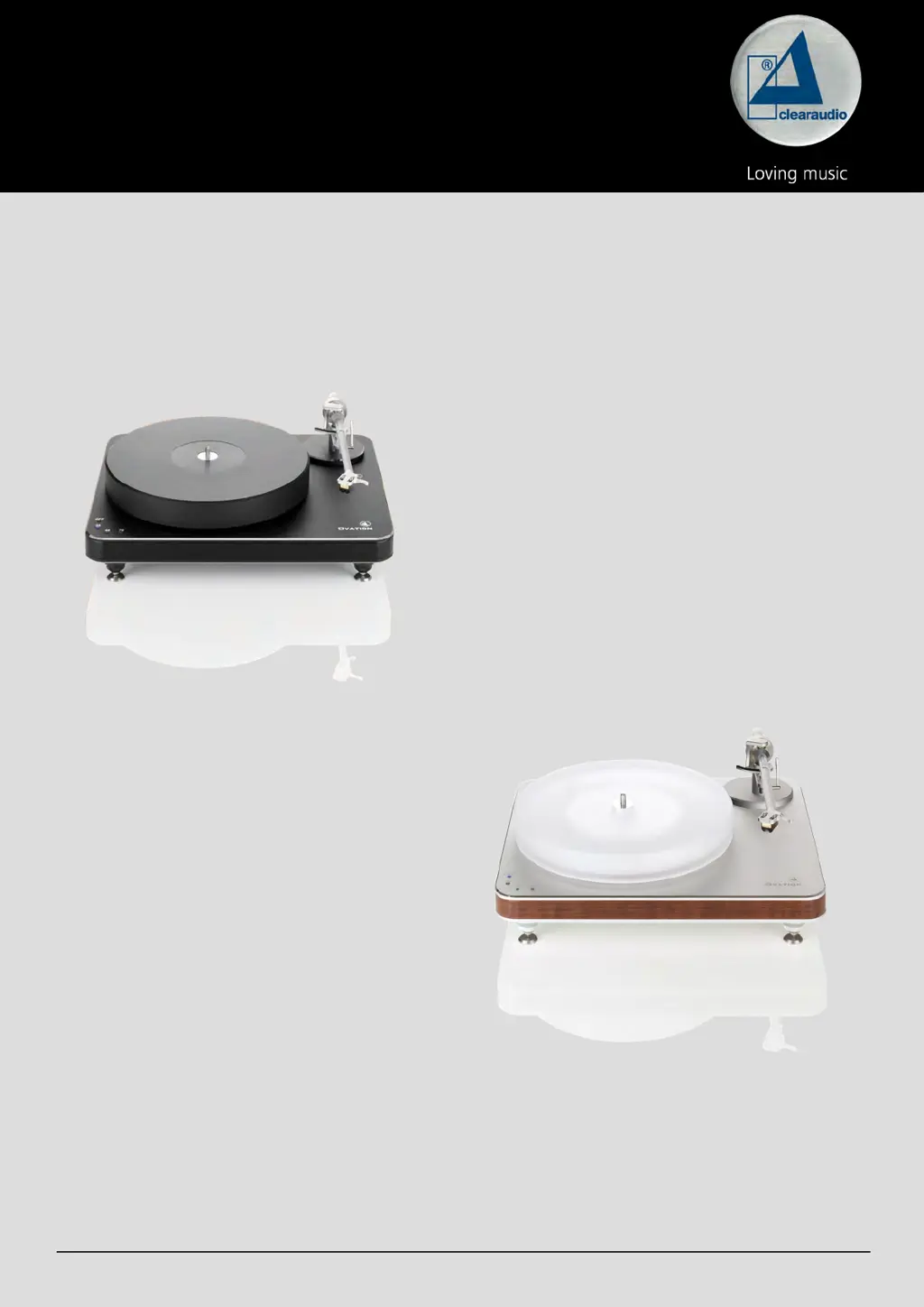
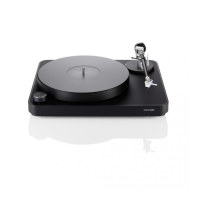
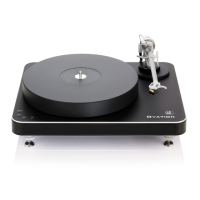
Ovation
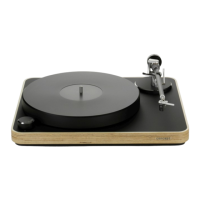
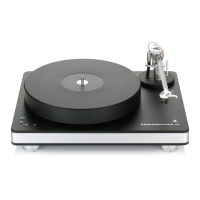
Black with black chassis
Silver with natural wood chassis
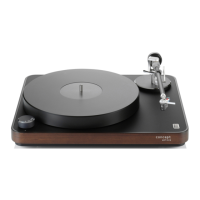
Pic. similar

Questions and Answers

  • K
    Katherine GarzaJul 26, 2025
    Why is there no sound coming from my Clearaudio Turntable?
    • S
      Steven RussellJul 26, 2025
      If your Clearaudio Turntable isn't producing any sound, several factors could be at play. First, ensure the cable connection between the tonearm and the phono stage is secure. Next, verify that your amplifier is powered on and that the volume isn't set too low or muted. Also, check that you've removed the cartridge's protective cap and that the tonearm is lowered into the lead-in groove. Finally, inspect the stylus for any damage. If necessary, have a specialist examine the cartridge.
  • G
    grushAug 1, 2025
    How to fix bad sound or noise from Clearaudio Ovation?
    • K
      kathleentannerAug 1, 2025
      If you're experiencing bad sound or noise with your Clearaudio Turntable, start by checking if the record or stylus is dirty or damaged. Clean them, using Clearaudio accessories if needed. For damage, seek a specialist's assessment. Also, verify the cartridge is correctly mounted per the user manual and adjust the tracking force if it's too high. Ensure the correct operating mode (MM / MC) is set on the amplifier and that your phono stage settings are correct. If the pre/amp is mismatched, swap the turntable plugs connected to the left and right outputs.
  • D
    Daniel WallerAug 7, 2025
    What to do if the Clearaudio Turntable platter does not turn?
    • P
      Patrick BrownAug 7, 2025
      If the platter on your Clearaudio Turntable isn't turning, check these potential causes: 1. Make sure the drive belt is properly attached. 2. Verify the power cord is correctly connected. 3. Ensure a speed is selected and that the speed selection isn't in the '0' or 'OFF' position. Start the turntable after selecting a speed.
  • J
    Jessica JonesAug 12, 2025
    Why does the needle bounce or slide on my Clearaudio Ovation?
    • S
      stevensmithAug 13, 2025
      If the needle on your Clearaudio Turntable bounces or slides across the record, the following steps may help: * Clean the record and the cartridge, using Clearaudio accessories if needed. If there is damage, seek a specialist's assessment. * Adjust the tracking force if it has been set too high. * If the record is deformed or scratched, use a record clamp or replace the record. * Check the alignment of the turntable and adjust if necessary to ensure it is level.
  • K
    Kelsey JimenezAug 19, 2025
    How to eliminate humming noises from my Clearaudio Turntable?
    • B
      Bruce CunninghamAug 19, 2025
      If you're hearing humming noises from your Clearaudio Turntable, it could be due to several reasons. Check all signal connections (like cinch plugs and extension adapters) for contact problems. Temporarily reduce the (pre-)amplifier level to check for gross errors. If the metal housing is acting as an antenna, connect the turntable's metal parts to the (phono) preamplifier's ground using a sufficiently thick wire via the grounding terminal. Also, inspect the pickup pin assignments to ensure they are correctly connected and not defective.

Summary

Safety Instructions

General Safety and Handling

General safety guidelines, intended use, installation, overload, and maintenance advice.

Setup and Operation

Chassis Placement and Bearing Grounding

Instructions for placing the turntable chassis and grounding the bearing.

Bearing Lubrication and Assembly

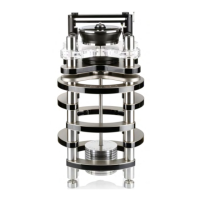
Procedure for lubricating the bearing and assembling the bearing upper part.

Sub-platter and Belt Installation

Steps for installing the sub-platter and placing the drive belt correctly.

Platter Placement and Turntable Leveling

Guidance on setting the platter and adjusting the turntable feet for a level position.

Speed Fine Adjustment

Procedure for fine-tuning the turntable's playback speed using trim pots.

Troubleshooting

Clearaudio Ovation Specifications

General IconGeneral
BrandClearaudio
ModelOvation
CategoryTurntable
LanguageEnglish

Related product manuals