35
9.4.l Re-configure control
When exchanging components, control or Poolmaster, these must be
reconciled (only possible in the protected part).
Control
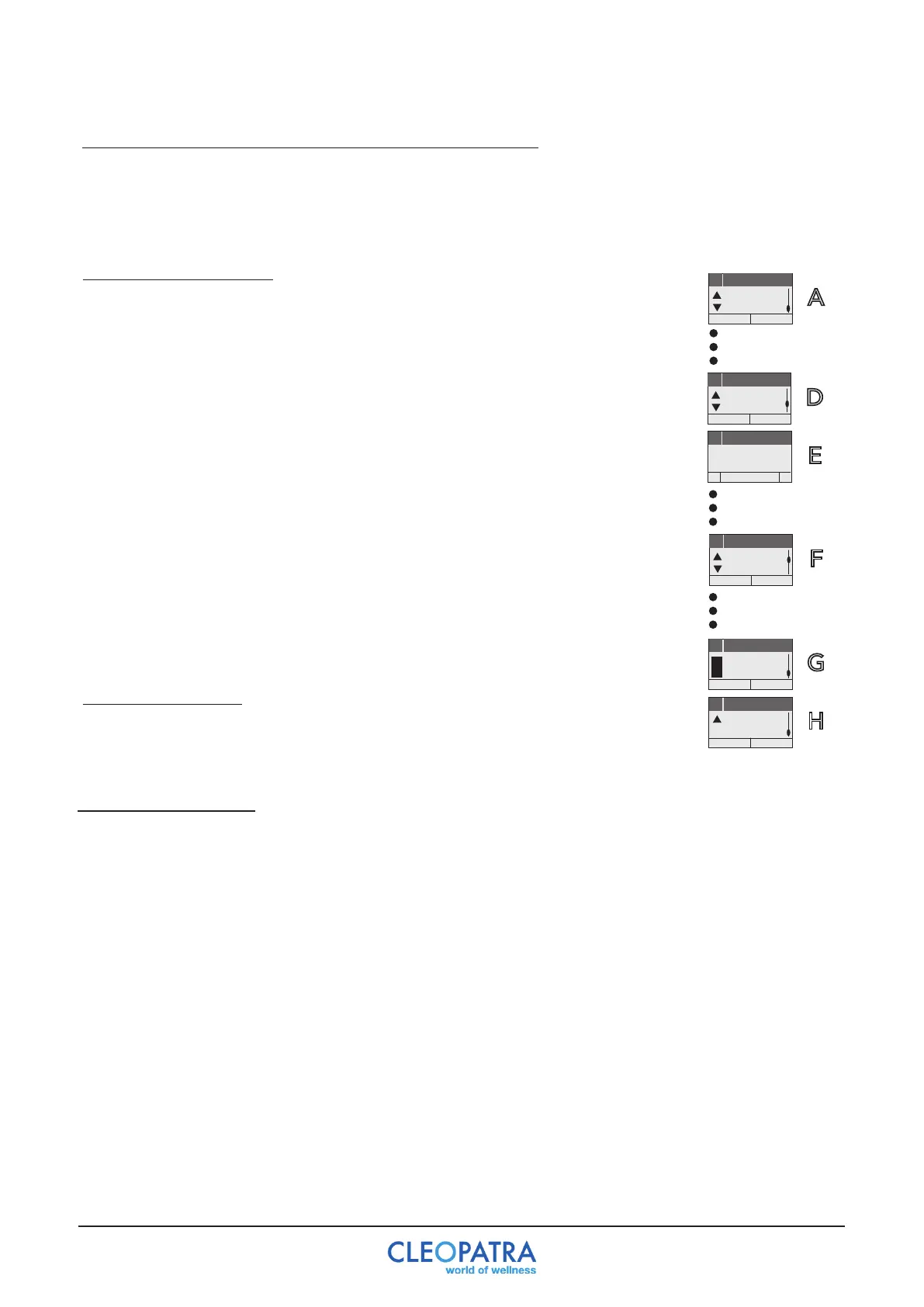
- Go to the protected area
- Press button 3/4 to go to Display indication (G).
- Turning off the power of the whirlpool for 5 seconds
- Turning on the power again
-Turnon“InitCT”withbutton1onthePoolmaster
-Waituntiltheconfigurationiscomplete(LTF0changedtoLTF1).This
change can take up to one minute.
Back to menu-level 1
Pressthebuttontocalluptheemptymenuwindow(H)andselect“End”
with button 1.
7
Instellingen
Verlichting
Aan Uit
7
Instellingen
Einst.
7
Instellingen
Systeem
O pties
7
Instellingen
Pincode
-
1
+
7
Instellingen
Aud C h0
LT F 0 AC F 0
LT I 0 AC I 0
Init ACInit CT
7
Instellingen
Einde
9.4.k Activate/deactivatethefunctionoftheWhirlpool(H)
(Only possible in the protected mode, and only if the whirlpool is equipped with the corresponding
function!) Press button 4 to go to the function (eg halogen). Activate / deactivate the function (eg
halogen) with button 1.
9.5 Cleaning function
Whenthebathisdrained,theHydrobutton(button3)startstoflashuntilthebathiscompletely
empty. After approximately 6 minutes, the Air system is automatically switched on and removes the
residual water from the mains and the jets.


 To Next Page