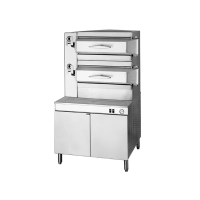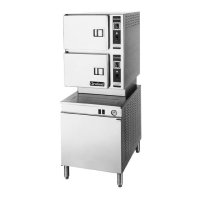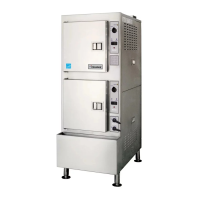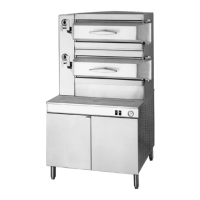
EasyManua.ls Logo

Cleveland SteamChef 22CET3.1 - User Manual

Cleveland SteamChef 22CET3.1
29 pages
Print Icon
To Next Page IconTo Next Page
Loading...
Part No. 22CET(ES)-OPM REV. C 5/07
Operator’s Manual
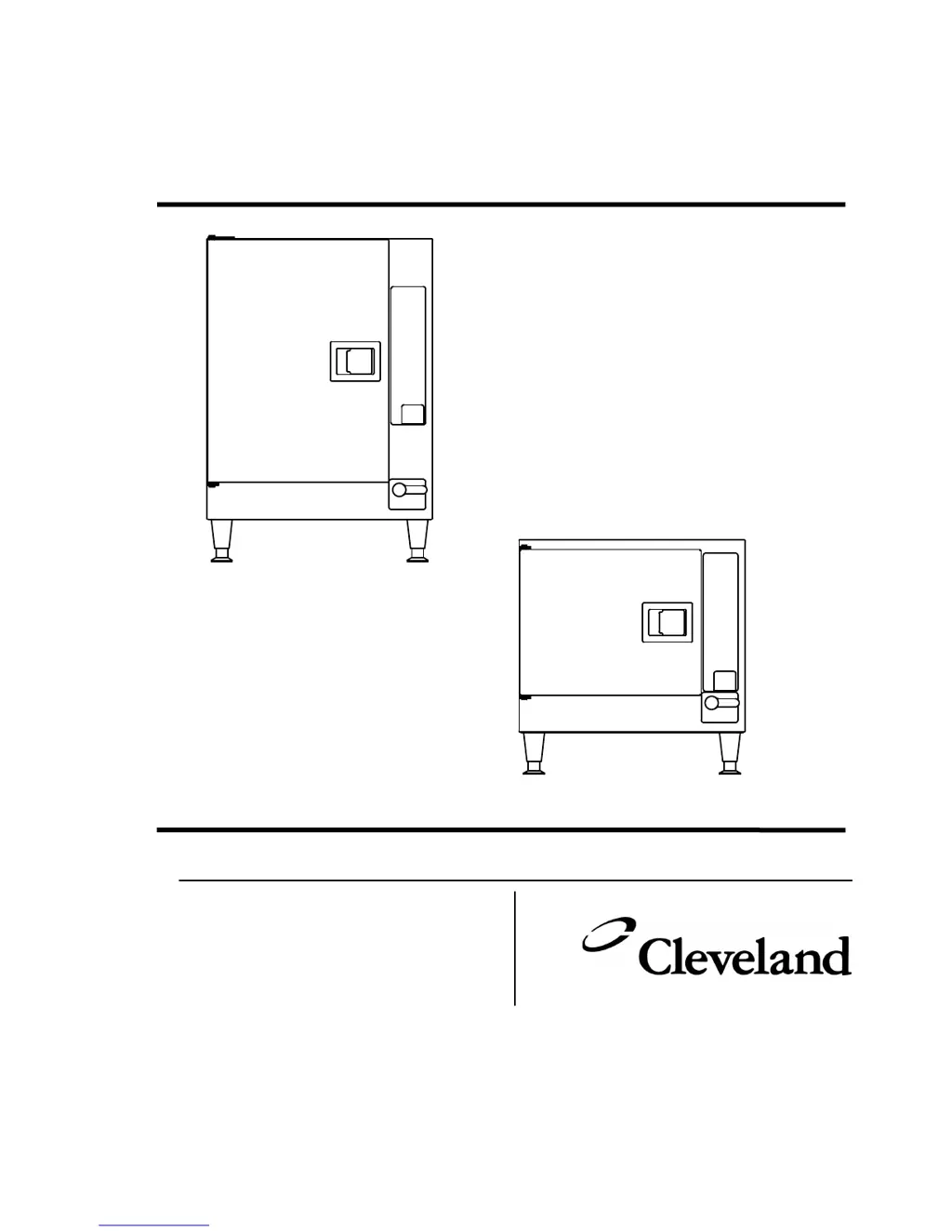
Energy Star SteamChef Models 22CET3.1 and 22CET6.1
1333 Eas
t 179
th
Street
Cleveland, Ohio 44110
Phone: (216) 481 - 4900
1-800-338-2204
Fax: (216) 481 - 3782
www.clevelandrange.com
PATENT PENDING

Questions and Answers

  • M
    Meagan MillerAug 16, 2025
    What to do if my Cleveland SteamChef 22CET3.1 Electric Steamer control panel power indicator is on, buzzer sounds continuously, and the reset indicator is lit?
    • M
      Mitchell SchwartzAug 16, 2025
      This indicates that the high limit has been tripped. Reset the steamer. If the problem repeats, further assistance may be needed.
  • M
    Michael CurryAug 19, 2025
    What to do if my Cleveland SteamChef 22CET3.1 Electric Steamer power indicator light does not turn ON when the ON/OFF lever is in the ON position?
    • R
      Robert JohnsonAug 19, 2025
      First, check if the power is turned ON at the Main External Power Switch and turn it ON. Next, ensure the ON/OFF lever is fully turned to the ON position. If the issue persists, it could indicate inoperative controls or indicators.
  • W
    wbauerAug 22, 2025
    What to do if my Cleveland SteamChef 22CET3.1 Electric Steamer control panel power indicator light is ON but the steamer does not heat or produce steam?
    • M
      Michelle MartinezAug 22, 2025
      First, make sure the door is completely closed to engage the door interlock switch. Then, verify that the water supply to the steamer is open. Also, check and clean the water line strainer and/or external filter system. If using Timed Mode, ensure the timer is properly set. If the high limit switch has tripped, reset the steamer. Heavily scaled reservoir bottoms may also cause this issue.
  • A
    Amy SandersAug 25, 2025
    Why is steam coming out of the exhaust of my Cleveland SteamChef 22CET3.1 Electric Steamer?
    • J
      jacksonjacobAug 26, 2025
      A small amount of steam may be released from the exhaust during cooking. This is normal. However, if there is an abnormal amount of steam, ensure that the condenser water supply is turned ON and that the water supply strainer and/or external filter system are clean. If hot water is connected to the condenser supply line instead of cold water, consult the relevant notes.
  • B
    bergerjenniferAug 27, 2025
    Why is there an abnormal amount of steam coming from the drain or vent of my Cleveland Electric Steamer?
    • J
      John RobertsAug 27, 2025
      This may be due to the condenser water supply being turned OFF. Turn ON the condenser water supply. It can also be caused by hot water being connected to the condenser water line instead of cold water, or a clogged condenser water line strainer. Clean the water supply strainer.
  • T
    Tammy HortonAug 30, 2025
    Why is my Cleveland SteamChef 22CET3.1 power ON, but it does not fill with water?
    • T
      Thomas HurstAug 30, 2025
      Check if the water supply to the appliance is shut OFF and open the water supply lines. Also, inspect the water line strainer and/or external filter system for clogs and clean them. A water sensor grounded by detergent film or scale can also cause this; clean the water sensor assembly with a vinegar solution.
  • G
    gvegaSep 2, 2025
    What causes steam and/or water to drain around the compartment door of my Cleveland SteamChef 22CET3.1?
    • J
      John MartinezSep 2, 2025
      Several issues could cause this. The vent, the drain to the vent, and/or the KleanShield opening might be clogged. Clear these openings and clean the drain with an NSF approved drain cleaner, then flush with fresh water. A dirty water sensor can also be the cause, so clean the sensor thoroughly. Other potential causes include worn door gaskets or door parts, hot water connected to the condenser water line instead of cold water, an improperly sized or installed external drain or vent, the steamer not being level, or a blocked drain. Clean the drain with NSF approved drain cleaner.
  • J
    Jeffrey BurgessSep 5, 2025
    Why does food take too long to cook in my Cleveland SteamChef 22CET3.1?
    • D
      Darren NealSep 5, 2025
      Several factors can affect cooking time. Ensure pans are not too close to the bottom of the cabinet; place them in racks near the top. Avoid overloading the compartment with too much food; use less food per pan and fewer pans overall. Remember that suggested cooking times are typically for sea level; extend cooking times for altitudes above 2500 feet.
  • K
    Krystal AllenSep 9, 2025
    Why is there an abnormal amount of steam coming from drain during draining of my Cleveland Electric Steamer?
    • C
      Cody BairdSep 9, 2025
      Ensure the ON/OFF lever/switch is fully in the OFF position to activate the drain cooling feature. Also, check if the water line strainer and/or external filter system are clogged and clean them.
  • L
    Lisa AlvarezSep 12, 2025
    How to prevent the compartment bottom of my Cleveland SteamChef 22CET3.1 from getting dirty with food drippings?
    • W
      Willie PalmerSep 12, 2025
      Install a KleanShield. Also, place a solid pan under perforated pans to catch drippings and avoid overfilling pans to prevent juices and food from spilling during loading and unloading.

Summary

Cleveland STATEMENT OF POLICIES

LIMITED WARRANTY

Details warranty coverage, repair, replacement, and exclusions for Cleveland Range products.

LIMITED EXTENDED WARRANTY COVERAGE

Explains the option to purchase extended warranty for additional coverage beyond the standard period.

Free Start-Up Program

Performance Check-Out

Outlines steps for pre-operational inspection and review of procedures.

Equipment Demonstration

Describes the process for receiving a demonstration of proper operation and maintenance.

CHAPTER 1 SAFETY

Laws, Codes, and Regulations

Specifies installation compliance with electrical, plumbing, and health codes.

Operational Safety

Details safety policies for operating the appliance, including area clearance and personal safety.

CHAPTER 2 PRODUCT INFORMATION

Product Information

General overview of models covered by the manual and their features.

Model Numbers and Serial Numbers

Explains how to identify and record model and serial numbers for service.

Product Information Plate

Identifies the location and content of the appliance's information plate.

Product Views

Illustrates external features and components of the appliance.

CHAPTER 3 OPERATION

Main External Power Switch

Describes the function and operation of the main power switch.

Door Interlock Switch

Explains the safety function of the door interlock switch.

Inspect the Cooking Compartment

Details how to inspect the cooking compartment before operation.

Install;Remove the Slide Racks (Pan Racks)

Instructions for installing and removing the pan racks.

Install;Remove the KleanShield

Guide for installing and removing the KleanShieldā„¢ component.

Install the Fan Guard and Air Diverter

Instructions for installing the fan guard and air diverter.

Power ON (Auto Water Fill; Automatic Preheat)

Steps to power on the unit, including auto water fill and preheating.

Preheat the Steamer

Procedure for preheating the steamer for optimal results.

High Limit Reset

Information on how to reset the high limit safety feature.

CHAPTER 4 CONTROL PANELS

Keypad Timer Control Panel

Details the functions and operation of the keypad timer control panel.

Dial Timer Control Panel

Explains the operation of the dial timer control panel.

ON;OFF Control Panel

Describes the functions of the ON/OFF control panel.

CHAPTER 5 COOKING WITH THE SteamChef

Operating and Cooking Procedure - All Models

General procedures for operating and cooking with all SteamChef models.

Operating and Cooking Procedure - Timed Mode

Steps for cooking using the timed mode.

Operating and Cooking Procedure - Manual Mode

Instructions for operating and cooking in manual mode.

Operating and Cooking Procedure - ON;OFF Control Panel

How to operate and cook with the ON/OFF control panel.

Operating Procedure - Rethermalization

Procedure for reheating or rethermalizing food.

CHAPTER 6 SHUTDOWN AND CLEANING

SHUTDOWN AND CLEANING PROCEDURE

Step-by-step guide for safely shutting down and cleaning the appliance.

Cleaning Procedure (Continued)

Detailed instructions for cleaning the steamer's interior and exterior components.

CHAPTER 7 PREVENTATIVE MAINTENANCE

MAINTENANCE

General guidelines and importance of regular maintenance.

To Change the Water in the Reservoir:

Procedure for changing the water in the steamer's reservoir.

Clean the Steamer

Instructions for daily cleaning of the steamer's interior and exterior.

Yearly Maintenance - Clean the Water Strainers (Filter Washers)

Annual procedure for cleaning water strainers and filter washers.

Descale the Water Reservoir

Information on the necessity and procedure for descaling the water reservoir.

Descale Procedure

Detailed instructions and safety precautions for descaling the appliance.

BOILERLESS STEAMER DESCALING PROCEDURE (For DISSOLVE Descaler Solution Part No. 106174)

Specific steps for descaling the steamer using the recommended solution.

CHAPTER 8 OPERATORS TROUBLESHOOTING GUIDE

Cleveland SteamChef 22CET3.1 Specifications

General IconGeneral
Model22CET3.1
ControlsDigital
MaterialStainless steel
TypeElectric Steamer
Water FillAutomatic
LegsAdjustable
CertificationsUL, NSF
DescriptionElectric countertop convection steamer with boilerless design
Capacity3 pan capacity
Voltage208-240V

Related product manuals