Shenzhen Clever Electronic Co., Ltd
22
Note: Please make sure the MPDU is connected to the internet when synchronize the system time
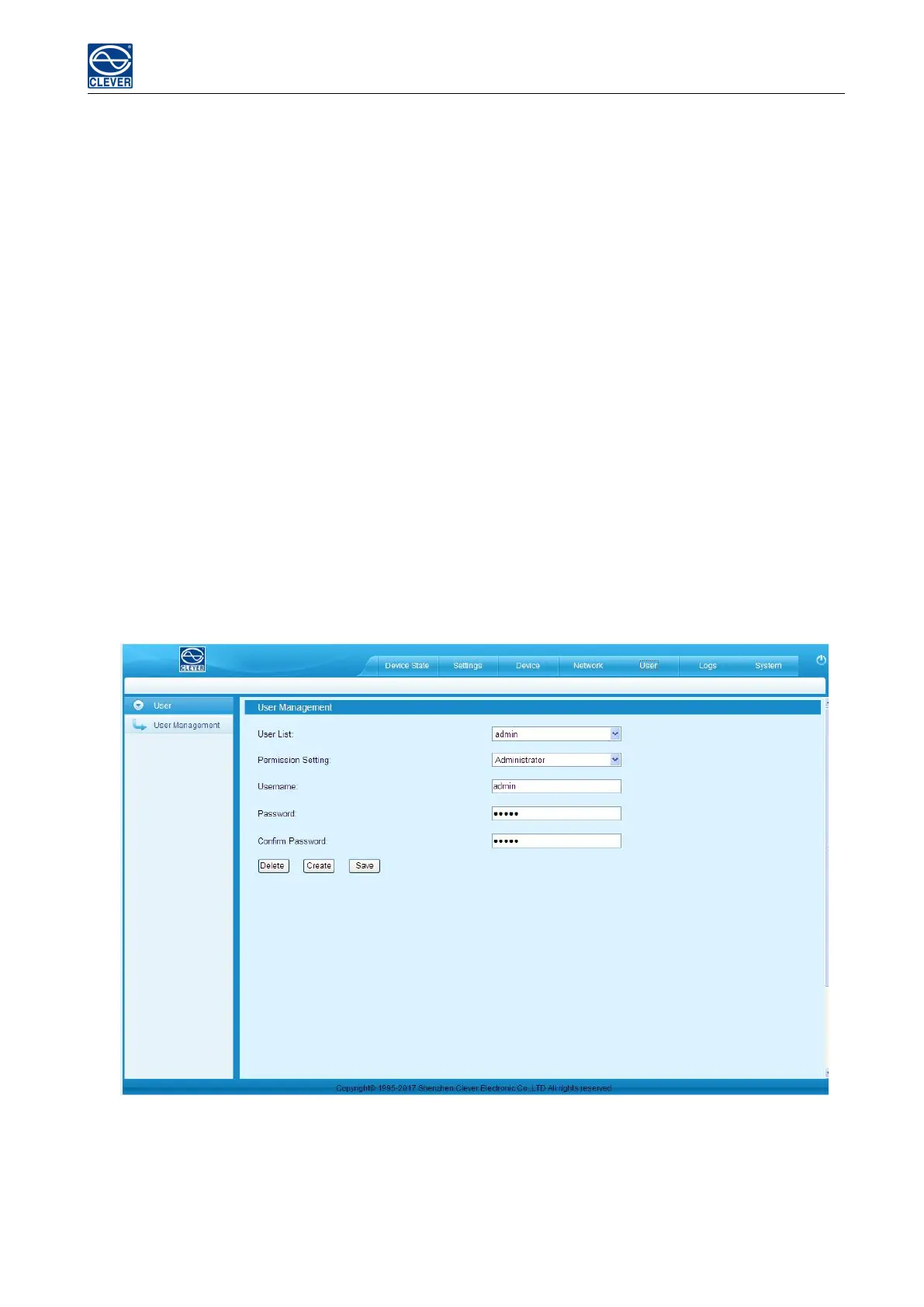
E. User Settings
a. Create new account: Click User Settings tab and fill in the user name, password, confirm password, then click
Add to create new user account.
Remark: The maximum length for user name and passwords is 10 characters, the user name and password
exceeds the maximum of 10 characters will be a failure action.
b. Edit user account: Click User settings, fill in the new user name, password and confirm-password in the right
side of the existing User name and Password, then click Save.
c. Delete User account: Select the user account from the user list and click Delete.
Remark: The default Administrator cannot be deleted. The default user Admin can’t be deleted.
d. Permission settings: Click permission setting and select the Administrator or normal user from the
drop-down list, then click Save button. See figure 1-14
Remark: Normal user doesn’t have the permission to do the configuration (Save/configure/delete button will
not be available), only the administrator have the full permission to do so.
Figure 1-14
F. Logs
Log type: Alarm log and operation log



 To Next Page